Retro Classics: Collection 1
Retro Classics: Collection 1 Summary
Retro Classics: Collection 1 is a mobile iOS app in Games by Rob Wilmot. Released in Dec 2013 (12 years ago). It has 1.00 ratings with a 1.00★ (poor) average. Based on AppGoblin estimates, it reaches roughly 1.00 monthly active users . Store metadata: updated Aug 1, 2023.
Store info: Last updated on App Store on Aug 1, 2023 .
1★
Ratings: 1.00
Screenshots
App Description
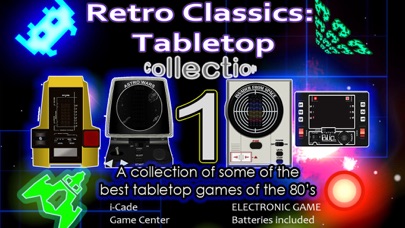
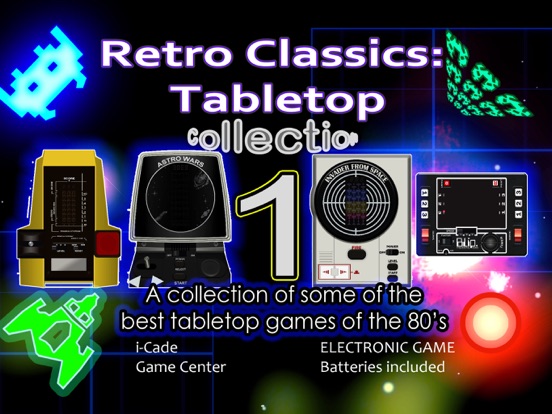
Retro goodness X4! 4 games in this collection guaranteed to take you back to your childhood with bright fluorescent graphics, retro blips and bleeps, simplicity and addictive old school gaming.
Before the internet and mobile phones, games of the 70's and 80's were beautifully simple and addictive. Imagine going back in time to see your old games (or your friends' old games you couldn't have!) Now you can own some of the best handheld/tabletop games of that time in this collection. Astro Wars and Galaxy Invader 1000 are highly rated, Invader From Space - a cult classic; and even more retro is the mechanical classic Blip - before even LCD or VFD (vacuum fluorescent display) games! Nostalgic but fun for all ages! Check the screenshots to see how accurate these are!
• Accurate simulations of the machines
• Full retro sounds
• Totally nostalgic
• i-Cade support
• Keep track of scores of all levels on the 3 VFD games
• Scores automatically update to Game Center if logged in
NOTE: To use iCade controller, press iCade button.You can now use joystick and red fire(5) button.
Pressing this without connection to a controller will bring up the keyboard. Press the button again to turn it off.
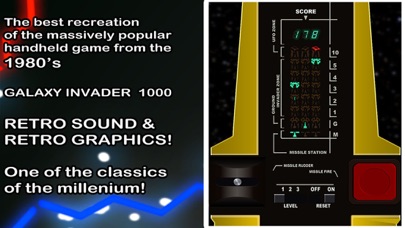
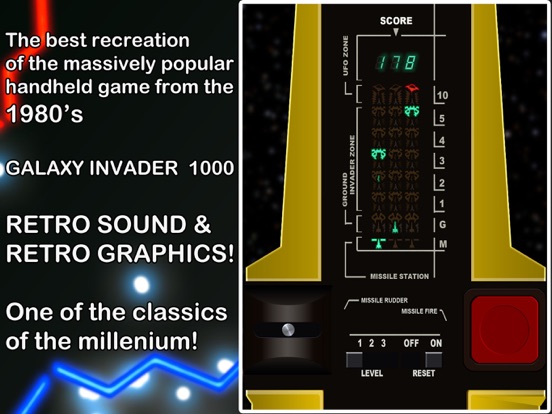
Galaxy Invader 1000:
Accurate recreation of the VFD LSI game by CGL, Gakken and Tandy. This was a classic and very popular toy back then. Now it is a rare and collectable item.
PLAY:
1. Set desired level. Slide on/off switch to "on"
2. Move Missile Launch lever to aim at Invader or UFO and press fire.
3. Game ends when you obtain 999 points or when all 3 Missile Launchers are destroyed or when Invader captures G-zone or when you have shot all of your 250 Missiles.
* When you obtain 700 points, 1 Missile Launcher and 50 Missiles are given as a bonus.
4. To start again, move to "off" then "on" again.
Astro Wars:
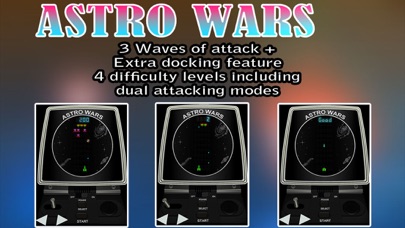
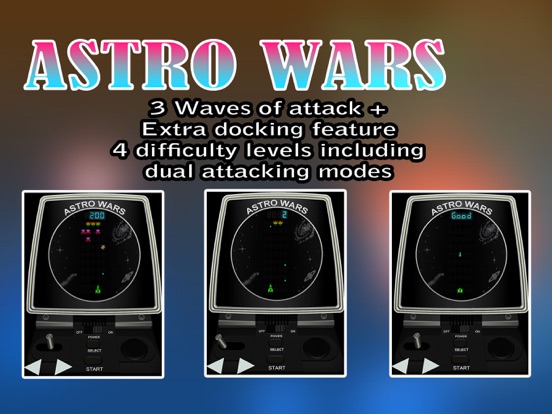
Travel back to the 80's this was one of the most advanced video games of the time with four sub games, coloured fluorescent display and a joystick only seen in the arcades. You could finally have your very own arcade machine in your home.
PLAY:
Turn Power ON (intro music will play).
Select Level (Graphics resemble difficulty).
Press Start
Fire at all enemies while dodging enemy fire on all phases of attack.
If you survive three attack waves,you get the chance for more points if you can dock your rocket-ship.
Press fire, left and right for thrusts to