FUJIFILM Camera Remote

FUJIFILM Camera Remote Summary
FUJIFILM Camera Remote is a free iOS app in Photo And Video by FUJIFILM Corporation. Released in Jan 2014 (12 years ago). It has 19K ratings with a 1.44★ (poor) average. Based on AppGoblin estimates, it reaches roughly 8.3K monthly active users . Store last updated Oct 21, 2025
Recent activity: -1 new ratings this week View trends →
FUJIFILM Camera Remote SDKs Summary
FUJIFILM Camera Remote was last scanned for SDKs on 2026-07-28. No known SDKs were detected. Check the raw list of SDK parts detected here and feel free to request unknown SDKs be added to AppGoblin.
1.44★
Ratings: 19K
Screenshots


App Description
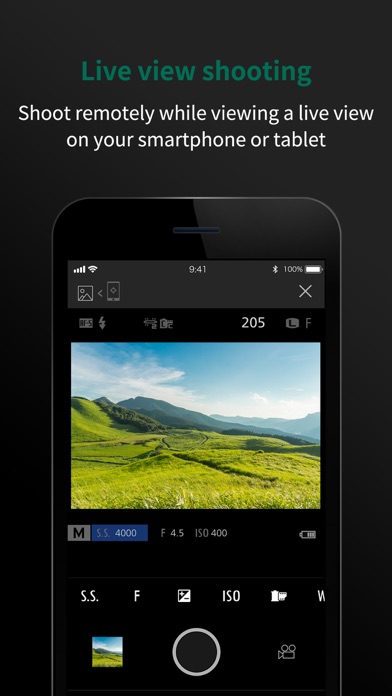
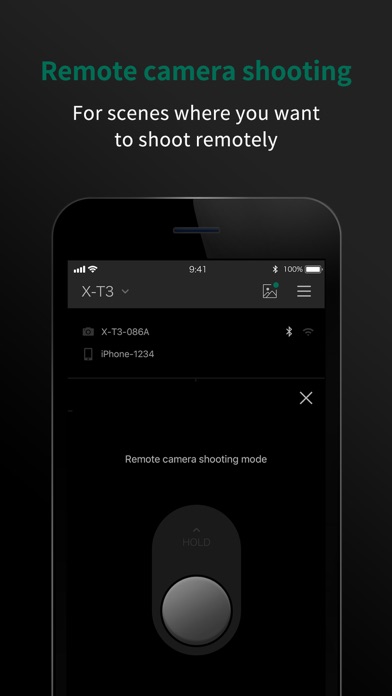
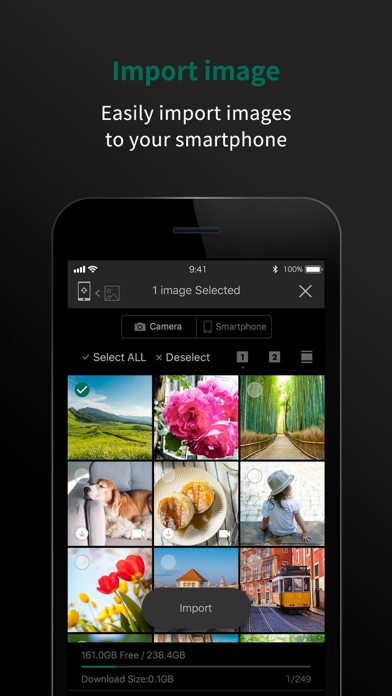
The FUJIFILM Camera Remote is an application provided by FUJIFILM that can operate wireless-equipped digital cameras by remote control to shoot images and to view images and movies in the camera and to transfer them to smartphones or tablets. And it also supports the cameras that offers Bluetooth® capability. Pair it with your smartphones or tablet devices, it synchronizes "date and time" and/or "location information" of your smartphone or tablet devices with the cameras that offers Bluetooth® capability. In advanced of shooting, to easily transfer pictures you have taken to the smartphones or tablet device via this application. Bluetooth wireless remote shutter release can be used for cameras that offers Bluetooth® capability. In addition, firmware update is now supported from your smartphone or tablet devices via Bluetooth without the need of a SD memory card.
[Features]
-This application provides the following functions:
1. Transferring images and movies to a Smartphone
2. Browsing the Camera from a Smartphone
3. Downloading Location Data from a Smartphone
4. Shooting Images by Remote Control(*)
5. Easily transfer pictures from the cameras that offers Bluetooth capability.
6. Synchronizing "date and time" and/or "location information" with the cameras that offers Bluetooth capability
7. Firmware update via a Smartphone to the cameras that offers Bluetooth capability.
8. Bluetooth wireless remote control camera shutter release is now supported for cameras that offers Bluetooth capability.
*How to change the setting depends on your camera.
[Supported cameras]
FUJIFILM GFX100 II, GFX100, GFX100SII, GFX100S, GFX50S II, GFX 50R, GFX 50S, X-H2S, X-H2, X-H1, X-Pro3, X-Pro2, X-T5, X-T4, X-T3, X-T2, X-T1※, X-T50, X-T30 II, X-T30, X-T20, X-T10(*), X-T200, X-T100, X-S10, X-E4, X-E3, X-E2S(*), X-E2(*), X-M5, X-M1(*), X-A7, X-A5, X-A3, X-A2(*), X-A1(*), X-A20, X-A10, X100VI, X100V, X100F, X100T(*), XF10, X70(*), X30(*), XQ2(*), XQ1(*)
FinePix XP140, XP130, XP120, XP90, XP80, S9950W, S9900W
(*) Some functions are not available on some smartphones. Please refer to the URL below.
https://fujifilm-x.com/global/news/countermeasure-for-fujifilm-camera-remote-connection-failure/
[Smartphone System Requirements]
iPhone/iPad/iPod touch: iOS 11.0 - 17.1
*iPad WiFi, iPod touch can not use the Geotagging.
*This application software doesn't guarantee the functions for a