Cost Track: your Money Tracker

Cost Track: your Money Tracker Summary
Cost Track: your Money Tracker is a free, with in-app purchases iOS app in Finance by Artezio LLC. Released in Feb 2014 (12 years ago). It has 8K ratings with a 4.66★ (excellent) average. Based on AppGoblin estimates, it reaches roughly 71K monthly active users and generates around $<10K monthly revenue (100% IAP / 0% ads). Store last updated Oct 3, 2026
Recent activity: 1.00 new ratings this week View trends →
SDK intelligence: AppGoblin detected 2 development tools(e.g. Google), 1 ad networks,and 1 analytics: product integrated into Cost Track: your Money Tracker. View full SDK list →
Cost Track: your Money Tracker SDKs Summary
Cost Track: your Money Tracker was last scanned for SDKs on 2026-08-25. Below is the overview of third-party companies detected in the app. The full list of SDKs, permissions and unknowns is available here.
 Google
 nanopb
 Facebook
 Firebase
4.66★
Ratings: 8K
Screenshots

App Description
Cost Track allows you to:
- Use your money wisely
- Keep track of your personal and family budget
- Quickly enter your income and expenses
- View income and expenses grouped by category and location
- Know exactly where your money goes, how to save money and where to get the best deals
- View your current balance for all accounts and each one separately and know the amount of money you currently have
- Save your spending history where you can always find the required entry
An overview of key features:
• Cost sheets
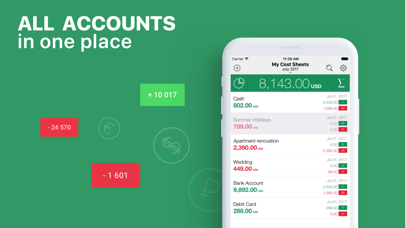
- A cost sheet is a list of entries (income and expenses) grouped by various features, for example, accounts (Cash, Debit Card, Bank Account, etc.) or events (Wedding, Summer Holidays, Apartment Renovation, etc.)
- Create and manage as many cost sheets as you need*
- Each cost sheet can have its own currency
- The app calculates and displays your overall balance and statistics in the base currency
- Remove a cost sheet from tracking if you don’t want it to impact your overall balance and statistics
- Make transfers between cost sheets in various currencies
• Income and Expenses
- Create new entries in seconds specifying a category as the only required field
- Change date and time of your entries, add a comment to know exactly when and how you spend your money
- Specify a location to see where you spend your money and also get statistics by location
- Add a photo of a paper receipt, a product, etc. to your entries
- In case you’re busy and don’t have time to add a comment and the amount of income or expenses, then add an audio recording and get back when you are free
- Calculate your expenses with the built-in calculator
- Convert currencies directly in the Expenses
• Sync via Dropbox for joint budget management*
• The app supports more than 150 different currencies and automatically updates currency exchange rates
• The app contains more than 25 pre-installed income and expenses categories. You can change, delete, or add new categories to customize them in a convenient way
• Statistics – view statistics of your income and expenses grouped by time, category, and location
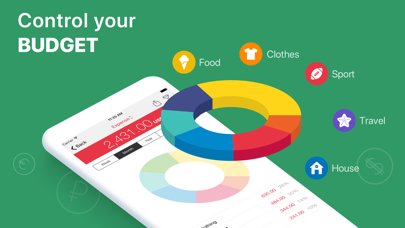
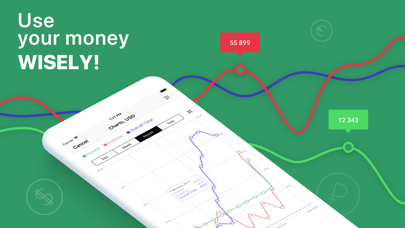
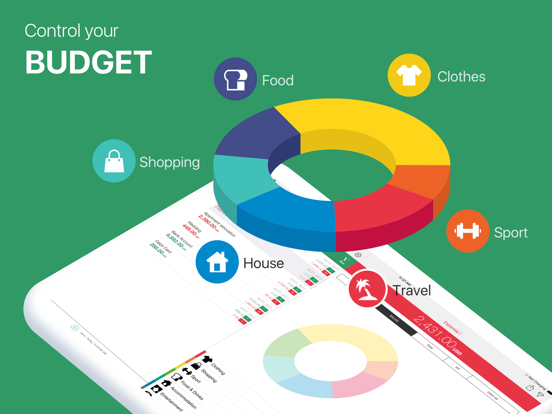
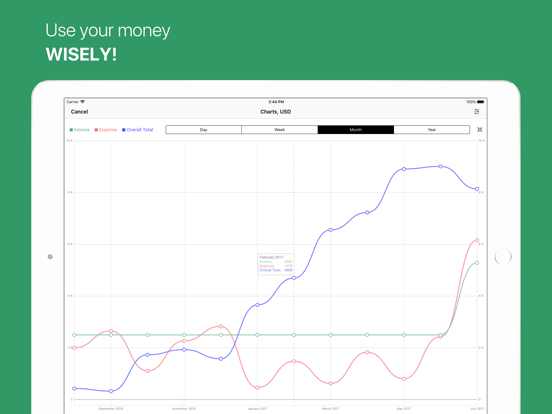
• Diagrams – get a visual image of your income and expenses
• Customize your statistics and diagrams in a convenient way using a filter
• Create PDF reports in Diagrams and Statistics
• Search entries by description, category, and location