Private Vault – Store Files

Private Vault – Store Files Summary
Private Vault – Store Files is a free, with in-app purchases iOS app in Tools by One Wave AB. Released in Feb 2014 (12 years ago). It has 2.9K ratings with a 3.96★ (average) average. Based on AppGoblin estimates, it reaches roughly 9.6K monthly active users and generates around $<10K monthly revenue (100% IAP / 0% ads). Store last updated Dec 15, 2024
SDK intelligence: AppGoblin detected 2 development tools(e.g. Amazon),and 1 ad networks integrated into Private Vault – Store Files. View full SDK list →
Private Vault – Store Files SDKs Summary
Private Vault – Store Files was last scanned for SDKs on 2026-04-26. Below is the overview of third-party companies detected in the app. The full list of SDKs, permissions and unknowns is available here.
 Amazon
 SDWebImage
 Snap
Snap3.96★
Ratings: 2.9K
Screenshots


App Description
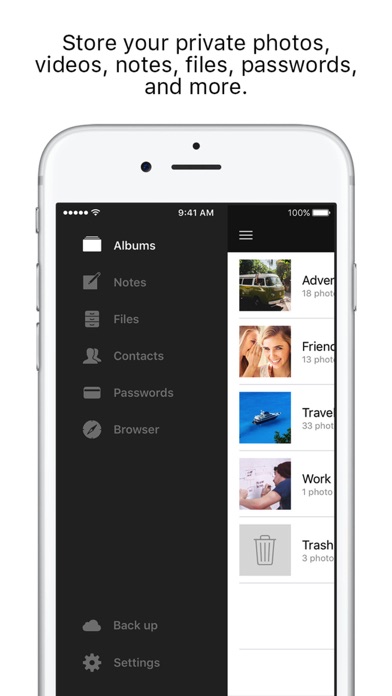
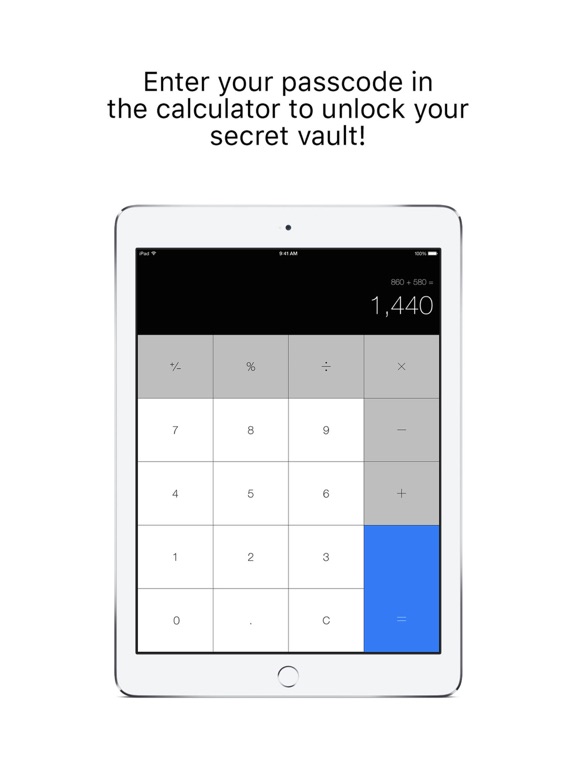
A private storage app in which you can store your photos, videos, notes, and more. There is also a private web browser included that does not save any history on your phone and allows you to save secret bookmarks within the app.
Some of the features:
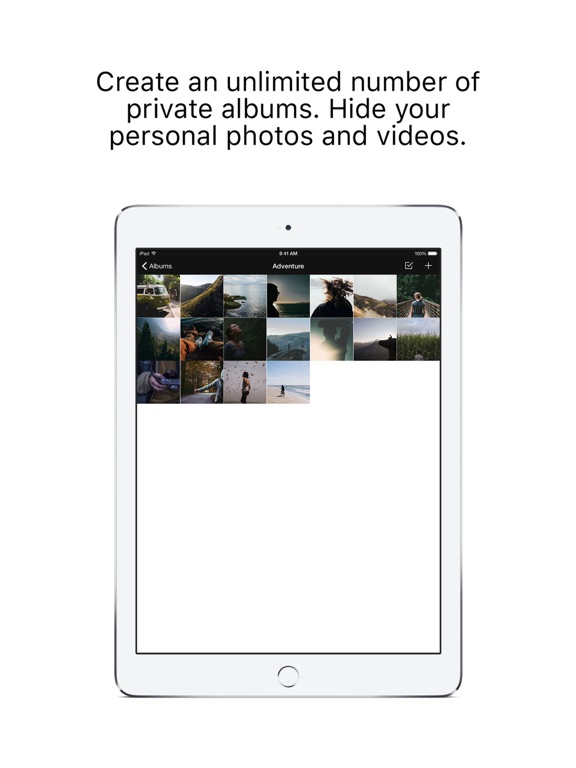
- Save your secret photos and videos
- Write and store private notes
- Import and view top-secret files (.doc,.ptp,.xls,etc.) from your computer
- Store contacts you don't want in your regular address book
- Save all your passwords in one place
- Browse the internet without leaving any traces
- Make secret website bookmarks
--------- PREMIUM SUBSCRIPTION ---------
Unlock the full version.
1 month subscription: $1.99
1 year subscription: $23.99
- Payment will be charged to iTunes Account at confirmation of purchase
- Subscription automatically renews unless auto-renew is turned off at least 24-hours before the end of the current period
- Account will be charged for renewal within 24-hours prior to the end of the current period, and identify the cost of the renewal
- Subscriptions may be managed by the user and auto-renewal may be turned off by going to the user's Account Settings after purchase
Privacy Policy: http://onewave.se/jibdoor/privacy.html
Terms of Use: https://www.apple.com/legal/internet-services/itunes/dev/stdeula/