Stop Motion Plus

Stop Motion Plus Summary
Stop Motion Plus is a mobile iOS app in Photo And Video by Heng Jia Liang. Released in Feb 2014 (12 years ago). It has 11 ratings with a 3.82★ (average) average. Based on AppGoblin estimates, it reaches roughly 5.00 monthly active users . Store metadata: updated Jul 21, 2025.
Store info: Last updated on App Store on Jul 21, 2025 .
3.82★
Ratings: 11
Screenshots

App Description
Stop Motion for iOS
Simple and robust stop motion app. Create amazing stop-motion videos with ease. Perfect for casual users with an easy-to-use control panel.
Project Management:
• Rename, delete project, or export movie option via long press.
• Projects are copyable to other devices using the Files app. Go to Stop Motion and copy the project folder.
Stop Motion Plus Camera Features:
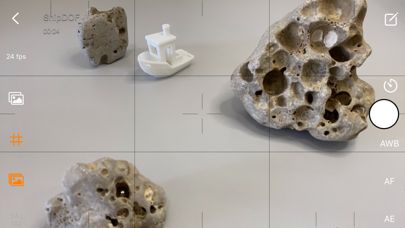
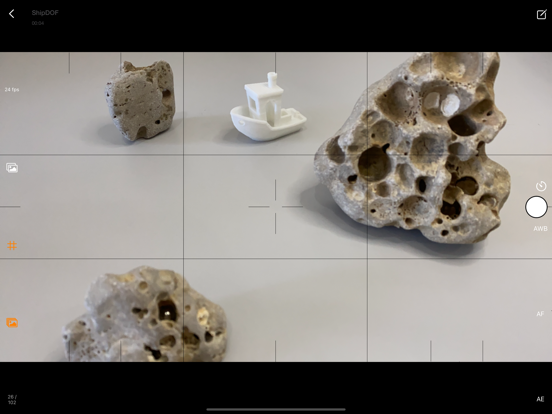
• Default highest photo quality output depending on device.
• Support for dual-lens or triple-lens devices.
• Auto/Lock White Balance.
• Auto/Touch Focus/Exposure control.
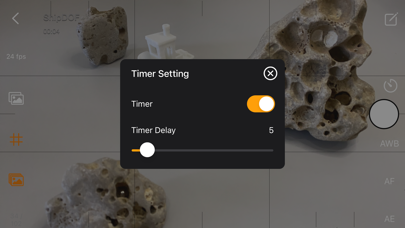
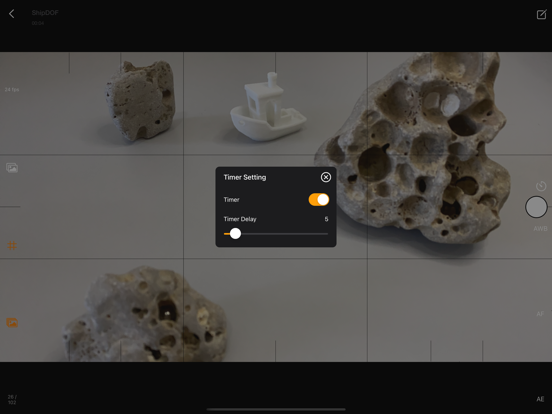
• Timer for interval capture ranging from 1–60 seconds.
• Show/Hide grid option.
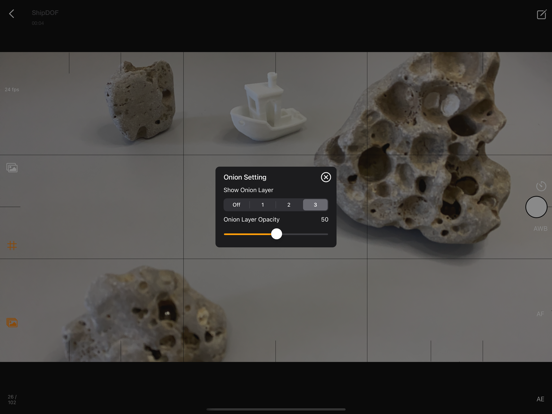
• Option to show onion/overlay of previous frames for reference — up to 3 overlay frames.
• Opacity adjustment for onion/overlay frames.
• Capture background reference to support object removal.
• Photos are saved immediately to prevent accidental data loss.
• Photos are saved to internal storage and available for external editing (access files via iTunes or Files app).
• Support for voice control to capture images.
• Simple UI and easy to use.
Stop Motion Plus Edit Panel Features:
• Set movie frame rate (FPS) from 1–60 fps.
• Edit images by removing supporting structures using background reference.
• Add sound to project — sounds are placed in Files app > Stop Motion > [Project Name] > Audio folder.
• Preview stop motion animation.
• Switch between Camera Panel and Edit Panel.
• Select a frame in Edit Panel, switch back to Camera Panel, and new capture will be inserted after the selected frame.
• Long press frame thumbnail to access Copy/Paste/Delete frame options.
• Add freeze-frame duration for delay/pause effect.
• Copy All Frames / Paste Frames / Paste Inverted Frames.
• Copy Selected Frames / Paste Frames / Paste Inverted Frames.
• Movie info available for better understanding of video length.
Render Panel:
• Video name matches the project title (e.g., Ship.mp4).
• Set video resolution: HD, Full HD, or 4K.
• Set video aspect ratio: 16:9, 4:3, or 1:1.
• Render output as animated GIF or APNG.
• Size options for GIF/APNG: 1280x720, 640x360, or 320x180.
• Videos and animated GIFs are saved to the camera roll.
• Animated APNGs are saved into the project folder.
Quick Start Guide:
1. Tap on the Create button and enter a name.
2. Tap on the project name