Freakin' Flyin' Duck

Freakin' Flyin' Duck Summary
Freakin' Flyin' Duck is a free iOS app in Action by John Veloza. Released in Mar 2014 (12 years ago). It has 17 ratings with a 3.41★ (mixed) average. Based on AppGoblin estimates, it reaches roughly 10 monthly active users . Store last updated Sep 26, 2024
Freakin' Flyin' Duck SDKs Summary
App not yet scanned for SDKs.
3.41★
Ratings: 17
Screenshots



App Description
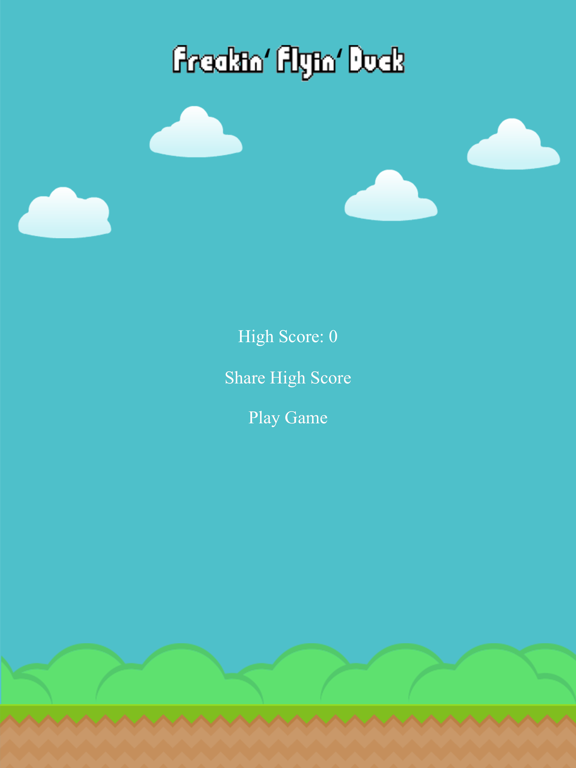
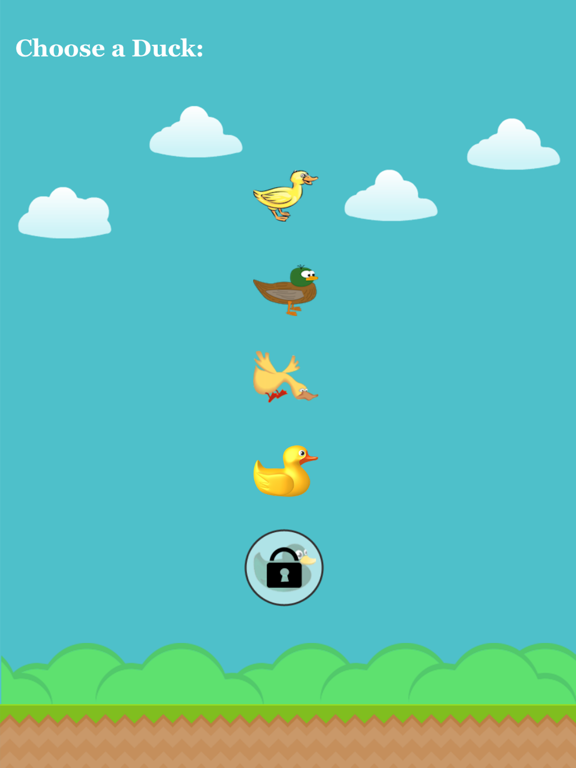
Freakin' Flyin' Duck is a fun and addictive game that is good for the whole family. Don't get hit by the obstacles or it's game over. This game has amazing graphics and a wonderful selection of sound effects that will make you smile with delight. Freakin' Flyin' Duck also features 4 different ducks to choose from (more ducks coming soon) and 1 exclusive duck which is unlockable when you earn a high score of 100 points. Freakin' Flyin' Duck also gives you the choice between 3 obstacles and 2 backgrounds when playing the game. I guarantee that you will love Freakin' Flyin' Duck!
**How to use the Freakin' Flyin' Duck Apple Watch Remote app to control Gameplay:
Step 1 - On the Main Menu Screen of the Game on the iPhone tap on the "Play Game" button.
Step 2 - Choose a Duck by tapping on any of them on the iPhone.
Step 3 - Choose an Obstacle by tapping on any of them on the iPhone.
Step 4 - Choose a Background by tapping on any of them on the iPhone.
Step 5 - Now on the Freakin' Flyin' Duck Apple Watch Remote app Force Touch on the Apple Watch screen to select the "Record Gameplay" button if you would like to record Gameplay.
Step 6 - Tap the Apple Watch screen to start the Gameplay. Keep tapping the Apple Watch screen to control the duck on the iPhone during Gameplay.
**Please Note: The Apple Watch App works once you're on the Gameplay Screen on the iPhone.