PhotoFrame Simple

PhotoFrame Simple Summary
PhotoFrame Simple is a free, ad-supported, with in-app purchases iOS app in Photo And Video by Yosuke Seki. Released in Feb 2014 (12 years ago). It has 26K ratings with a 4.58★ (excellent) average. Based on AppGoblin estimates, it reaches roughly 31K monthly active users and generates around $<10K monthly revenue (24% IAP / 76% ads). Store last updated May 4, 2026
Recent activity: 3.00 new ratings this week View trends →
SDK intelligence: AppGoblin detected 2 ad networks(e.g. Google) integrated into PhotoFrame Simple. View full SDK list →
PhotoFrame Simple SDKs Summary
PhotoFrame Simple was last scanned for SDKs on 2026-05-24. Below is the overview of third-party companies detected in the app. The full list of SDKs, permissions and unknowns is available here.
 Google
 AdMob
AdMob4.58★
Ratings: 26K
Screenshots
App Description
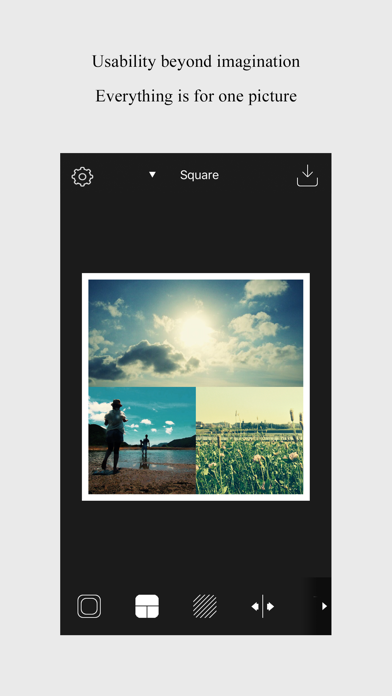
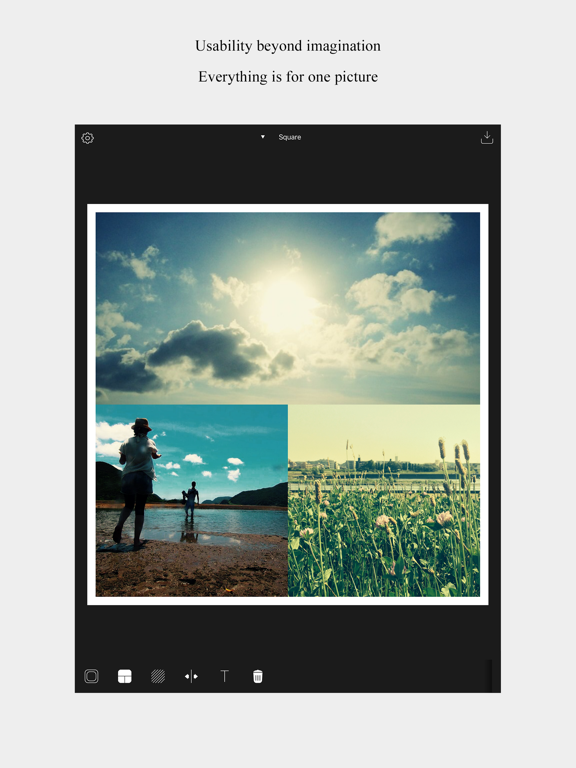
Choose a layout for 2 images or 3 images, and apply rounded corners. There is an infinite number of combinations.
Create your special photo with PhotoFrame.
PhotoFrame is a photo frame app that allows you to bring your photos in the iOS photo albums together.
- Frames
Select any of the frame shapes from a wide collection, then apply color and rounded corners to create your own unique photo frame.
- Sizes
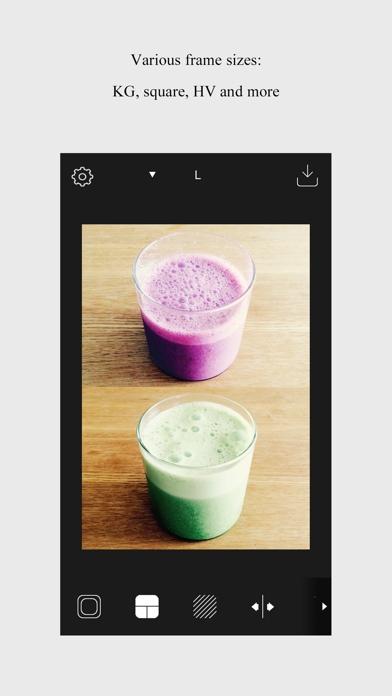
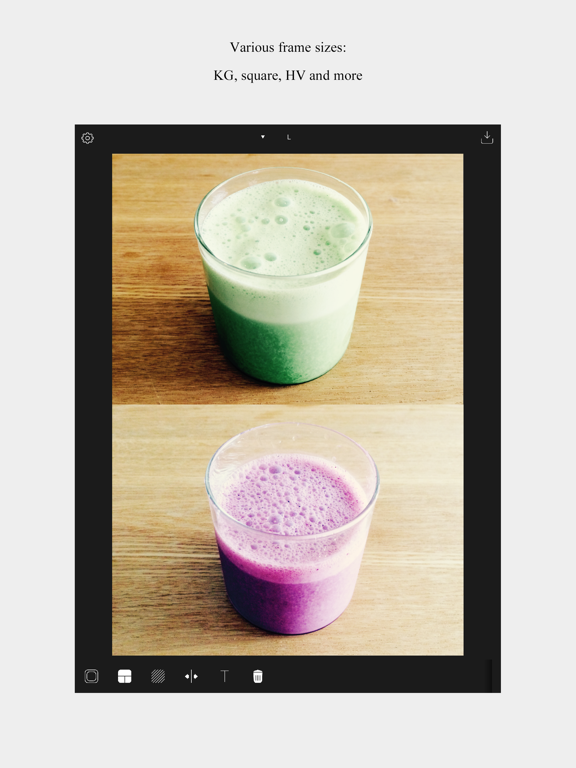
Select different sizes from the printout size to the wallpaper size according to your needs.
The following sizes are available:
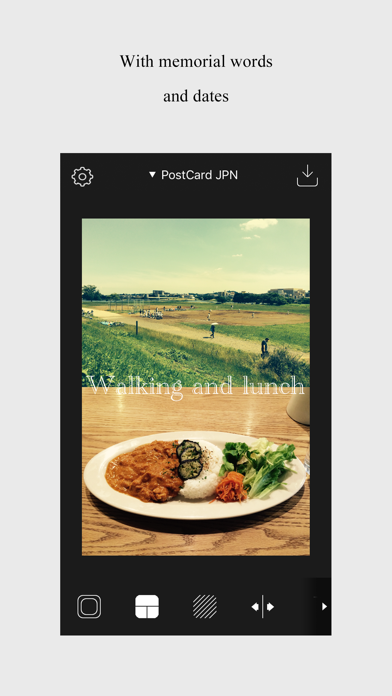
DSC, L, postcard (Japanese size), HV, KG, square, 16:9, 4:3 and 3:2.
- Video
You can create collages using not only photos, but also videos.
Place videos in your layout just like photos, and export expressive collages with motion. Capture your favorite moments in a richer, more vivid way than still images alone can offer.
About the video feature:
- You can place up to 6 videos in a single layout.
- Exported videos are limited to a maximum length of 15 seconds.
- Videos longer than 15 seconds will be exported using only the first 15 seconds.
- Videos shorter than 15 seconds will loop as needed during export.
- Adjust the printable area
It's quite common to hear that even though you set the photo dimensions to fit the frame size, when you print the picture at shop, the edges of the frame may get cut off since they will be printed a few millimeters inside.
PhotoFrame enables you to adjust the outline of the frame without cutting anything off for the final print.
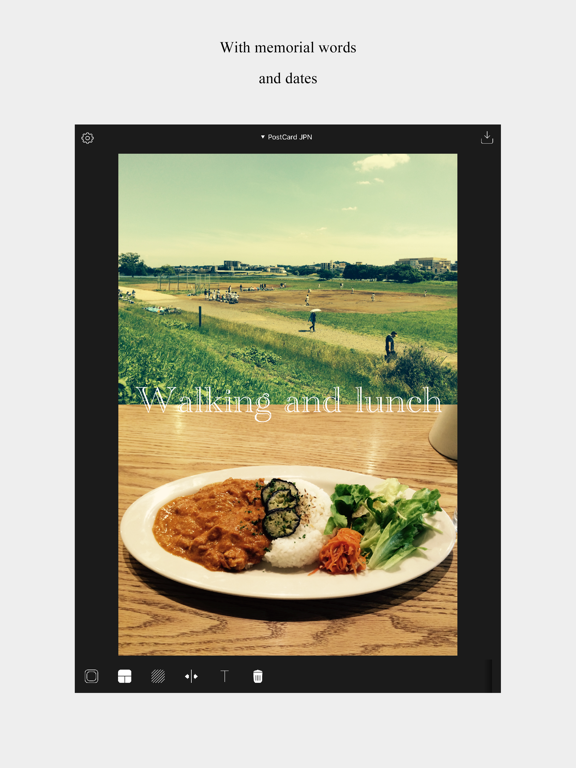
- Add text captions
You can easily add any text or date stamps to your photo.
(Please note that text won't be saved to your Favorites. The text will be removed when you quit the app.)
- Favorites
Save the frames you created to your Favorites.
【Supported OS】
iOS 12 or later
【Supported devices】
iPhone 6sPlus, iPhone 6s, iPhone 5s
Please note that this app has not been tested for compatibility with other devices except those listed above.
【Disclaimer】
While we try our best, we will not be liable for any loss or damage caused by the use of this application such as bugs or errors.