And, Or, But…

And, Or, But… Summary
And, Or, But… is a mobile iOS app in Education by Learning Fundamentals, Inc.. Released in May 2014 (12 years ago). Store last updated Dec 2, 2025
And, Or, But… SDKs Summary
App not yet scanned for SDKs.
0★
Ratings: 0
Screenshots


App Description
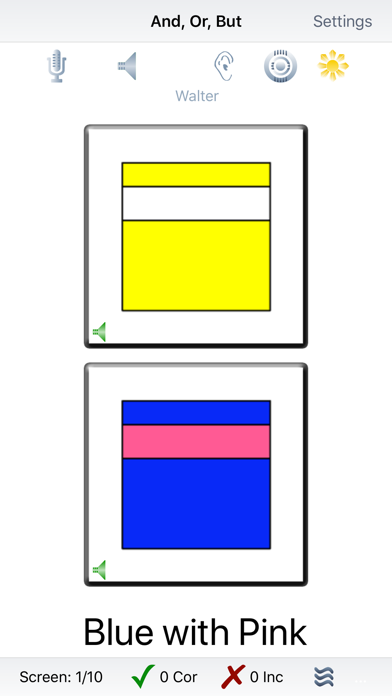
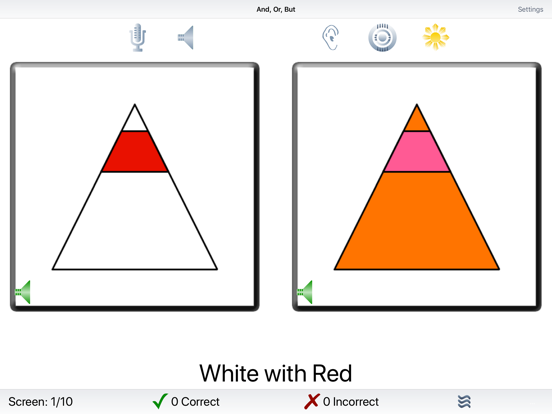
And, Or, But… requires the player to find the object on the screen that has a specified color, size, number, or spatial relationship. There are four levels of difficulty and seven tasks: And, With; Qualitative Relationships - Size; Quantitative Relationships - Number; Spatial Relationships; Or; Negatives; and Challenge.
The Introduction level has two items on the screen. The objective for this level is to get the user comfortable with the tasks. The items on the screen are simple squares, circles, and triangles. In the Introduction level, the user gets immediate feedback on whether their choice was correct or incorrect. There are seven tasks for the user to complete. They will be discussed below.
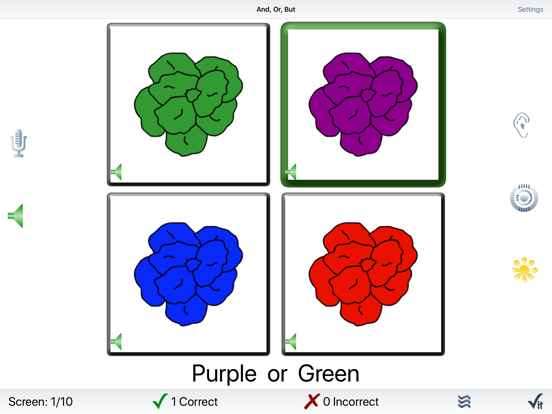
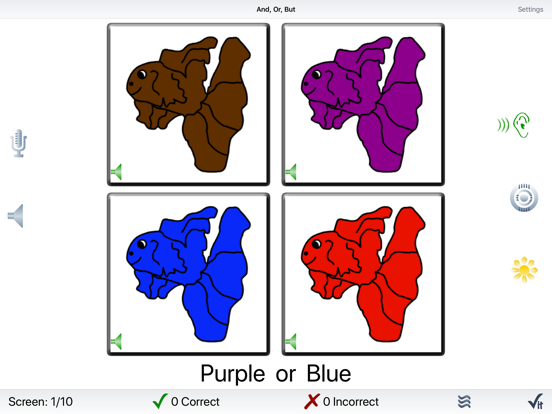
The Beginning level has four items on the screen. In this level, there is only one target but there is more variety in the kinds of items that are displayed on the screen. We also introduce the Check It button. In this level, and all higher levels, when the user taps on an item, the frame turns blue. The user must now complete the second part of the task, checking their answer. If the answer is correct and no incorrect items are highlighted, the frame of the correct item turns green. After a short delay, the next set of pictures is presented.
If any incorrect items are selected, the user will hear the “Show Me…” prompt and be given a chance to change their selections. When the user is confident that only the correct item is selected, they will again tap on the Check It button. As before, if the correct item is selected—and no incorrect items are selected—the frame of the correct item will turn green, and after a delay, the next screen will be displayed. Otherwise, the frame of the correct items will turn green, incorrect items will turn red, and items that were supposed to be selected, but were missed, will turn yellow. The app will pause so that the user can discuss the screen with their mentor.
The Intermediate and Challenge levels each have nine items on the screen. There may be more than one target on the screen and the user is expected to select all of them. There may also be more than one of each foil on the screen, so the user can’t just pick the item that appears the most on the screen and expect to get it right.
In addition to the four levels, the game has seven tasks. The first task is the And, With task. The user is asked to pick the it