AirBridge - Transfer image/photo, text or URL

AirBridge - Transfer image/photo, text or URL Summary
AirBridge - Transfer image/photo, text or URL is a mobile iOS app in Tools by xiles. Released in Apr 2014 (12 years ago). It has 19 ratings with a 2.73★ (poor) average. Based on AppGoblin estimates, it reaches roughly 51 monthly active users . Store last updated Nov 24, 2014
AirBridge - Transfer image/photo, text or URL SDKs Summary
App not yet scanned for SDKs.
2.73★
Ratings: 19
Screenshots


App Description
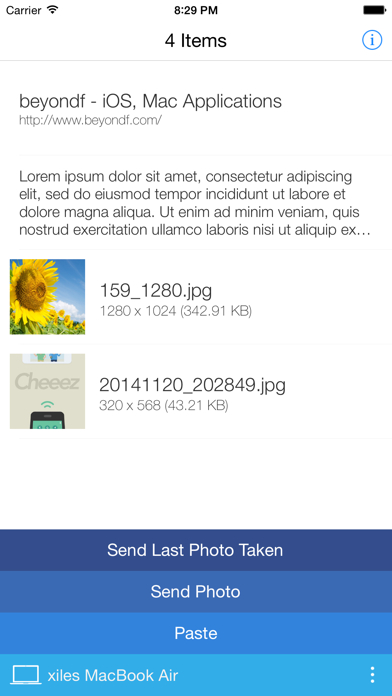
Transfer image, image files, text or URL between your iPhone and Mac.
If you want to use AirDrop feature between your iPhone and Mac, AirBridge is here!
Just drag and drop! Or copy and paste!
Your images, text on your Mac can be copied to your iPhone.
Also, you can copy your photos in your camera roll on your iPhone to your Mac.
If you want to put your photos to your camera roll, drag your photos from Finder to AirBridge status bar icon.
Photos will be copied to AirBridge on iPhone and you can save those photos to camera roll from there.
If you are a iOS app/web designer, just copy your work in Photoshop or other graphic tools then click paste menu on AirBridge status bar icon.
You can see your work right away on the phone.
* You should install AirBridge on your Mac.
* Both your Mac and iPhone should be in same network.