Notex – the best notes

Notex – the best notes Summary
Notex – the best notes is a ad-supported, with in-app purchases iOS app in Productivity by 40 BYTE YAZILIM BILISIM REKLAM E-TICARET LIMITED SIRKETI. Released in Apr 2014 (12 years ago). It has 105 ratings with a 4.16★ (good) average. Based on AppGoblin estimates, it reaches roughly 171 monthly active users and generates around $<10K monthly revenue (22% IAP / 78% ads). Store metadata: updated Nov 30, 2021.
Store info: Last updated on App Store on Nov 30, 2021 .
4.16★
Ratings: 105
Screenshots

App Description
- NOTES
- PHOTOS
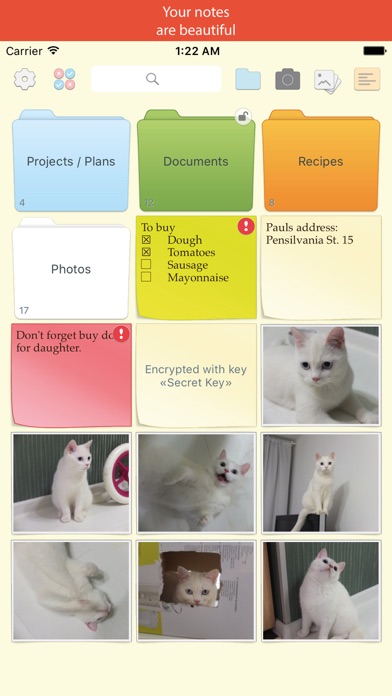
- FOLDERS
- COLORS
- IMPORTANTS
- ENCRYPTION
- SEARCH
All this things in app “Top Notes”.
* Create as many notes and photos as you need.
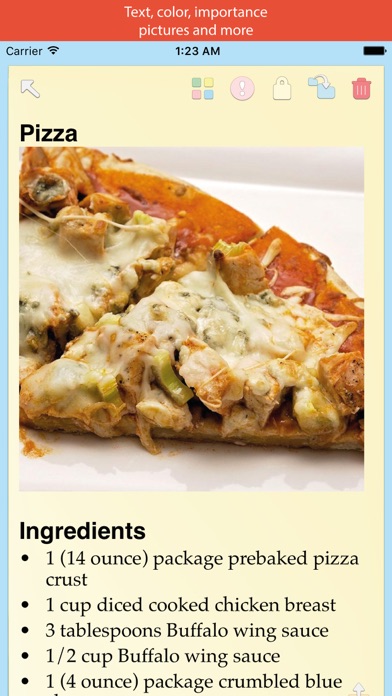
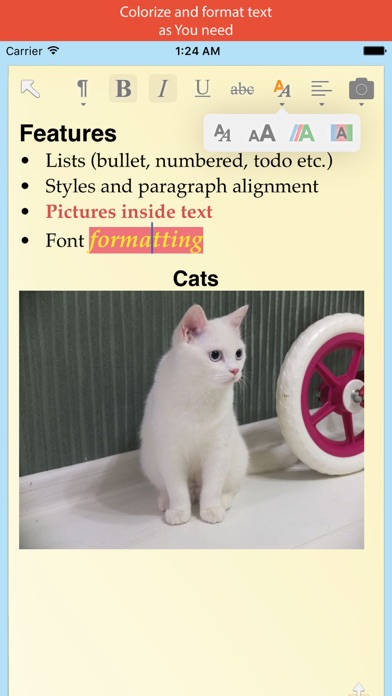
* Format your notes with bold, italic and many other text formatting functions.
* Create bullet and number lists inside your notes.
* Insert pictures into your notes.
* Drag items inside folder as you need.
* Take pictures from you camera inside app and store it in folders, or import existing pictures from you photo albums.
* Search easy and fast - just start enter search words and see results at once.
* Use colors - it is help you visually divide you memos on colored subject groups.
* Mark important notes - they are always will be at your eyes (even on app icon).
* Folders - familiar way to organize your notes.
* Use named secure keys for encryption, if you want to protect your data from others. Encrypt notes, photos and even whole folders. We use strong AES-256 encryption method to protect your data.
* Walk through notes and photos with swipes left and right – it is familiar.
* You can forget “Back” button, which is always far from your finger – just swipe note/photo up or down, when you want return to folder. Similar with folders – swipe current folder up or down to navigate parent folder.
* Manipulate multiple notes/photos at once with special mode – mark multiple items and move all of them in other folder, or encrypt it, or delete all marked items in one tap.
* Incredible simplicity and usability.
Working with serious tasks must be easy and funny.
Try out “The Notes”! We tried to make it simple and comfortable to use.
Good luck!