Authenticator Password Manager

Authenticator Password Manager Summary
Authenticator Password Manager is a free, with in-app purchases iOS app in Tools by SAASPASS. Released in Apr 2014 (12 years ago). It has 75 ratings with a 3.53★ (average) average. Based on AppGoblin estimates, it reaches roughly 275 monthly active users and generates around $<10K monthly revenue (100% IAP / 0% ads). Store last updated Aug 4, 2026
Authenticator Password Manager SDKs Summary
App not yet scanned for SDKs.
3.53★
Ratings: 75
Screenshots

App Description
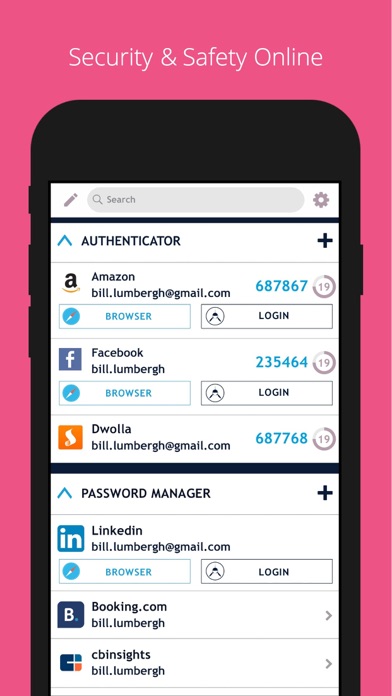
SAASPASS is a Password manager & Authenticator 2FA code generator with autofill & autologin capabilities.
It is built with Security & Usability in mind and is secured by Passwordless MFA
Password Manager
Web and Browser access secured by passwordless MFA
Over 100 Thousand pre-configured websites & mobile services
Custom additions available
AutoFill support
Notes section
Quick copy support
Web portal
Authenticator Code
Desktop, Web & Browser extension access secured by passwordless MFA
AutoFill support with password manager integration
Notes section
Quick copy support
Support for both HOTP/TOTP.
Support for 6, 7 and 8 digits
Support for SHA1, SHA256, SHA512
Companies can share access to the Authenticator code across multiple individuals
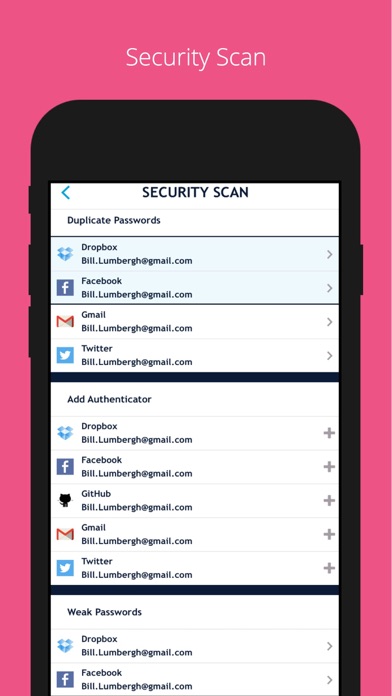
Security Scan
Identifies which websites & apps you use in the password manager have:
Authenticator 2FA format
Duplicate passwords
Weak passwords
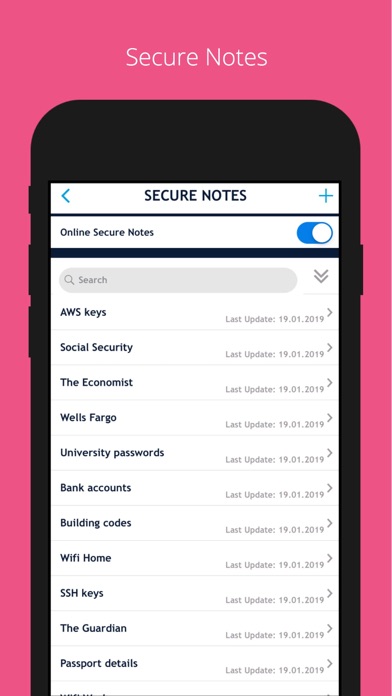
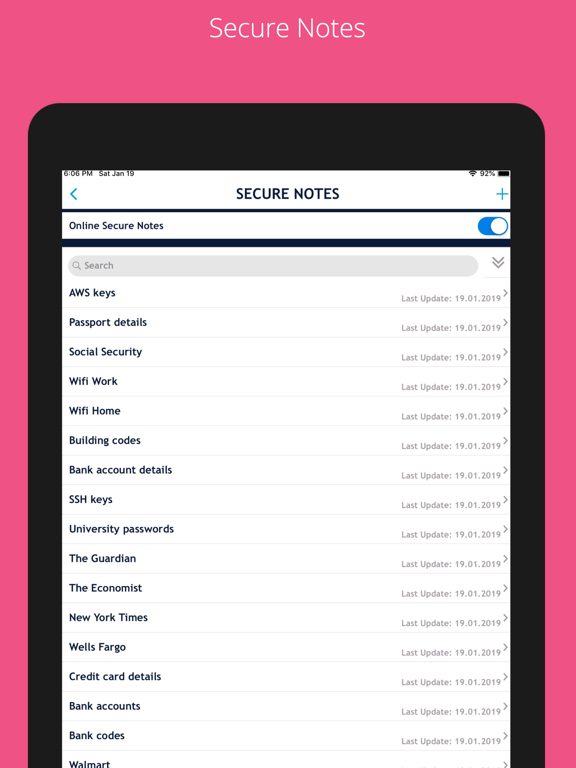
Secure Notes
Save notes, edit it in the mobile app or web portal & enable it to be on multiple devices and be recoverable. Web access is secured by passwordless MFA
Multiple Devices
You can have SAASPASS securely on multiple devices. Comes with device management capabilities where you can remotely disable it.
Recovery - Secure Backup & Restore
Multiple secure recovery capabilities where you can prevent SIM swap attacks.
This way if you lose your Authenticators and passwords, you can have them restored on your new device without going through the hassle of painstakingly setting each one individually.
Autofill
Both the password manager and Authenticator code generator are available on your desktop from both the web portal (login at https://www.saaspass.com/sd/#/login ) and the browser extension. They come with optional Autofill and AutoLogin capabilities on your mobile app as well as the desktop.
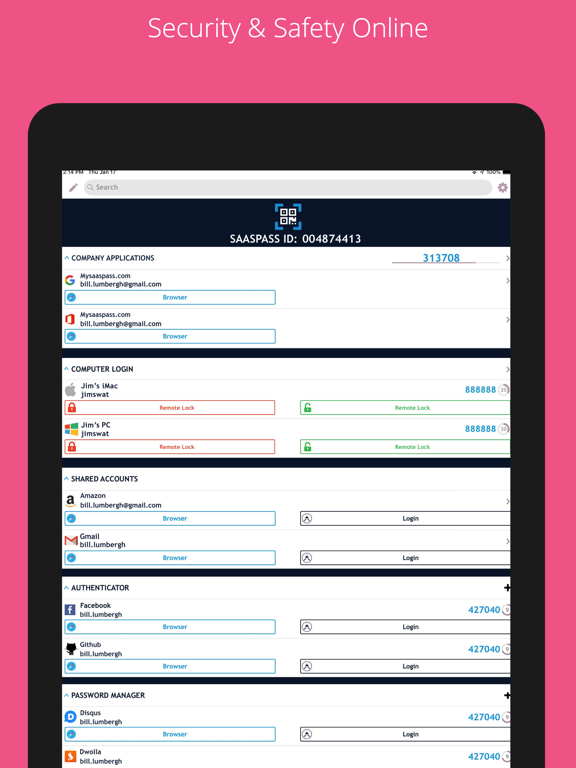
iPad Multitasking with Split Screen & Landscape view support
Password Generator
Offline Support
Download the SAASPASS browser extension to see the magic in action.
It is available for the following browsers:
Safari
Chrome
Firefox
Microsoft Edge
and Chromium browsers like:
Brave
Vivaldi
There is NO need for a desktop application on your computer.
The browser extension is a full blown application.
Unlocking app:
- Touch ID
- Face ID
- Scrambled Keypad
- 4 or 6 digits as your PIN length
SAASPASS app opening protection includes brute-force attack mitigation.
Edit Order:
Cha