QuickBooks Workforce

QuickBooks Workforce Summary
QuickBooks Workforce is a free iOS app in Business by Intuit Inc.. Released in Jul 2014 (12 years ago). It has 221K ratings with a 4.63★ (excellent) average. Based on AppGoblin estimates, it reaches roughly 1.2M monthly active users . Store last updated Oct 22, 2026
Recent activity: 382 new ratings this week View trends →
SDK intelligence: AppGoblin detected 5 development tools(e.g. Google), 4 analytics: product, 2 ad networks, 2 business tools,and 1 analytics: attribution integrated into QuickBooks Workforce. View full SDK list →
QuickBooks Workforce SDKs Summary
QuickBooks Workforce was last scanned for SDKs on 2026-08-06. Below is the overview of third-party companies detected in the app. The full list of SDKs, permissions and unknowns is available here.
 Google
 Snap
Snap Airbnb Engineering
 nanopb
 Apollo
 Branch
 Firebase
 Braze
Braze Qualtrics
 LexisNexis ThreatMetrix
 Luciq
Luciq WorldPay
4.63★
Ratings: 221K
Screenshots
App Description
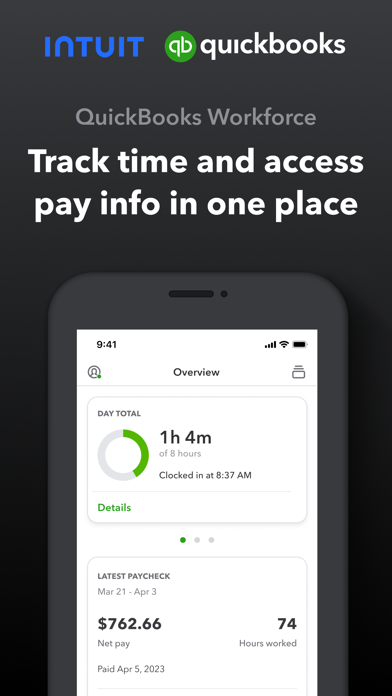
QuickBooks Workforce—an app for QuickBooks Payroll and QuickBooks Time (formerly TSheets)—lets teams view pay info and track time in one place.
Pay features are available to businesses that use QuickBooks Online Payroll & QuickBooks Desktop Payroll. Time tracking features are available to businesses that use QuickBooks Time.
What your team can do:
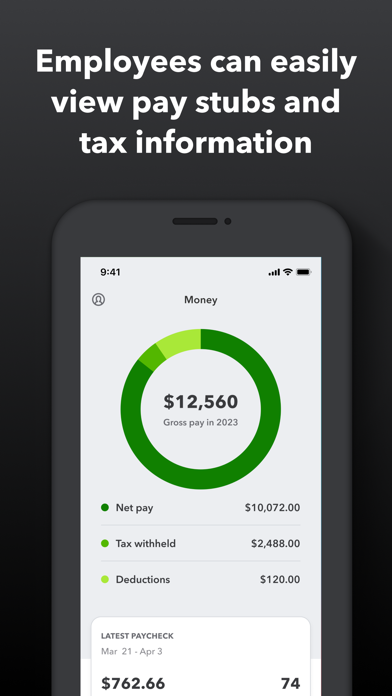
• Access pay stubs, W-2s, and other pay info anytime, anywhere
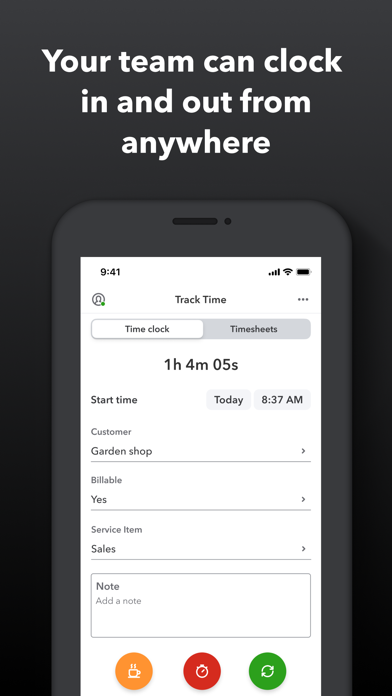
• Clock in and out, even without Wi-Fi or service
• Submit and track paid time off, sick days, and holidays
• Edit timesheets and manage job schedules
• Switch jobs, pause tracking, or take a break
• Use GPS location-based time tracking
• Add photos and updates in a project activity feed (QuickBooks Time Elite only)
What an employer or admin can do:
• Approve, edit, or delete timesheets
• Schedule by job or by shift
• See who’s working and where in real time
• Set up a geofence that reminds your team to clock in or out when they enter or leave a job site (QuickBooks Time Elite only)
• Create or modify schedules
• Push, text and email alerts are triggered if employees don’t clock in as scheduled, or approach overtime
• Track vacation, sick, or holiday accruals for employees
• See day and week totals, plus other time reports, at a glance
• Oversee team productivity and project status, and adjust budget, deadlines, and resources as needed (QuickBooks Time Elite only)
Extra benefits:
• Save on payroll costs and eliminate manual data entry
• Get real-time reports in multiple formats (PDF, CSV, online, HTML)
• Data seamlessly integrates with QuickBooks Online & QuickBooks for PC (Pro, Premier, & Enterprise)
• Integrates with other payroll, accounting, and invoicing software
• Protect yourself against labor disputes and audits with a detailed time log
• Accurate time data replaces paper timesheets and makes payroll and invoicing faster and less costly.
• Developer open API
Terms, conditions, pricing, special features, and service and support options subject to change without notice.