Croatian TV+

Croatian TV+ Summary
Croatian TV+ is a ad-supported, with in-app purchases iOS app in News by Kanta. Released in Jun 2014 (12 years ago). It has 1.00 ratings with a 1.00★ (poor) average. Based on AppGoblin estimates, it reaches roughly 2.00 monthly active users and generates around $<10K monthly revenue (27% IAP / 73% ads). Store last updated Jun 3, 2025
Croatian TV+ SDKs Summary
App not yet scanned for SDKs.
1★
Ratings: 1.00
Screenshots

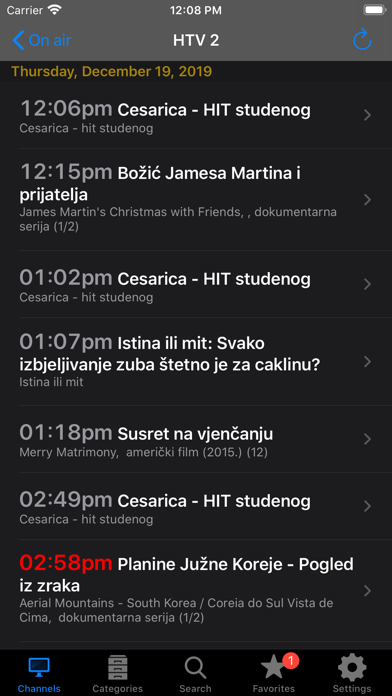
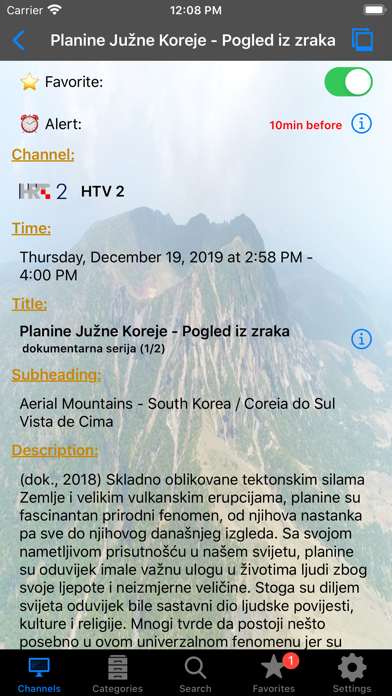
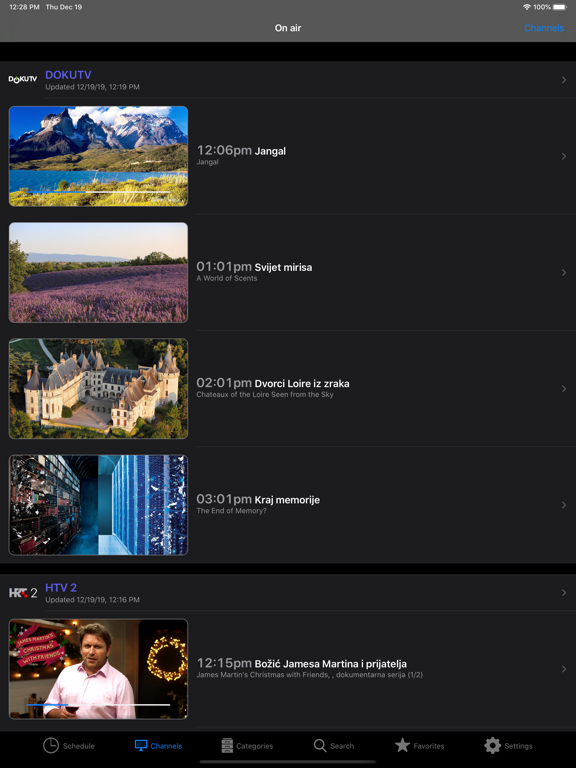
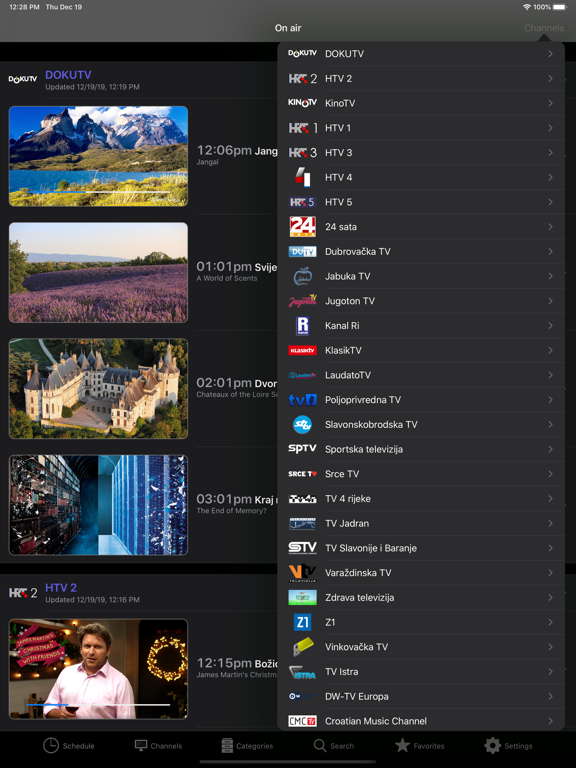
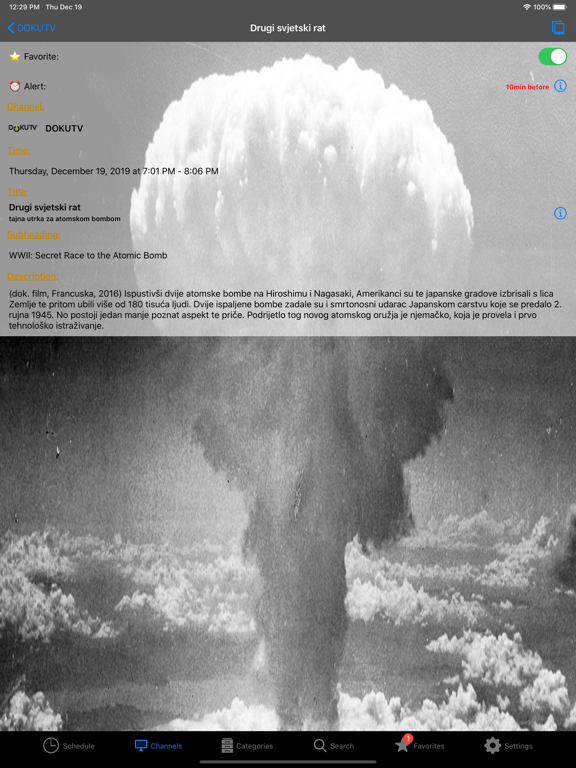
App Description
Croatian TV+ is an app for checking TV schedules anytime, anywhere. Track your favorite shows and programs, set alarms for when the shows you love are on the air!
BENEFITS:
● TV listings for 124 TV channels
● Time schedules shown using your local time zone
● There can be a lot of useful data for a show: description, duration, actors, directors, country of origin, screenshots, etc.
● Easily find and track reruns and all episodes of a series by setting it as a "Favorite"
● You can search by channel, category or a keyword
● Shows are categorized heuristically in one of these categories: Movies, TV Series, Documentaries, Animated, News, Entertainment, Music and Sports
● Movie subcategories: Comedy, Western, SF, etc.
● Application has to be paid only once, but you can use it on as many devices as you want
● List of favorite shows and a list of selected channels are stored in iCloud so it can be shared across all your devices
ALERTS:
● Ability to receive an alert before the show is on air: up to 2 hours before the show
● Alerts can be received even when the application is not running or you are offline
● Automatic rescheduling of alerts if show schedule changes
● Support for recurring alerts that trigger every time your favorite show is on air
● Alerts are stored in your calendar and can be shared across all devices that can access your calendar
FAST & TRANSPARENT:
● All data downloaded from the network can be used offline for later use, so you can use this application even when you are offline
● TV listings are downloaded in the background, so application is fully functional while downloading
● Multitasking support: download or processing tasks will continue to run while application is in the background
● Support for dual cores using Grand Central Dispatch technology
LOOKS:
● Works in both portrait and landscape orientation of your device
● Retina Display high resolution graphics support
FAQ:
● QUESTION: Alerts don't work for me. Why is that?
- ANSWER: To enable alerts you have to:
Ⅰ: Allow calendar access in the app "Settings" under the option "Privacy".
Ⅱ: Pick a calendar in the "Croatian TV" app under the option "Settings" => "Calendars".
Icons by Joseph Wain / glyphish.com http://glyphish.com
We cannot reply to your review! If you have a problem, send us an e-mail instead!
DISCLAIMER:
● We own all in