PV - Secret Photo Album

PV - Secret Photo Album Summary
PV - Secret Photo Album is a free, with in-app purchases iOS app in Photo And Video by Haibin Jiao. Released in May 2014 (12 years ago). It has 340K ratings with a 4.80★ (excellent) average. Based on AppGoblin estimates, it reaches roughly 211K monthly active users and generates around $<10K monthly revenue (100% IAP / 0% ads). Store last updated Aug 8, 2026
Recent activity: 96 new ratings this week View trends →
SDK intelligence: AppGoblin detected 7 development tools(e.g. Google), 2 ad networks,and 1 analytics: product integrated into PV - Secret Photo Album. View full SDK list →
PV - Secret Photo Album SDKs Summary
PV - Secret Photo Album was last scanned for SDKs on 2026-10-05. Below is the overview of third-party companies detected in the app. The full list of SDKs, permissions and unknowns is available here.
 Google
 Snap
Snap Airbnb Engineering
 nanopb
 Alamofire
 Firebase
4.8★
Ratings: 340K
Screenshots




App Description
Lock your photos and videos with password protection.
Download PV to join millions of users to protect your private photos and videos safely! You deserve it!
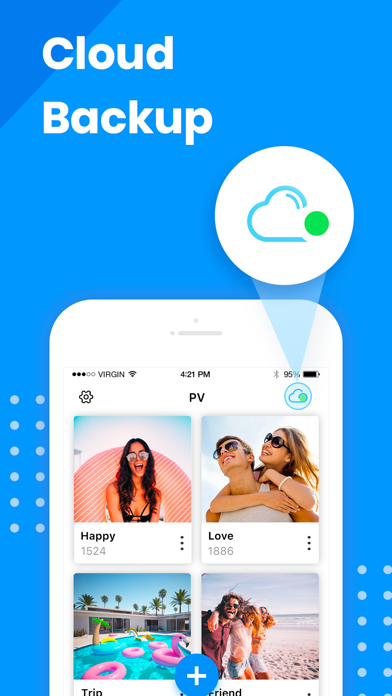
PV protects your private photos and videos by passcode protect, fingerprint touch ID and data encryption. It's easy to use and safe for storing your private photos, and it provides cloud storage service in-app.
==========================
Basic Features
- Hide private photos and videos into app with encrypted data transfer
- Free unlimited storage
- Automatically delete photos from public library after hiding private photos
- Password and Face ID protection
- Fake password protection
- Slideshow
- Set customized album cover
- Trash folder to store deleted photos temporarily
- All-in-one photo editor
- Customize the app icon
- Nearby Drop: transfer photos between the phones
- Tags, notes and search
- Emergency Switch: jump to other apps when the phone is facing down.
- Support audio files.
==========================
Advanced Features:
- Ad Free: Get rid of all ads!
- Cloud Sync: privilege of Super members.
- Third party cloud backup (privilege of Pro members).
- Wi-Fi Transfer: Make your app device and PC connected in the same network, and batch transfer your photos and videos.
==========================
Contact Us
• Email: photovault.info@gmail.com , we are glad to hear from you!
==========================
FAQ
Please read below FAQ document if you need help, it summarizes the most popular questions from customers:
https://www.photovault.cn/pv/faq_en.html
==========================
Notice Must-Read!!!
Q: What if you forgot your passcode?
A: Please go to App Setting > Set Recovery Email to set an email address, this email will be used when you forget password next time.
Q: I deleted the app/lost my phone/restored factory defaults, can I get back my photos?
A: All the photos/videos stored in this app are stored in your local device′s storage. If you delete this app, iOS will delete all the data inside this app. It means if you never backup the data in the app, the photos/videos will be gone.
==========================
PV Super Membership Subscription
- With a PV Super Membership subscription, you have access to all features and paid cloud backup(PV provides the interface to transfer data between this app and third-party public cloud apps such as Dropbox, Google Drive, Box, One Drive), Wi-F