Reversee: Reverse Image Search

Reversee: Reverse Image Search Summary
Reversee: Reverse Image Search is a with in-app purchases iOS app in Tools by Eduardo Rocha. Released in May 2014 (12 years ago). It has 29.2K ratings with a 4.40★ (good) average. Based on AppGoblin estimates, it reaches roughly 102.3K monthly active users and generates around $<10K monthly revenue (100% IAP / 0% ads). Store metadata: updated Oct 3, 2023.
Recent activity: 5.00 new ratings this week View trends →
Data tracking: SDKs and third-party integrations were last analyzed on Apr 7, 2025.
Store info: Last updated on App Store on Oct 3, 2023 .
4.4★
Ratings: 29.2K
Screenshots
App Description
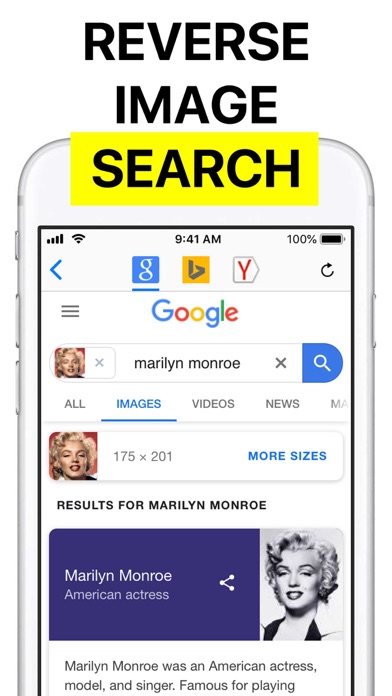
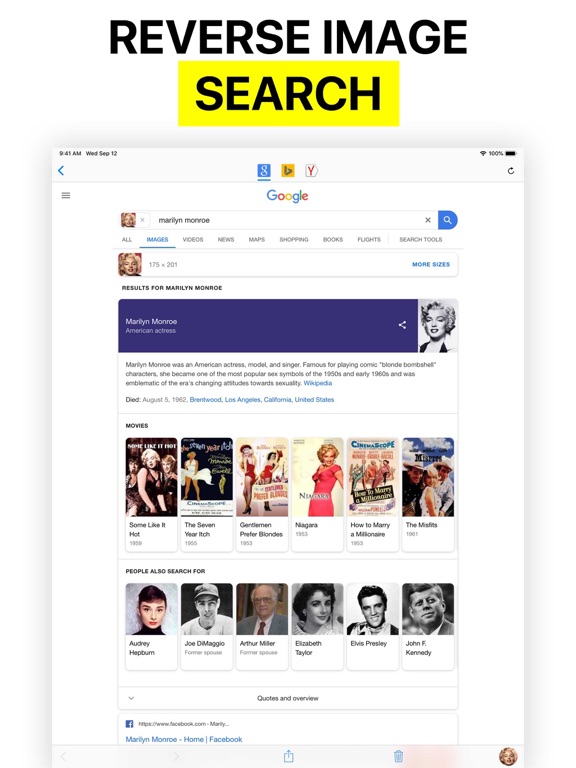
Reversee is a bridge between your pictures and reverse image search engines, allowing you to make a search by image.
Use Reversee to search for:
- Webpages displaying a picture.
- A higher resolution version of a picture.
- Someone's social network profile¹.
PS: Although the app allows you to search for pictures, it doesn't promise you will find results. The actual search is made by third party engines, and even if they are the best on the business, none of them cover 100% of the searches.
FEATURES
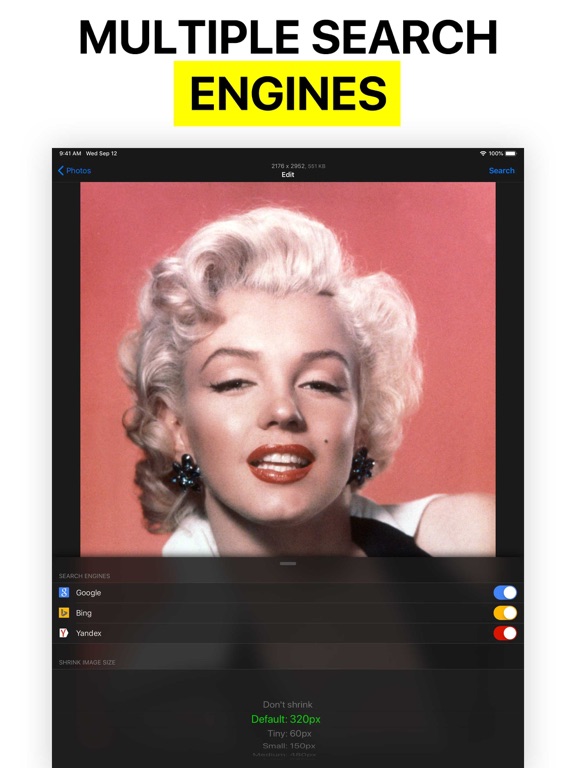
- Search with Google Images (default search engine).
- Editor to crop & rotate the picture.
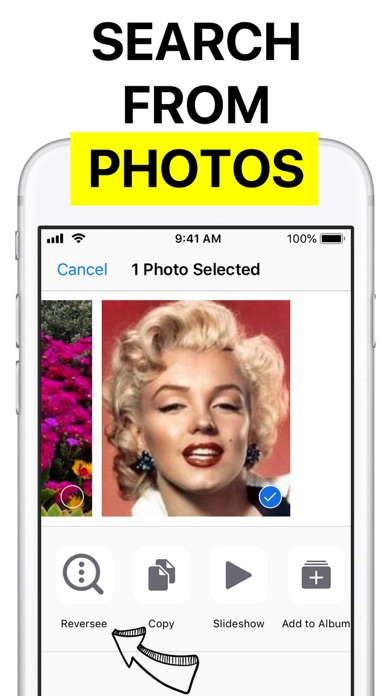
- Smart navigation of your device photos (you can search by a picture in the middle of the camera roll and then come back to search for a picture nearby, avoiding to scroll the photos all over again).
- Paste image.
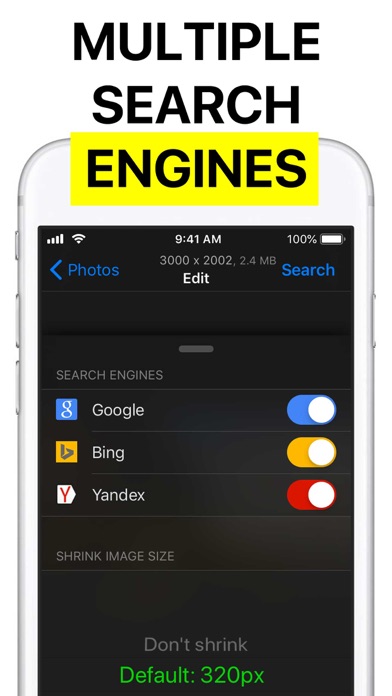
- Set size of the image sent to the search engine (it may yield different results).
- Open the results page in: 1) Safari, 2) Chrome, 3) Add to Reading List, 4) Copy to Clipboard, 5) Send Email, etc.
- Save pictures from the web.
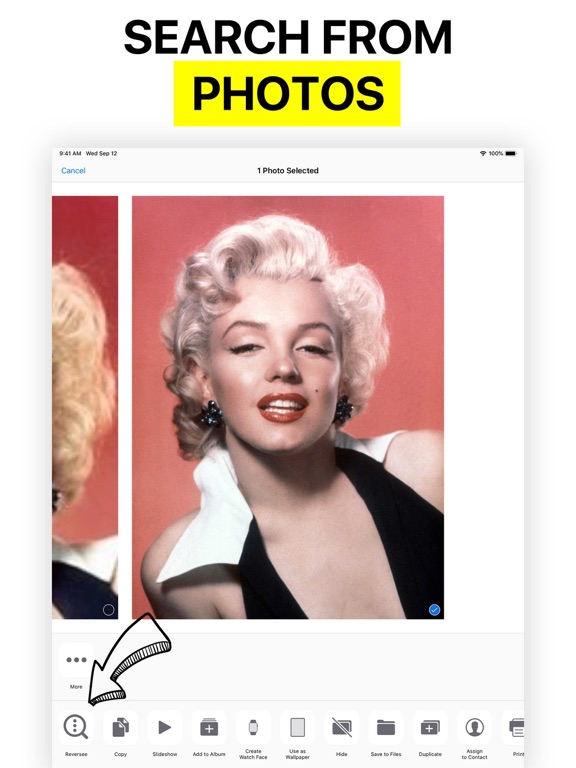
- iOS Extension: Use Reversee inside other apps (Photos, Safari, Chrome and any app that "exports" an image or URL).
PRO FEATURES
- Two additional search engines: Bing and Yandex.
- Auto crop: it automatically removes the borders of a picture (very useful when searching by screenshots).
- Editor gestures: it makes the app a complete image visualizer (navigation, zoom, reset, crop and also an option to save the cropped image to the Camera Roll).
- Display detailed information about the image (URL, dimensions and file size).
- Eliminate the 5-second delay from the App Extension.
- Paste an image URL or any webpage URL (e.g. save the original image from Instagram).
- Camera access.
- Delete multiple pictures at once.
- No ads.
DISCLAIMER
Google, Bing and Yandex are free services accessible from any web browser. Reversee is not endorsed by or affiliated with any of these search engines.
SUPPORT
reverseeapp@gmail.com
¹ A note about searching for someone's social network profile: as explained before, the app acts as a link between your device pictures and reverse image search engines, like Google Images. Search engines have to crawl pictures around the web first, so the image data is added to their database and then that picture can be shown in search results. However, not every site nor every photo in a website is crawled, for