TV Cast Pro for Samsung TV
TV Cast Pro for Samsung TV Summary
TV Cast Pro for Samsung TV is a mobile iOS app in Photo And Video by Kraus und Karnath GbR 2Kit Consulting. Released in Jun 2016 (10 years ago). It has 6.6K ratings with a 3.86★ (average) average. Based on AppGoblin estimates, it reaches roughly 3.3K monthly active users . Store metadata: updated Apr 15, 2026.
Recent activity: 1.00 new ratings this week View trends →
Data tracking: SDKs and third-party integrations were last analyzed on Apr 17, 2025.
Store info: Last updated on App Store on Apr 15, 2026 .
3.86★
Ratings: 6.6K
Screenshots

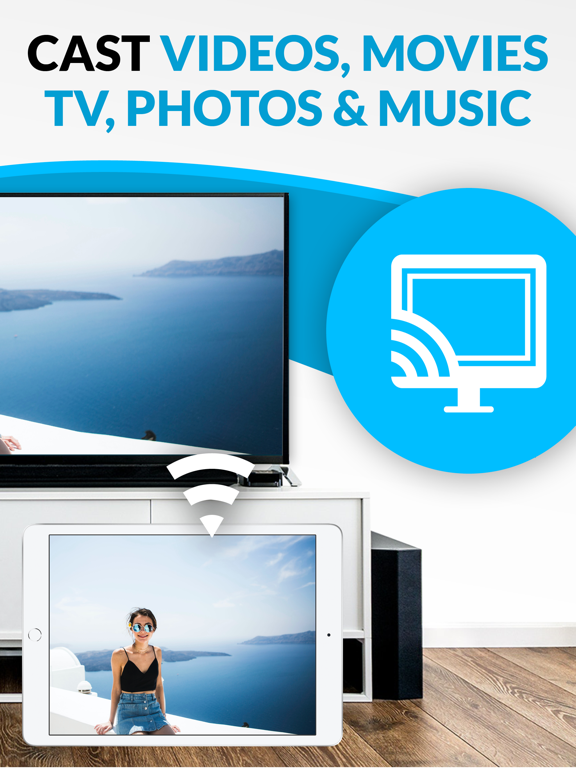
App Description
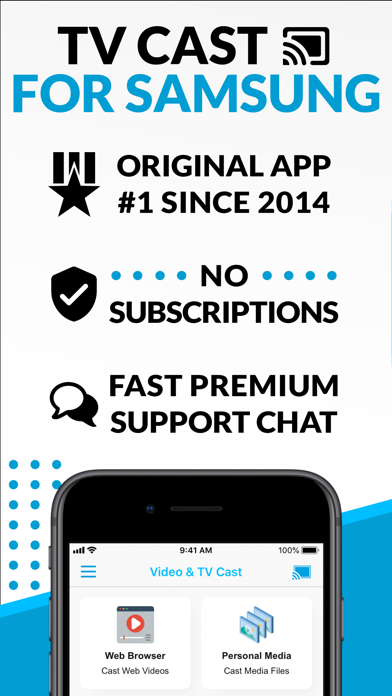
Watch any web video, online movie, livestream or live TV show on your Samsung Smart TV or Blu-ray Player. Enjoy the show on your big screen with the no#1 web video streamer.
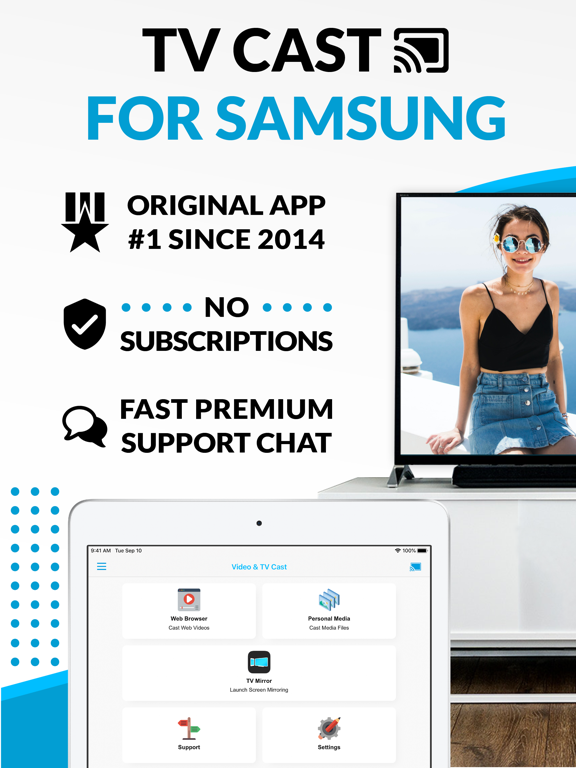
With Video & TV Cast for Samsung Smart TV you can browse the web and stream any web video, online movie, livestream or live TV show you want on your Samsung Smart TV. Mp4, m3u8, hls livestreams and also video-over-https are supported.
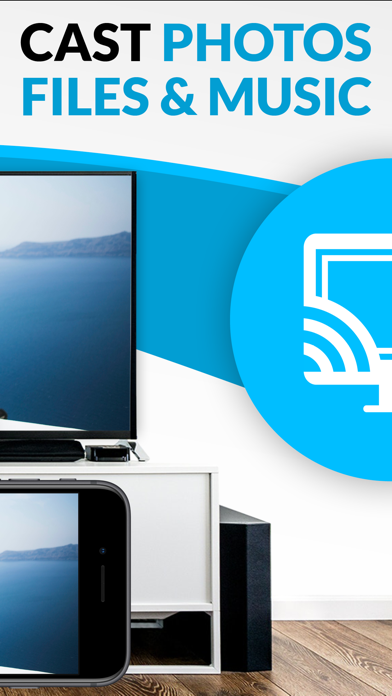
There is no time limit at all! You can watch videos of 2 minutes or 2 hours or even more. Just open Video & TV Cast, navigate to a website and wait for the video link detection. The video link will appear below the browser. Tap it and the video will be sent to your big screen instantly! Streaming personal media from your device is also supported. You don't need to install a big media server like Plex or any other third party software.
>>> Important Notes
* To enable video casting, please open the Samsung App Store (Smart Hub) on your TV or Blu-ray Player, search for 'TV Cast' and install the receiver app.
* Please enter the IP address of your iPhone/iPad by using the number pad and up/down/left/right buttons on your Samsung TV Remote. Just enter the numbers, no need to press the enter key.
* iTunes movies and DRM-protected videos like Amazon Prime, Netflix, Hulu, Vudu, DirecTV, Xfinity, HBO Now are not supported!
* Please use the Remote Playbar for video control while browsing (see more info below).
* The app streams only the video part of a website and not the whole website content (No screen or tab mirroring!).
* Sometimes it is necessary to play the video on your iPad or iPhone first before it gets discovered by the app for streaming. It may also be neccessary to start casting multiple times until it works with specific videos.
* If a specific video is not working, please check the FAQ on the app startpage. If that does not help you, please drop us an email before leaving a negative comment on the App Store. We will try to add support for that website as soon as possible.
>>> PRO FEATURES
* Remote Playbar: Use the Playbar for advanced video control while browsing, including video scrubbing, forward, rewind, play, pause, stop. The playbar works on all Samsung Smart TVs and Blu-ray Players.
* Local Videos: Cast your camera roll videos from an iPhone or iPad. Supports mp4, m4v and mov videos that were saved to the camera roll via Apples SD