Fine°

Fine° Summary
Fine° is a free, ad-supported, with in-app purchases iOS app in Weather by Yoshihiko Eto. Released in Jul 2014 (12 years ago). It has 15K ratings with a 4.28★ (good) average. Based on AppGoblin estimates, it reaches roughly 40K monthly active users and generates around $<10K monthly revenue (22% IAP / 78% ads). Store last updated Sep 22, 2021
SDK intelligence: AppGoblin detected 1 ad networks(e.g. Google) integrated into Fine°. View full SDK list →
Fine° SDKs Summary
Fine° was last scanned for SDKs on 2026-07-01. Below is the overview of third-party companies detected in the app. The full list of SDKs, permissions and unknowns is available here.
AppGoblin saw Fine° uses 1 Ad Networks
 Google
4.28★
Ratings: 15K
Screenshots
App Description
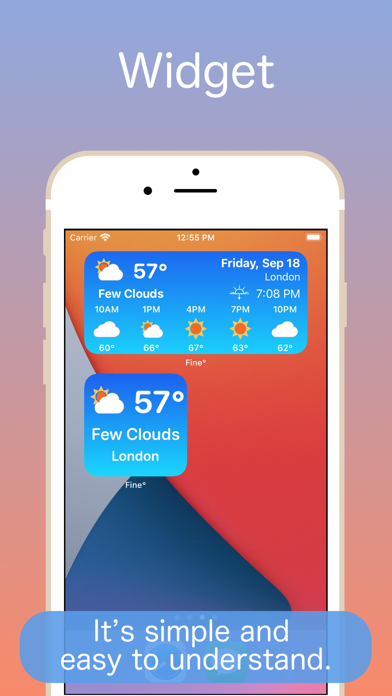
◆ Widget is simple and easy to understand.
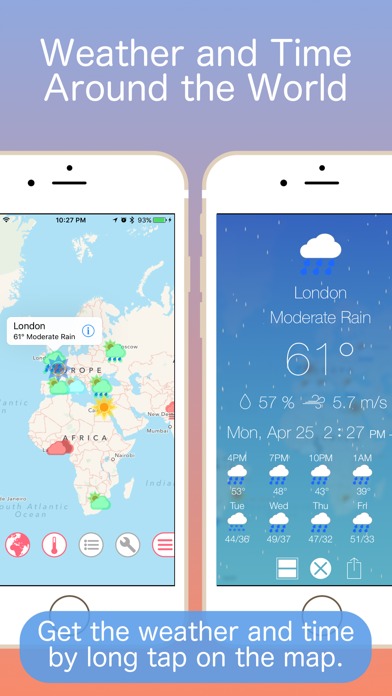
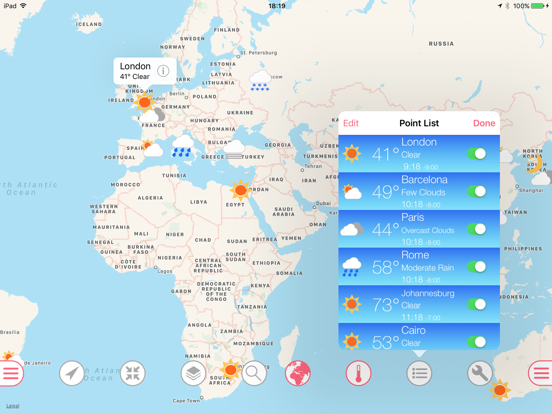
◇ Can show weather by long-tap on the map.
◆ Can show weather and time around the world.
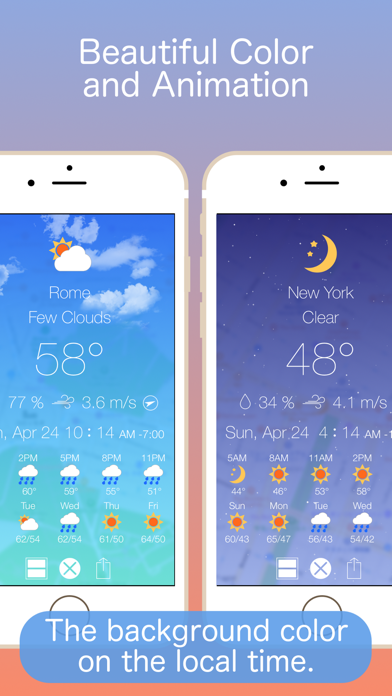
◇ Beautiful gradation color and animation.
◆ Notification when weather changed.
◇ Supports iOS/iPadOS 13 Dark Mode.
▼ FEATURES:
- Widget
・Display Weather information as Widget.
・You can choose the background color of the widget from the default and dark.
・Supports compact mode.
・If you use 3D Touch/Haptic Touch to firmly press the App icon, the Widget can be checked quickly.
- Notification
・When the weather changes, you will be provided a notification.
・By using 3D Touch/Haptic Touch to firmly press the notification, details can be viewed through a beautiful animation.
・For devices without 3D Touch/Haptic Touch, details can be viewed by sliding the notification and pressing the View button.
・Notification point can be changed in the setting of the App.
- iMessage
・You can send the weather of your location by message.
・You can send still images and animation images.
- Map
・Weather icons on the map.
・Add weather icon by long-tap on the map.
・Weather icons is animated based on temperature or weather.
・Customize of weather icon animation, color, time, radius.
- Weather Forecast
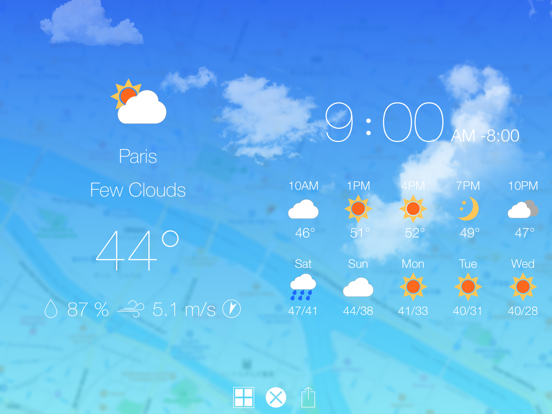
・Beautiful animation based on weather.
・Current weather, temperature, local time, time difference, humidity, wind, speed, wind direction.
・Beautiful background gradation color based on local time. (Morning, day, evening, night)
・Country name, sunrise time, sunset time, updated time of weather info.
・Weather forecast of every three hours.
・Weather forecast of a week.
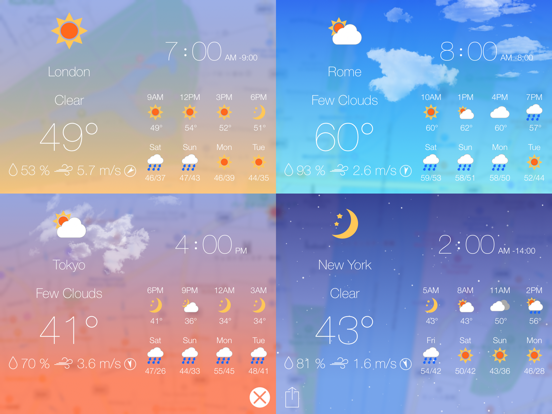
・Multiple points display.
(iPhone is 2 points, iPad is 4 points.)
- Weather Points List
・Beautiful gradation color in weather points list.
- Others
・The registered 27 weather points of city in the world.
・Rename of added weather point.
・Delete of added weather point.
・Show or hide weather point.
・Update notification point in background.
・Weather info of current location.
・Switching maximum display of the map.
・Switching animation of temperature and weather on the map.
・Reduction of the map.
・Layer of the map.
・Search the map by location name.
・Share with Twitter, Facebook, etc.
・Switching of Fahrenheit or Celsius temperature.
・Setting disabled auto lock while launch time.
・Customizing the weather an