FileBox - Mobile File Manager

FileBox - Mobile File Manager Summary
FileBox - Mobile File Manager is a ad-supported, with in-app purchases iOS app in Tools by JUNBO JIA. Released in May 2014 (12 years ago). It has 26 ratings with a 4.58★ (excellent) average. Based on AppGoblin estimates, it reaches roughly 74 monthly active users and generates around $<10K monthly revenue (27% IAP / 73% ads). Store metadata: updated May 7, 2026.
Store info: Last updated on App Store on May 7, 2026 .
4.58★
Ratings: 26
Screenshots

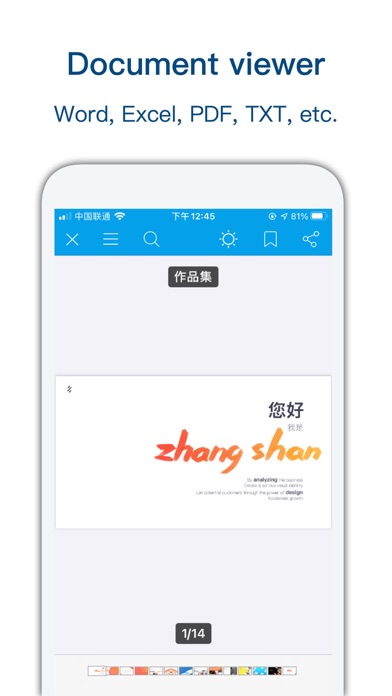
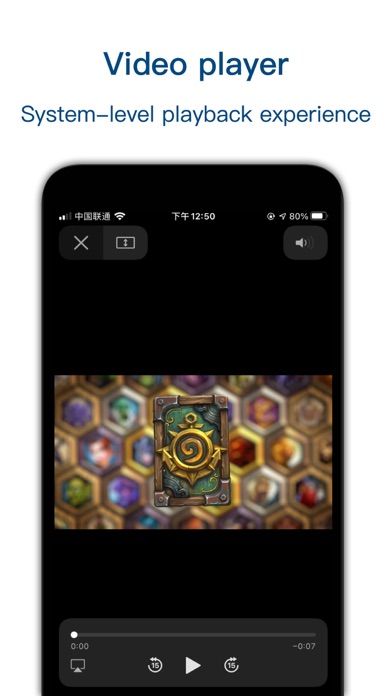
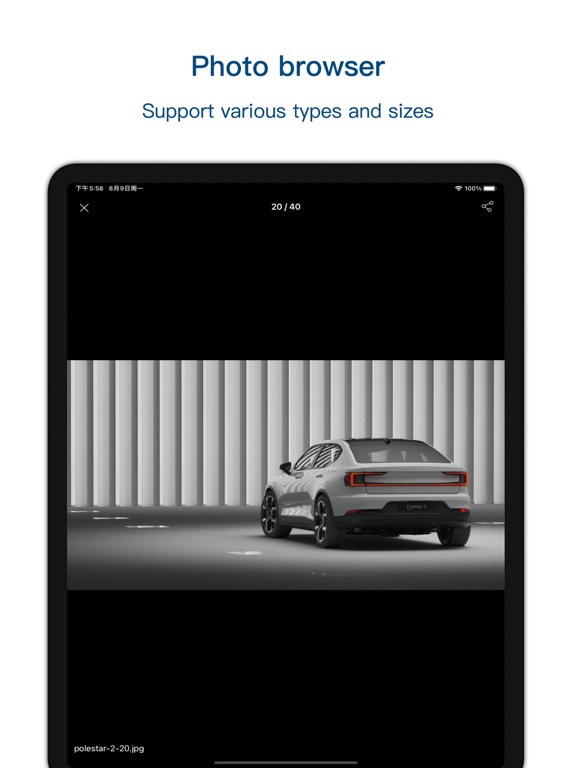
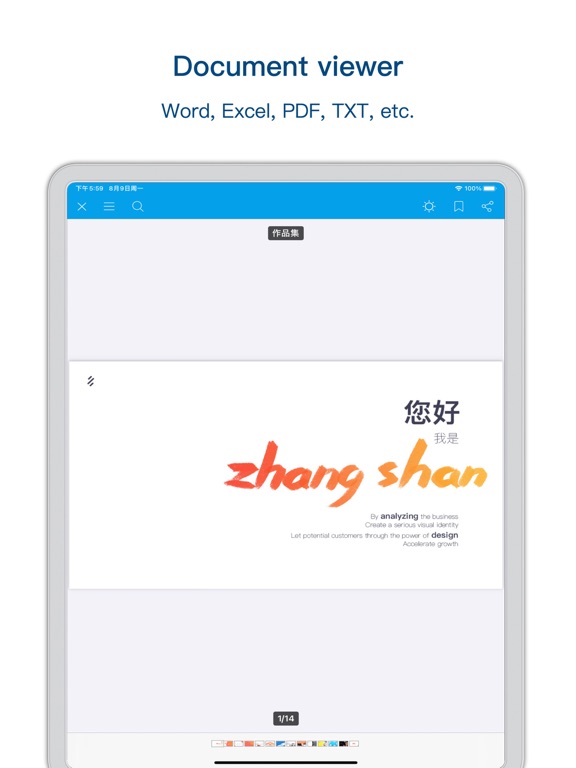

App Description
FileBox – Powerful File Manager for iPhone & iPad
FileBox is a powerful file manager designed for people who work with files every day.
Browse, manage, protect, and organize your files easily on both iPhone and iPad.
Fast, secure, and designed for productivity.
--------
Core Features
File Management
Powerful tools to organize your local files effortlessly.
• Create folders and files
• Rename, copy, move, delete files
• View file properties
• Manage hidden files
• Sort by name, type, size, creation date, or modified date
--------
File Privacy & Security
Keep sensitive files safe inside FileBox.
• Hide private files inside the app
• Files are isolated from external access
• Optional App password protection
• Support Face ID / Touch ID
--------
What You Can Do with FileBox
Add Files
Import or create files easily.
• Create folders, text files, photos, and videos inside the app
• Import from Photos, Files, or other apps
• Transfer files via Wi-Fi between PC and iPhone
• Connect with Mac via Finder or iTunes
--------
Browse Files
View many file formats smoothly.
• Office documents and PDF files
• Text files such as txt, json, js, log, java, php, swift, xml
• High-resolution photos and long screenshots
• Built-in efficient media player for audio and video
--------
Compression & Extraction
Handle archive files easily.
• Support ZIP, RAR, 7Z, DMS
• Password-protected archives supported
--------
File Tags
Organize important files faster.
• Mark important or frequently used files
• Quickly access tagged files
--------
Smart Search
Find files instantly.
• Fast fuzzy search
• Multi-keyword search support
--------
Hidden Files
Keep files out of sight.
• Hide files from normal browsing
• Show hidden files when needed
--------
App Lock
Protect your files with security options.
• Password lock
• Face ID / Touch ID
• Custom unlock timeout
--------
Super Hidden Mode
Advanced privacy protection.
Hide all hidden-file related settings so only you know where your private files are stored.
--------
More Features
• Share panel
• Themes
• Trash recovery
• Unread reminders
• Continuous performance improvements
--------
Contact & Feedback
We love hearing from users.
Email: orange_family@icloud.com
QQ Group: 611208767
--------
– The following information about the a