OpeningTree - Chess Openings

OpeningTree - Chess Openings Summary
OpeningTree - Chess Openings is a mobile iOS app in Games by Michael Adams. Released in Jun 2014 (11 years ago). It has 39 ratings with a 4.10★ (good) average. Based on AppGoblin estimates, it reaches roughly 54 monthly active users . Store metadata: updated May 13, 2026.
Store info: Last updated on App Store on May 13, 2026 .
4.1★
Ratings: 39
Screenshots
App Description
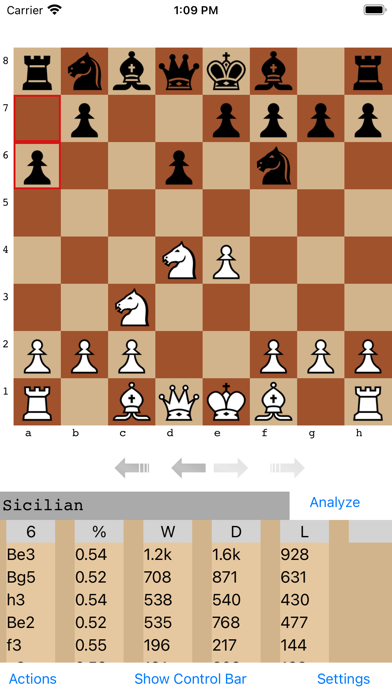
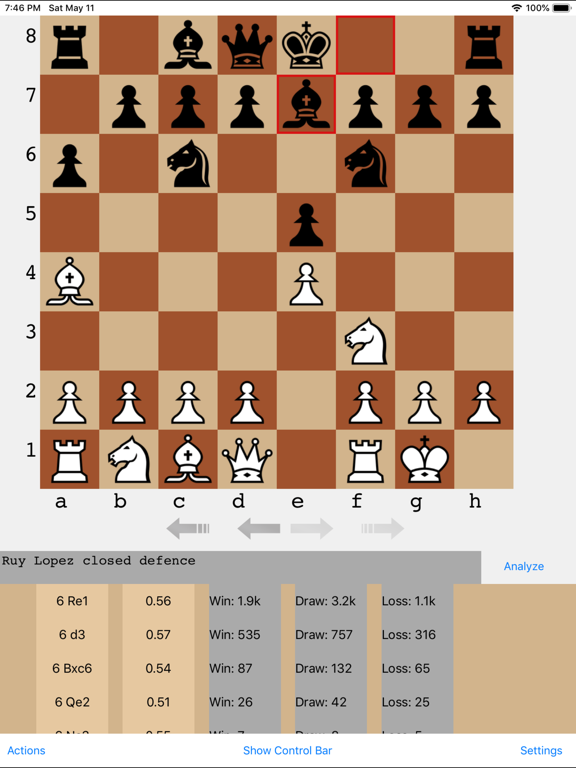
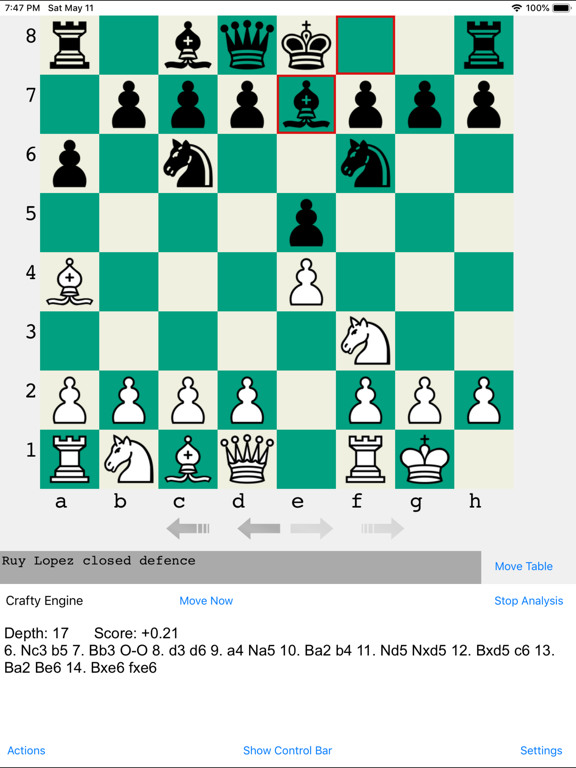
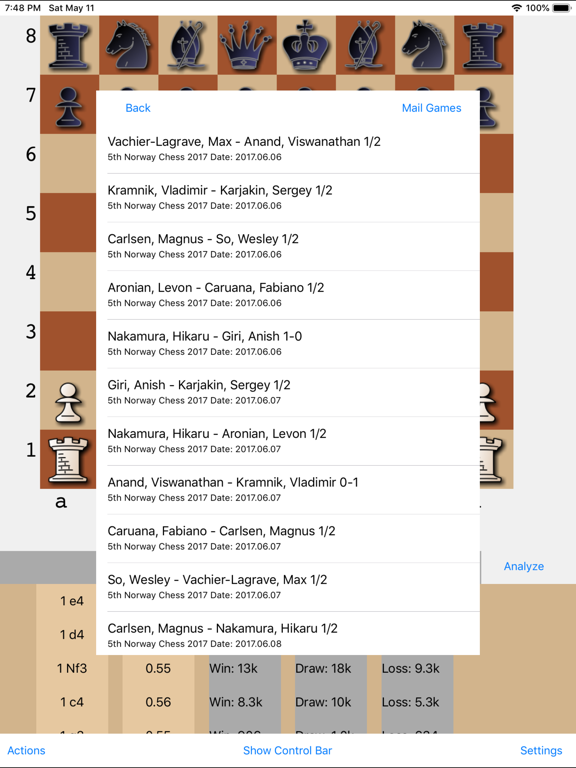
OpeningTree is a chess openings book based on high rated over the board games that lets one explore the tree of openings and engine analysis is available. Chess game files can be shared with the app to check against the book or to just view. Users can make their own side line moves and back up to return to main line. Also includes ten classic game collections.
The updated opening book is compiled from 640,000 high rated games from recent years with both players rated 2300 and over. Just touch moves in the list or make moves on the board to see what the response is. The numbers next to moves indicate how many games resulted in wins-draws-losses. The idea comes from computer opening books as if we can open up the book and see what those moves are that people play in response to opening positions. Users do not pick an opening to study but start with the full tree.
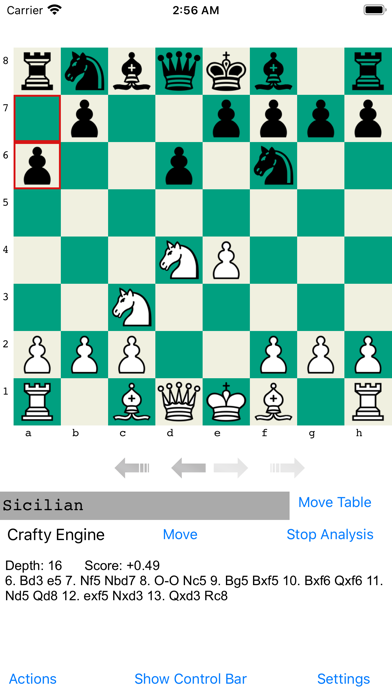
The analyze button on bottom right of board is to flip between viewing the openings move table or seeing Crafty engine analysis. +1.00 score means white is ahead a pawn. -1.00 score means black is ahead a pawn. There is a move now button to make the engine play the current best move if the users wants to try playing a position out against the engine.
OpeningTree's board is accessible to the blind and visually impaired using Voice Over. With Voice Over enabled in device settings, tap on a square for info, double tap to select. Or choose from three move methods. When going forward in a loaded PGN game, moves will be announced on each tap of the forward button.
Moves can be marked with colors(red, green, yellow) and colorizing a move at the end of a line will extend the line i.e. add move so it shows later. There is also an option to make a note on a position using the control bar.
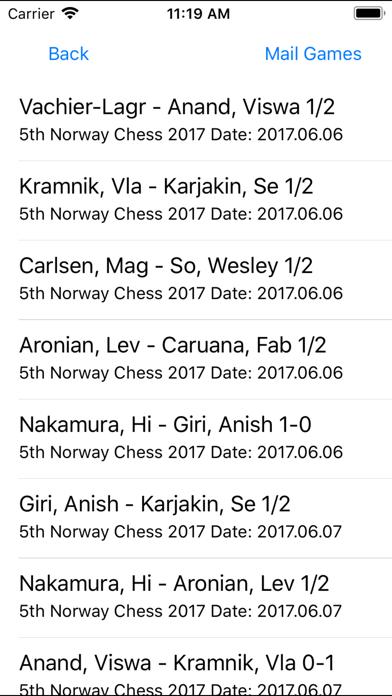
In the Actions menu if the user has imported a PGN file to the App, for example by opening a PGN file with OpeningTree from a mail attachment or download(long touch on the attachment/download for this option), a game from a PGN file can be loaded and checked against the book. If a user makes a new move, back up to the main line to return to the game. To ensure speed, it will only read/load a max of 5000 games. With bigger files users will only see first 5000 games.
There is a Save Board to PGN option on the Actions menu. It saves the current moves to openings-user-games.pgn, a file OpeningTree will create on firs