Talking Location
Talking Location Summary
Talking Location is a mobile iOS app in Maps And Navigation by 方 沈. Released in Nov 2014 (11 years ago). It has 1.00 ratings with a 3.00★ (mixed) average. Based on AppGoblin estimates, it reaches roughly 3.00 monthly active users . Store metadata: updated Jan 30, 2024.
Store info: Last updated on App Store on Jan 30, 2024 .
3★
Ratings: 1.00
Screenshots




App Description
The app will provide six kinds of solutions for talking the location information. The cover solution is only available for iPhone.
1 Talk by the timer
2 Talk by pinch gesture
3 Talk by shaking the device
4 Talk by covering the top screen of iPhone. (use the iPhone proximity sensor) not available for iPad
5 Talk by tapping the Add button at the bottom right corner.
6 Talk by using wizard solution. With the wizard solution, the timer solution, pinch solution,shake solution and cover solution could work at the same time. The user could customise the action of wizard solution. For example, only enable timer and pinch solution work at the same time
7 Use the default language of device as the main talking language.
8 In the main list view, tap the single cell, the detail information about the location will be displayed.
The app will could talk the location longitude, latitude or the detail information such as the location name,locality,Thorough fare, sub locality, sub thorough fare.
From the setting view, we could select the timer interval from 1 minutes or more. We could also select the talking speed rate. And decide whether to talk the longitude,latitude or the detail location information.
The user could indict which detail items could be talked. The user also could select the different talking order.
Usage:
Tap the left first button in the bottom toolbar, the app will talk the location on the timer interval.
Tap the left second button in the bottom toolbar, the app will be the wizard solution. In this situation, the shake, pinch, proximity (iPhone only)detection and timer could work at the same time.The user could customise the action of wizard solution from the setting view.
Tap the left third button in the bottom toolbar, the app will talk the location when the user pinch on the table list view.
In iPhone,tap the right second button in the bottom toolbar, the app will talk the location when the user covers the iPhone screen by hands or by other objects such as one book.In iPad,shake the device, the app will talk the location.
Tap the right first button in the bottom toolbar, the app will talk the location at once.
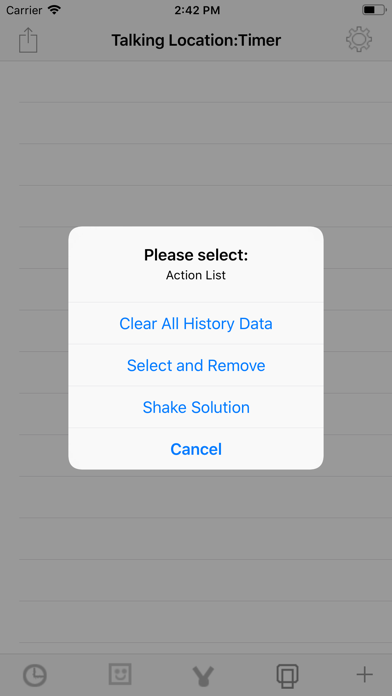
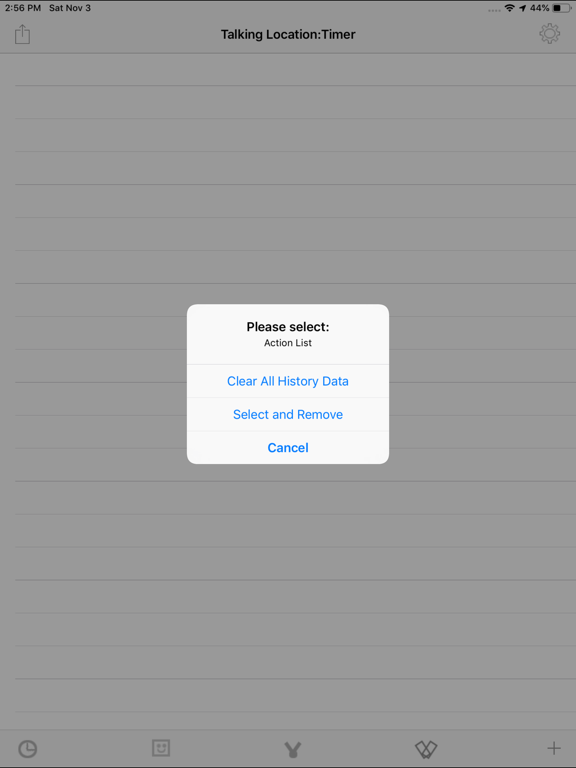
The top left item is the action menu button. It includes the Clear All Data item and Edit Data Item. When tap the Edit Data item, the list data will be editable status. After that, tap the action menu button, the list data will be normal