foolcontrol
foolcontrol Summary
foolcontrol is a mobile iOS app in Photo And Video by Mikael Lubtchansky. Released in Oct 2014 (11 years ago). It has 28 ratings with a 4.21★ (good) average. Based on AppGoblin estimates, it reaches roughly 14 monthly active users . Store metadata: updated Apr 14, 2022.
Store info: Last updated on App Store on Apr 14, 2022 .
4.21★
Ratings: 28
Screenshots


App Description
foolcontrol lets you get full control over a RED DIGITAL CINEMA DSMC™ camera connected to the same network as your iOS device, WEAPON, EPIC-W, SCARLET-W and RAVEN all have built in wifi but EPIC / SCARLET cameras require additional wireless accessories to work with foolcontrol (see below).
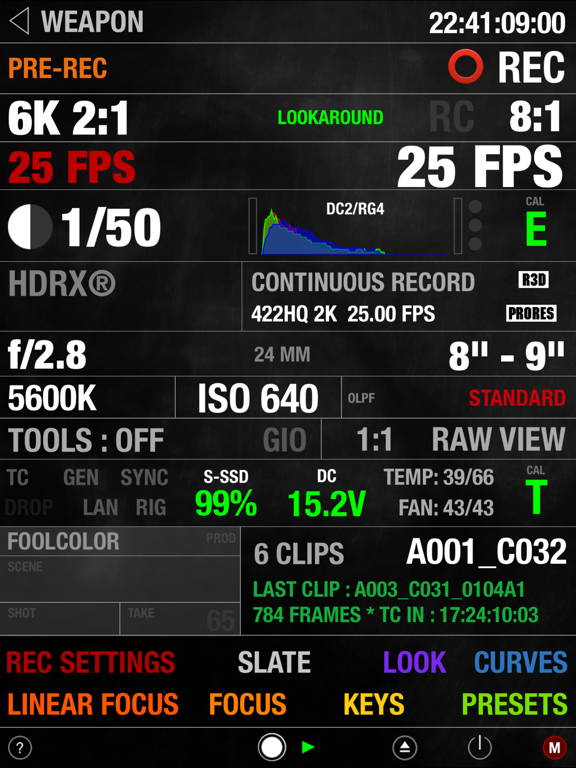
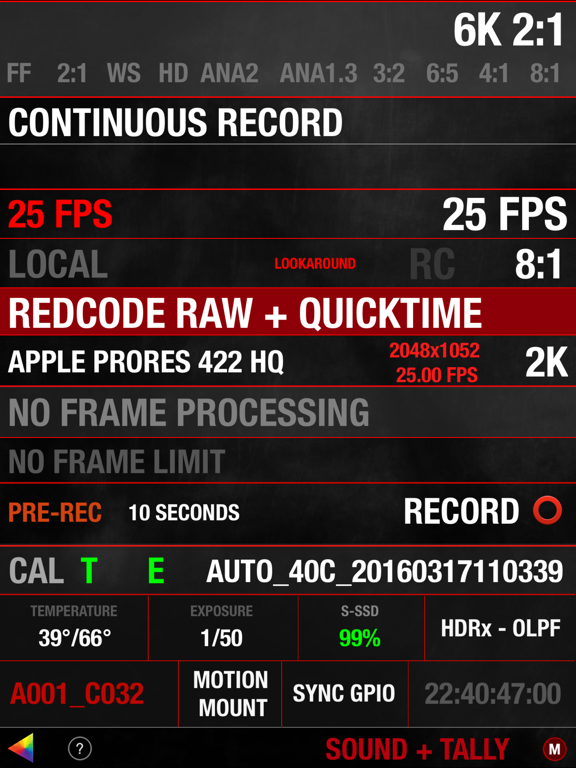
- PREVIEW : recording state, format, project / sensor frame rate, timecode, pre-record, frame trigger frame tagging, OLPF, REDcode, lookaround, shutter angle / speed, histogram, goal posts, traffic lights, gamma / color space, recording mode, frame processing, HDRx, Motion Mount, iris vale, white balance, tint, ISO, tools, RAW view, magnify, production info, scene and take metadata, VU meter, battery level / time left, media remaining / recording time, clip count, clip name, previous clip info. Indicators for : LAN, ext. timecode, sync, genlock, RIG, errors, camera fan speed and temperature. Eject media, power saving modes and shutdown the camera.
- FOCUS : Circular focus disc with advanced features : colored users marks, smooth bezier rack focus with adjustable speed, add hard stop for near/far focus, select 1,2,3,4,5 or 10 knob turns for super precise focusing without loosing any previous marks, searchable preset focus discs markers, create, recall, sort, rename and export your own user focus distance discs : unique mode lets you add repeatable distance marks for your lenses. AF mode selection, autofocus trigger, AF zone size and center, rack focus mode points recall, iris, magnify, record start stop, audible marks and more.
- LOOK : set camera look using a multi speed slider or manual value input : contrast, exposure, saturation, shadow, brightness, RGB gains, kelvin, tint and FLUT. Color temperature presets, auto white balance, ISO, color / gamma space.
- CURVES : Shape luma, red, green and blue curves to create in-camera grades. Drag curves points using 3 different modes for normal, fine, and super fine curve adjustment.
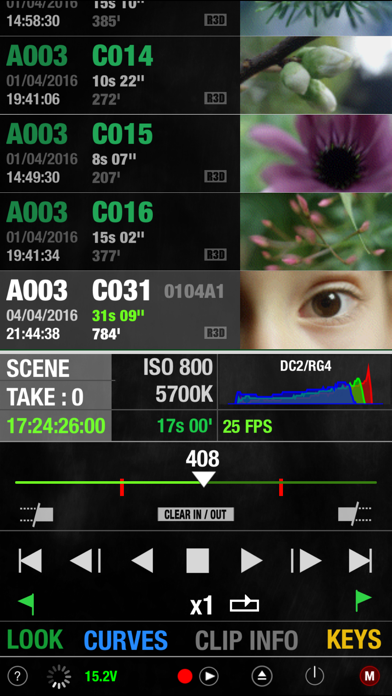
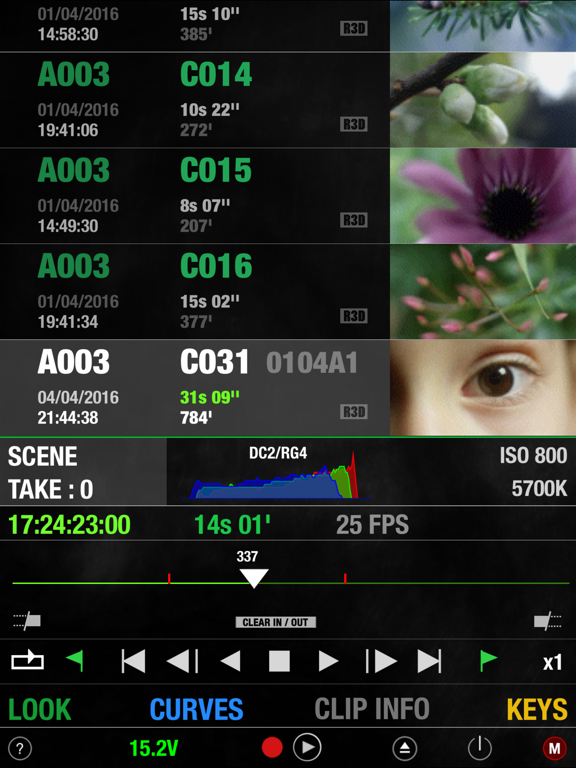
- PLAYBACK : list all the clips on your media with timecode, thumbnail and duration. Play forward, backward, frame by frame, go to end and beginning, set in/out points, navigate marked frame, set playback speed and looping mode.
- KEYS : navigate your camera menu using knob, buttons or gesture pad. Access to all buttons and menu pages.
- PRESETS : create and apply camera presets. A preset can include one or several parameters from look, curve