Procedure Log
Procedure Log Summary
Procedure Log is a mobile iOS app in Medical by Robert Kuhnhenn. Released in Jun 2014 (11 years ago). It has 375 ratings with a 4.75★ (excellent) average. Based on AppGoblin estimates, it reaches roughly 1K monthly active users . Store metadata: updated Jun 7, 2026.
Recent activity: 1.00 new ratings this week View trends →
Store info: Last updated on App Store on Jun 7, 2026 .
4.75★
Ratings: 375
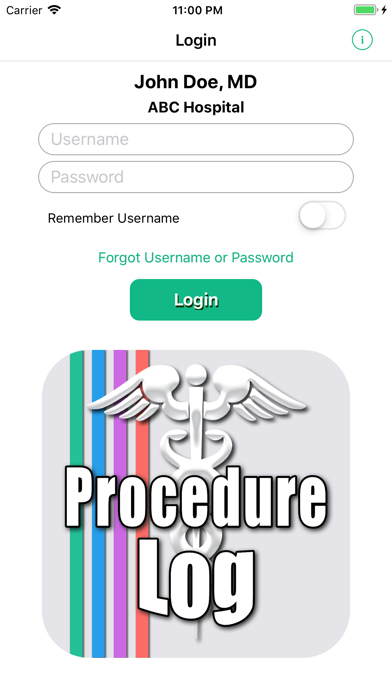
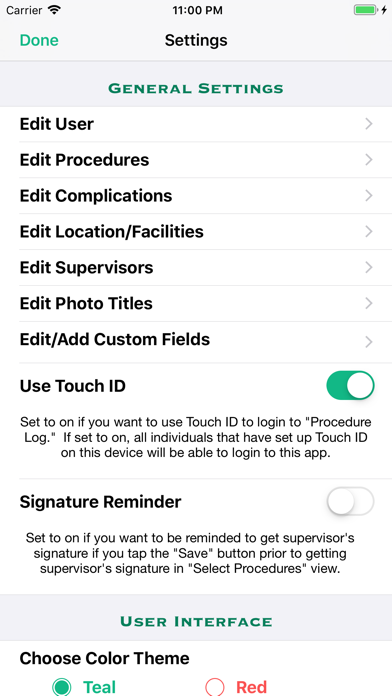
Screenshots

App Description
View demo videos on the app's website at http://goo.gl/ZRC8gt
This app was created for physicians, residents, medical students, and other students in the healthcare fields to keep track of and document procedures performed. The app is highly customizable and useful in all medical specialties.
Entries are securely kept in your iOS device and are not sent to any outside server, website or database. Reports are created and saved as a password protected PDF file (encrypted using AES-128) and a CSV (comma-separated values) file that is compressed to a ZIP file (which allows password protection and is encrypted using AES-256) to comply with HIPAA security requirements. The reports can then be emailed, accessed via iTunes and the Files app, sent using AirDrop, or copied to your iCloud Drive or DropBox. CSV files can be imported into a spreadsheet program.
One should not rely on this app alone to keep track of their procedures and is advised to frequently backup the files created. Information on backing up and restoring your data is included in the app's Help/Instructions view.
FEATURES
• Keep a log of the procedures you have performed, assisted in, were 2nd assist in, observed, supervised, and/or interpreted for documentation purposes.
• Document the patient's name, ID number, age, date performed, location, supervisor, diagnosis, complications and additional notes with the procedures performed. Also, one can take a photo with your device's camera or import a photo from your photos library from within the app, and include the photo in a record.
• Option to select one or multiple diagnoses from a list of either custom diagnoses or ICD-10 diagnoses for any given procedure.
• Select multiple procedures performed on a single patient.
• Sort by date (ascending or descending), patient name, procedure name, medical specialty, and location/facility.
• Capture supervisor's signature to attest that you performed or assisted in the procedure(s) and include the signature images in your reports. Either obtain the supervisor's signature attestation at the time you create the log entry, or save the entry without the signature and obtain the signature attestation at a later time.
• Detailed help/instructions section.
CUSTOMIZABLE
• List of procedures, favorite diagnoses, and complications are easily customizable (you can add procedures/diagnoses/complicatio