Kiwi - Colorful, Custom Keyboard Designer with Emoji for iOS 8

Kiwi - Colorful, Custom Keyboard Designer with Emoji for iOS 8 Summary
Kiwi - Colorful, Custom Keyboard Designer with Emoji for iOS 8 is a free, with in-app purchases iOS app in Tools by nomtasticapps, LLC. Released in Sep 2014 (11 years ago). It has 125 ratings with a 3.64★ (average) average. Based on AppGoblin estimates, it reaches roughly 342 monthly active users and generates around $<10K monthly revenue (100% IAP / 0% ads). Store last updated Jul 27, 2015
Kiwi - Colorful, Custom Keyboard Designer with Emoji for iOS 8 SDKs Summary
App not yet scanned for SDKs.
3.64★
Ratings: 125
Screenshots


App Description
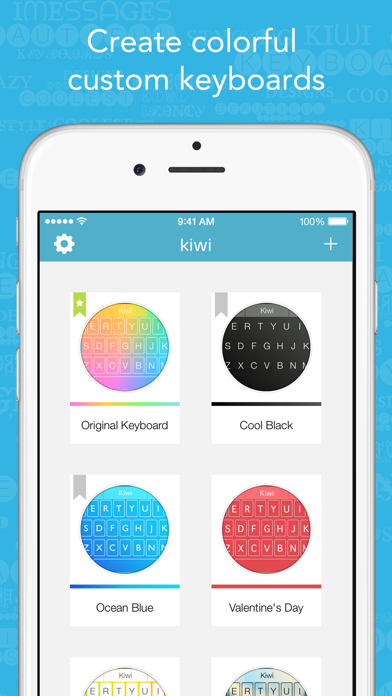
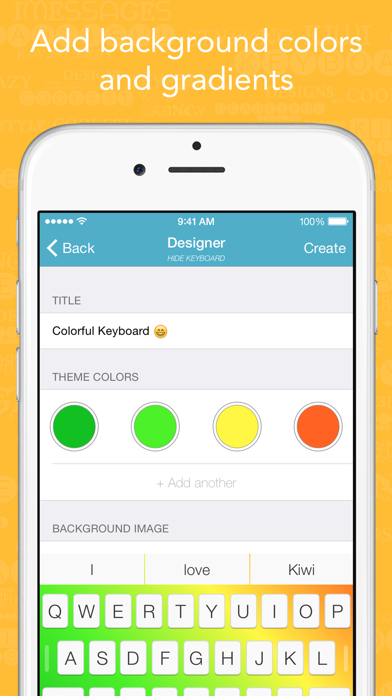
Kiwi for iOS 8 is the best way to create and share beautiful, fully-functional custom keyboards for your iOS device. Combine an array of endless colors in vibrant gradients, add your own exciting background images, apply blur effects, and select from over 200 unique keyboard fonts! Enjoy Kiwi's unique autocorrection capabilities and easily swipe between letters, emoji, and special characters. Best of all, you can easily share your favorite keyboard creations for anyone to download and use!
Note: Kiwi requires Full Access in Settings > General > Keyboard > Keyboards > Kiwi. This allows the Kiwi app to display your custom keyboard as the system wide keyboard. We value your privacy and we do not collect any data that you type — all of that stays on your device. Once you've enabled Full Access, tap the globe icon on the bottom left of your keyboard to see your newly created Kiwi keyboard!