TC Photo Editor

TC Photo Editor Summary
TC Photo Editor is a with in-app purchases iOS app in Photo And Video by TowmsChang. Released in Jul 2014 (12 years ago). It has 1.00 ratings with a 2.00★ (poor) average. Based on AppGoblin estimates, generates around $<10K monthly revenue (100% IAP / 0% ads). Store last updated Jun 22, 2019
TC Photo Editor SDKs Summary
App not yet scanned for SDKs.
2★
Ratings: 1.00
Screenshots


App Description
Features:
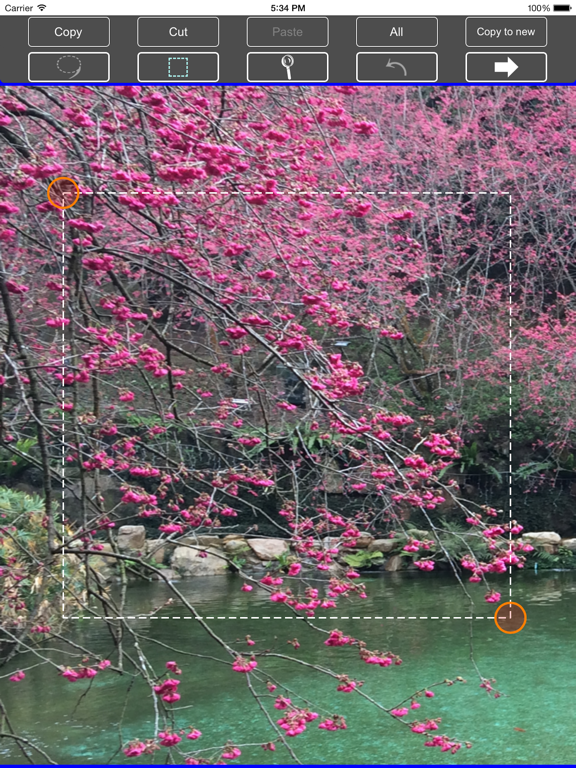
1. Select function : ( Copy , Cut , Paste , All , Copy to new, adjust the selection area ).
2. Paste function : ( Paste , Scaling , Rotation , Position).
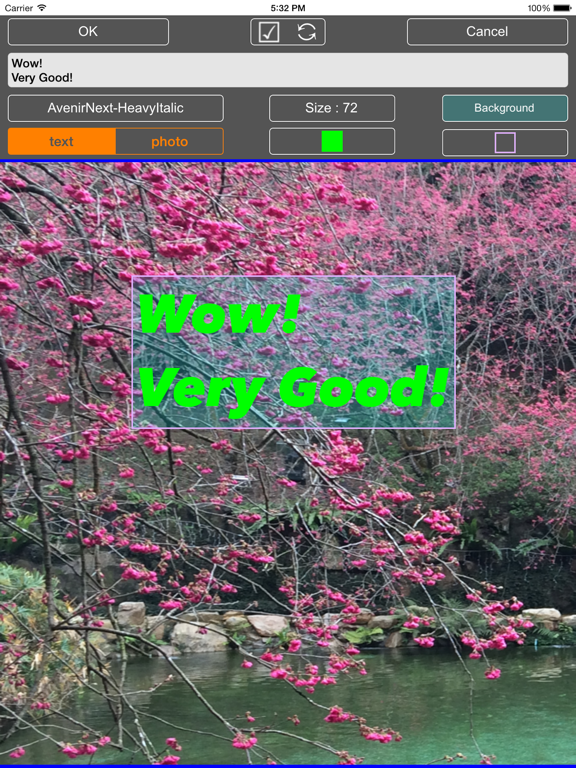
3. Add Text function : ( Text , Font , Size , Text color , Background color , Frame color , Position ).
4. Flip photo function : ( Vertical , Horizontal , Right , Left ).
5. Brightness adjustment
6. Color Adjustment
7. Resize the photo
8. New freedom size blank picture
9. Save function : ( JPG or PNG , New or covered , JPG can setting quality ).
10. List Image Preview ( file name, file size, build time, image size ).
11. Easy to share ( in list preview ).
12. Undo function
13. You can set the background color.
14. Highlights and Shadows adjustment
15. Eight kinds of old-fashioned photographic effects
16. Picture rotation function
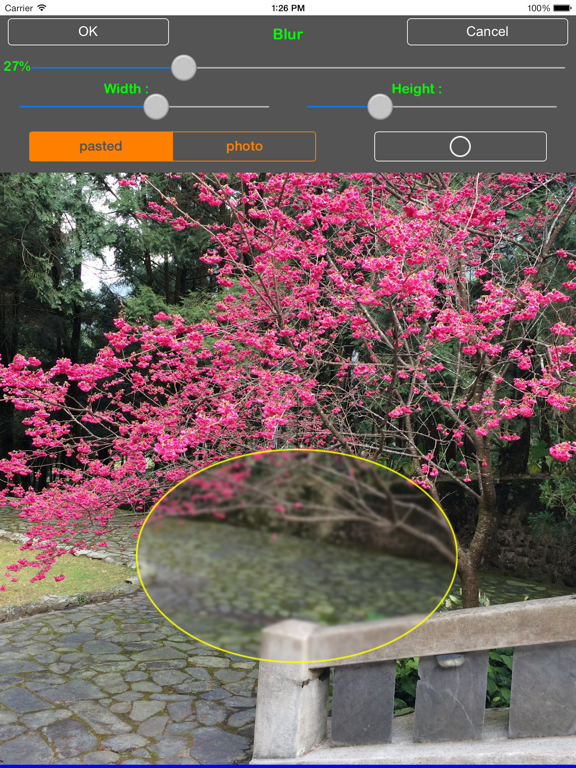
17. Picture blur function
18. Picture pixelated function
19. File management : display folder and image name
20. File management : rename folder and image name
21. File management : picture and folder , you can do (cut out , copy , paste , delete ) … etc function
22. File management : create folder function
23. File management : create encrypted folder (need to buy)
24. File management : file path display and fast to move
25. File management : Export Folder function (ZIP archive , use iTunes to save)
26. File management : Import Photo function (ZIP archive , use iTunes to import)
27.ad-supported
# Rename and Export function ( Hold down the folder or picture for some time. )