CollageKing pro - Photo, Video

CollageKing pro - Photo, Video Summary
CollageKing pro - Photo, Video is a mobile iOS app in Photo And Video by pixel force private limited. Released in Jul 2014 (12 years ago). It has 1K ratings with a 4.02★ (good) average. Based on AppGoblin estimates, it reaches roughly 451 monthly active users . Store last updated Nov 4, 2020
CollageKing pro - Photo, Video SDKs Summary
App not yet scanned for SDKs.
4.02★
Ratings: 1K
Screenshots

App Description
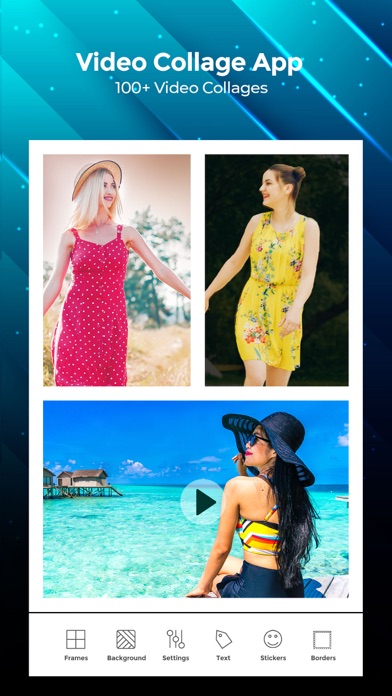
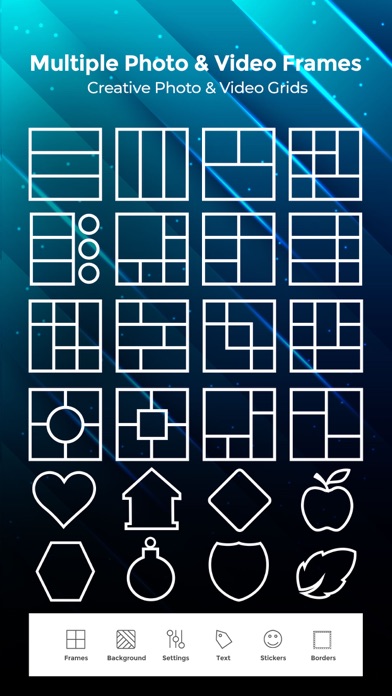
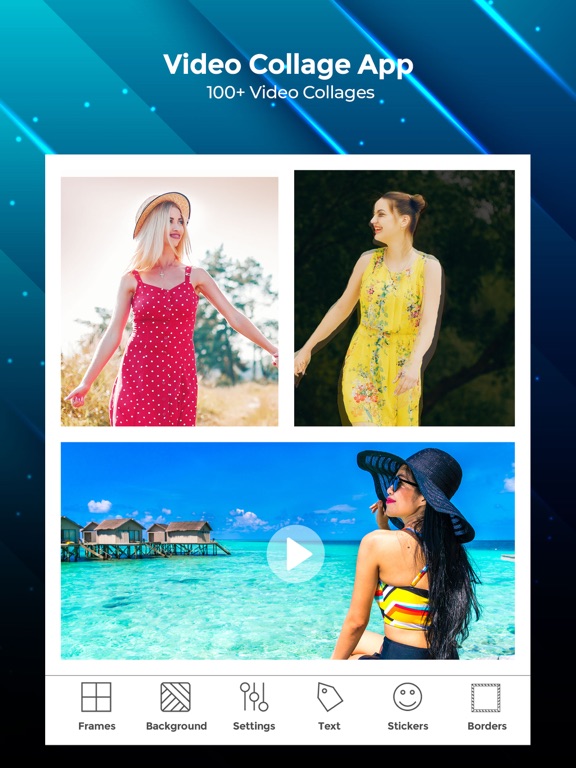
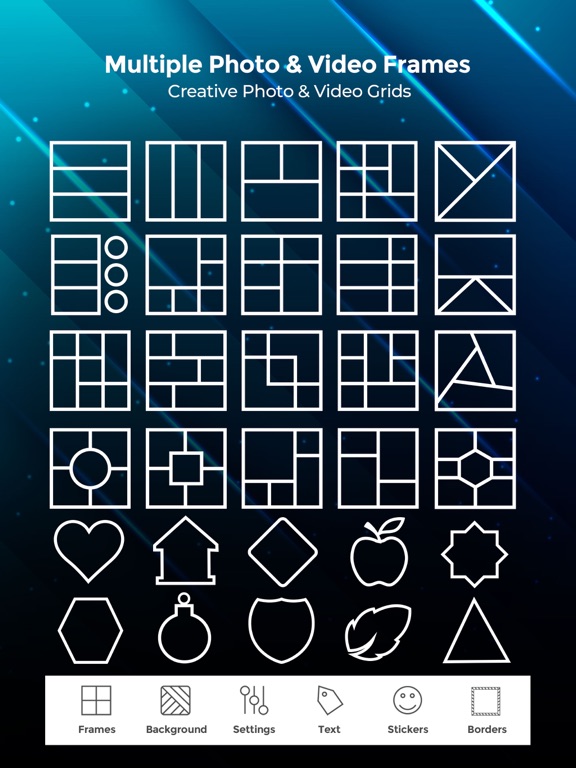
CollageKing is Two in One application. It is combination of both photo frames (popularly known as instapicframes) pro and video collage pro apps. It allows you to create video collages as well as photo collages using over 200 different frames. App shows two options in the main screen, Photo frames and Video frames. Select photo frames to create professional quality photo collages. Select Video frames to create high quality video collages.
Video Frames:
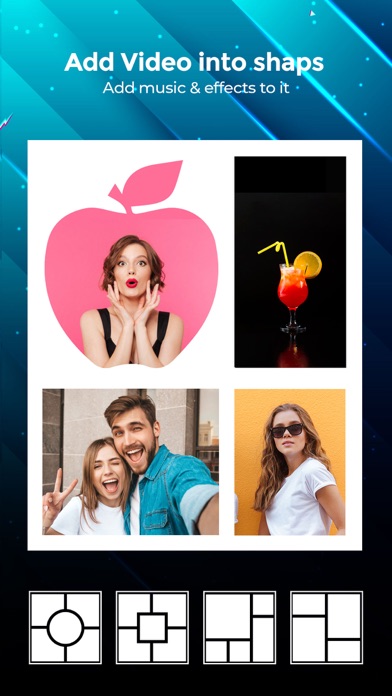
With our Video Collage you can easily create beautiful Photo and Video Collage in few minutes. All you need to do is, just choose the photo or video to create collage, add extra effects to your Photos/videos, add music of your own choice and Save that Video.
You can also easily share your Photo collage or video collage to social networking sites like Facebook, instagram or you can also share by using Email with our inbuilt option.
***Key Features of our Video frames***
50 Collage Frames to create beautiful Photo/video collage
Easily adjustable frames
You can add your own Music to your Video collage or Photo collage
Enhance Video Collage Frame by adding patterned background
you can add color to frames
Add Effects to photos or videos
Easily share your video collage with our inbuilt social sharing option
Option to Save your Photo/video collage to Photo album
Instruction To Use
*******************
1. Click on the frame button to select your frame.
2. Tap on the screen to add photo/video to Frame.
3. Click on color button to change frame color and pattern.
4. Adjust your frame width,inner and outer radius by selecting setting option.
5. Add music from your music library to video using VideoSettings option.
6. Once you are done with all editing can play video preview by clicking in Preview button.
7. Finally its time to share your master piece with your Friends. So click on the Share button .
Photo Frames:
Use Photo Frames (Instapic frames) to frame your photos and post to Instagram!
.It helps you combine multiple photos into amazing looking shells/frames/collage and share them with world via Instagram, Facebook, Email, Twitter. With 100 fully adjustable frames, rounded corners, photo effects, shadows, plenty of patterns and an easy color picker you will always have a unique and distinctive look.
FEATURES
- 99 Fully Adjustable Frames (unto five photos per frame, also resize frame for endless customizat