Wake Up Alarm - Move to Stop
Wake Up Alarm - Move to Stop Summary
Wake Up Alarm - Move to Stop is a ad-supported iOS app in Tools by Naoki Oguchi. Released in Sep 2014 (11 years ago). It has 6.00 ratings with a 2.50★ (poor) average. Based on AppGoblin estimates, it reaches roughly 23 monthly active users and generates around $<10K monthly revenue (0% IAP / 100% ads). Store metadata: updated Apr 9, 2026.
Store info: Last updated on App Store on Apr 9, 2026 .
2.5★
Ratings: 6.00
Screenshots
App Description
The ultimate alarm clock that physically forbids "just 5 more minutes!"
This app was developed for those who find themselves oversleeping or hitting snooze repeatedly. This is a "must-move-to-stop" alarm.
■ Strong Points
1. Exercise is Required to Stop
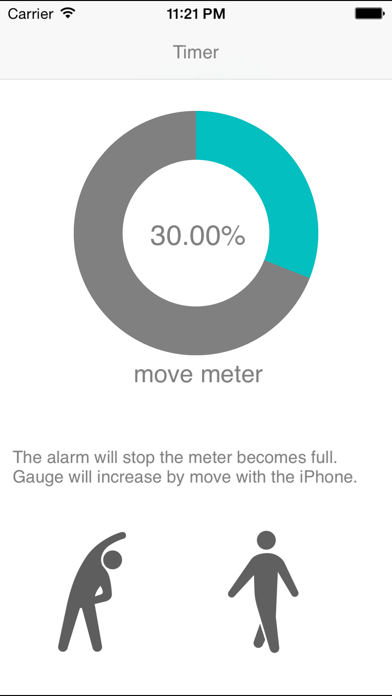
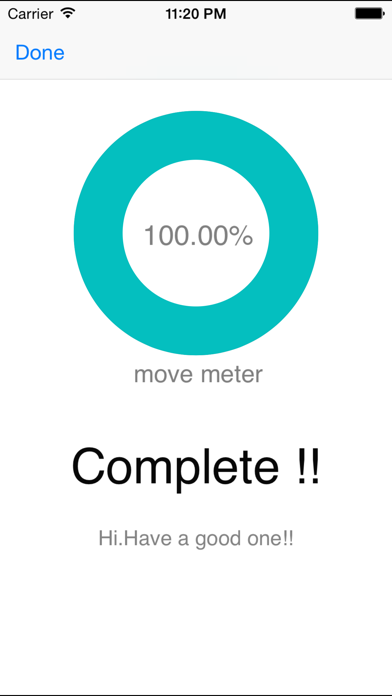
Once the alarm goes off, the loud sound will not stop until you perform a set amount of physical movement (shaking or moving the phone). Your brain and body will be forced to wake up while you move, breaking the cycle of oversleeping.
2. New Feature: Sleep Mode (Pseudo-Sleep)
Eliminate the risk of the alarm not going off due to missed notifications. By activating the dedicated Sleep Mode, the app stays in the foreground while keeping the screen dark until morning. It ensures the alarm wakes you up with maximum volume.
3. Two Modes for Different Situations
- Alarm Mode: For your daily morning wake-up.
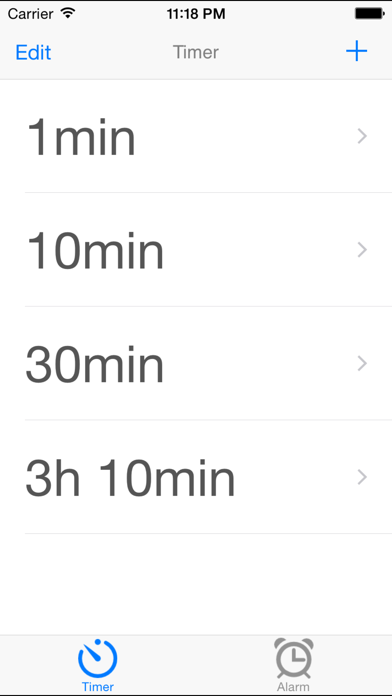
- Timer Mode: To prevent oversleeping during power naps or short rests.
■ Critical Settings for Guaranteed Results
To ensure this app wakes you up every time, we strongly recommend the following:
- Allow Push Notifications
Be sure to select "Allow" when the popup appears during installation. If you declined, please turn it ON via Settings > [App Name] > Notifications.
- Turn Off Silent Mode and Set Volume to Max
Flip the physical silent switch to OFF and set your device volume to maximum before going to sleep.
- Use the "Sleep Mode" Button
Tap the "Sleep Mode" button within the app before bed. It supports "Time Sensitive" notifications to bypass Focus modes, ensuring the alarm sounds loud and clear in the morning without being disturbed by nightly notifications.
■ Recommended For
- People who struggle with repeated oversleeping.
- Heavy sleepers who cannot afford to be late for work or school.
- Those who nap during the day and end up sleeping too long.
- Anyone who cannot wake up with standard alarm sounds.
■ Warning
This app's alarm is extremely persistent and will continue to ring at a high volume.
It is not for those who want a "gentle" wake-up. Please install only if you are determined to wake up no matter what.
Install only if you are serious about waking up.