PDF to JPG - Converter
PDF to JPG - Converter Summary
PDF to JPG - Converter is a mobile iOS app in Productivity by RootRise Technologies Pvt. Ltd.. Released in Aug 2014 (11 years ago). It has 173 ratings with a 4.73★ (excellent) average. Based on AppGoblin estimates, it reaches roughly 558 monthly active users . Store metadata: updated Jan 19, 2026.
Store info: Last updated on App Store on Jan 19, 2026 .
4.73★
Ratings: 173
Screenshots
App Description
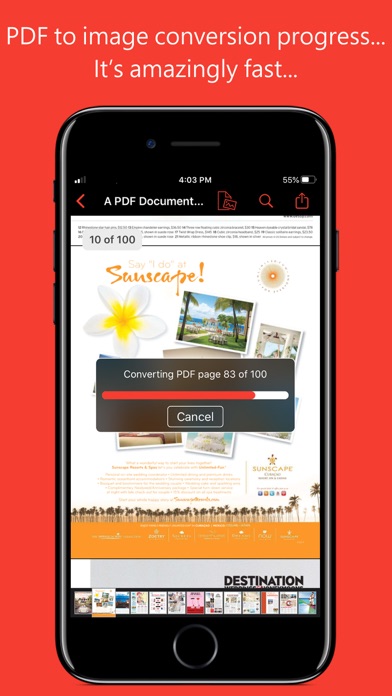
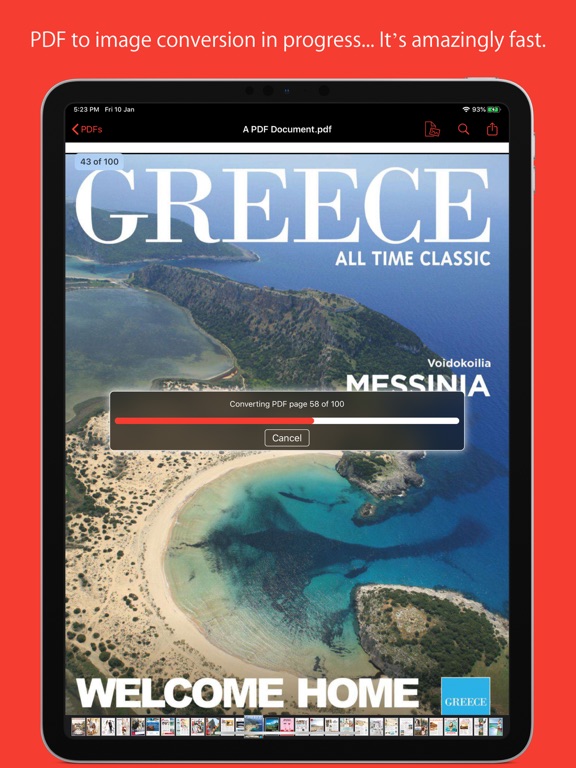
PDF to JPG is an intuitive app to convert PDF documents into best quality JPG, PNG and TIFF images on iPhones and iPads. PDF to JPG converts each PDF page as image and make it available for any application for reuse.
* * * "PDF to JPG" and "PDF to JPG Pro" for macOS are also available on the Mac App Store. * * *
Easy to access PDF files stored in folders on your device or stored remotely on cloud storages using integrated iOS Files browser. In addition, PDF documents in another app (For Example Mail, DropBox or SkyDrive etc.) that uses the share action button, use Copy to... action to open the PDF document in PDF to JPG. You can also transfer PDF documents from your desktop computer via iTunes into PDF to JPG application on your iPhone or iPad.
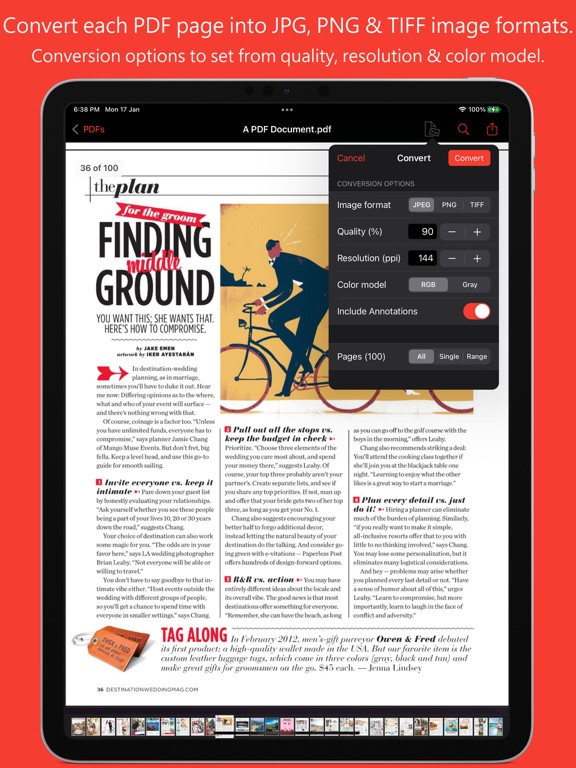
CONVERSION OPTIONS
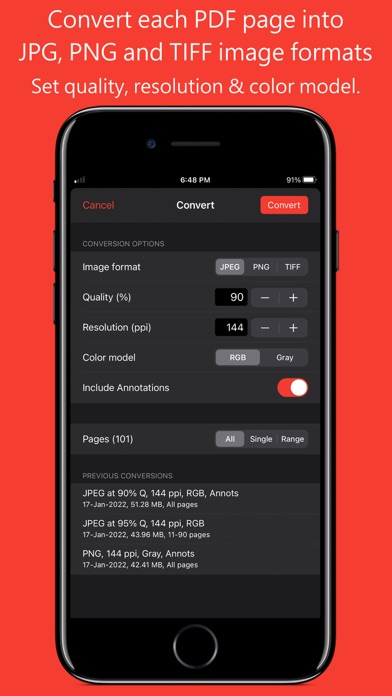
◆ IMAGE FORMATS : JPEG, PNG and TIFF are supported.
◆ QUALITY: The quality control only available for JPEG image format. The quality value allowed between 0 to 100 percent. You can use quality stepper control to increase and decrease quality value. Lower the quality percentage can convert low quality image but results into smaller file size due to high compression. Whereas higher quality percent can convert into excellent quality image but results into larger file size due to low compression.
◆ RESOLUTION: Enter resolution to scale PDF page proportionally for conversion into image. 72 ppi is equals 1x scale. Higher the resolution, bigger the output image. You can use resolution stepper control to increase and decrease quality value.
◆ COLOR MODEL: RGB or Gray to specify output image color space model. Conversion using Gray color model can create smaller file size images with only grayscale colors.
◆ INCLUDE ANNOTATIONS: Switch on to enable display of all types of annotations from PDF pages into respective converted images.
KEY FEATURES:
- Password protected PDF documents supported for conversion using correct password.
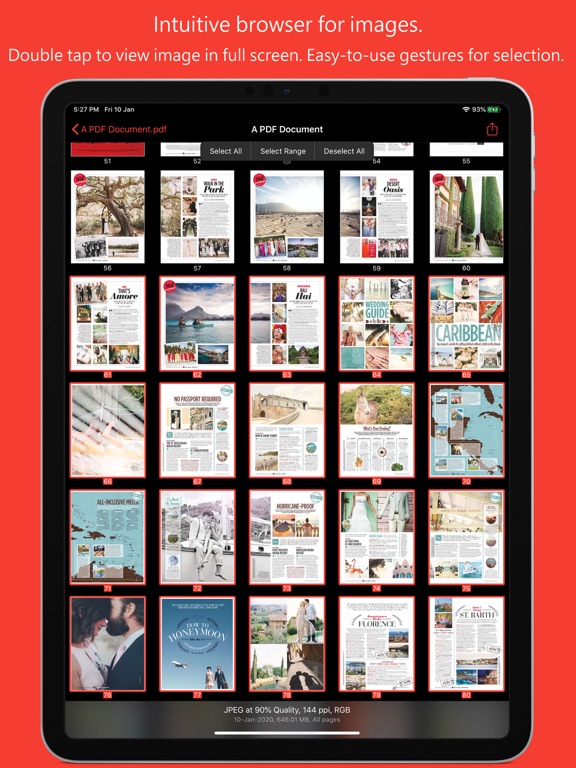
- Option to share PDF files and converted images as a ZIP (*.zip) file.
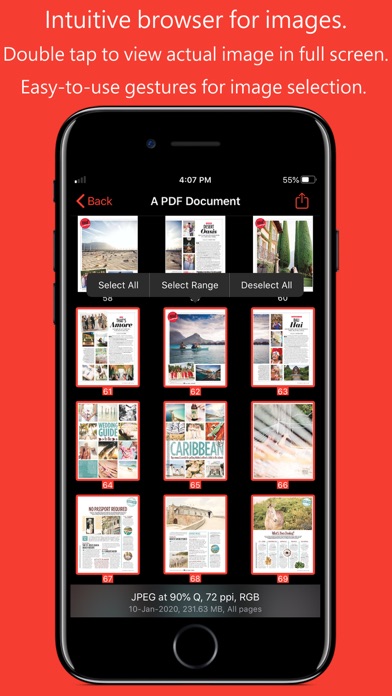
- Allows converted images to Copy, Save to Albums, Save to Files, Copy to… in another application, Mail, Message, Print, share PDFs to nearby iOS devices via AirDrop and many more standard share actions.
- Use Copy to iTunes to save and share converted images on your desktop computer.
PDF VIEWER:
- Inbuilt PDF viewer with fully selectable and searchable text contents. Select and copy tex