Pixel Art Maker

Pixel Art Maker Summary
Pixel Art Maker is a ad-supported, with in-app purchases iOS app in Lifestyle by Nekomimimi. Released in Jul 2014 (11 years ago). It has 10.8K ratings with a 4.80★ (excellent) average. Based on AppGoblin estimates, it reaches roughly 23.2K monthly active users and generates around $<10K monthly revenue (37% IAP / 63% ads). Store metadata: updated Apr 22, 2026.
Recent activity: 49 new ratings this week View trends →
Data tracking: SDKs and third-party integrations were last analyzed on Apr 10, 2025.
Store info: Last updated on App Store on Apr 22, 2026 .
4.8★
Ratings: 10.8K
Screenshots

App Description
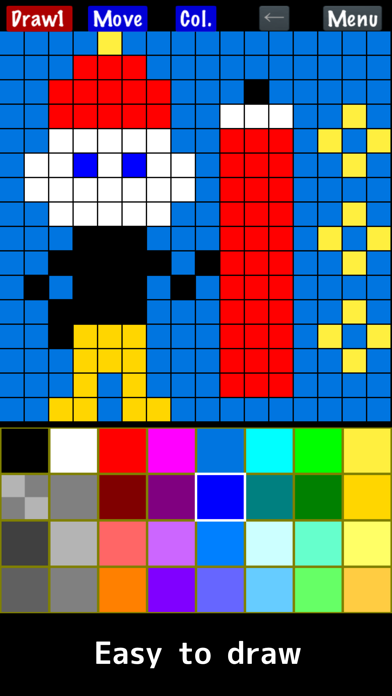
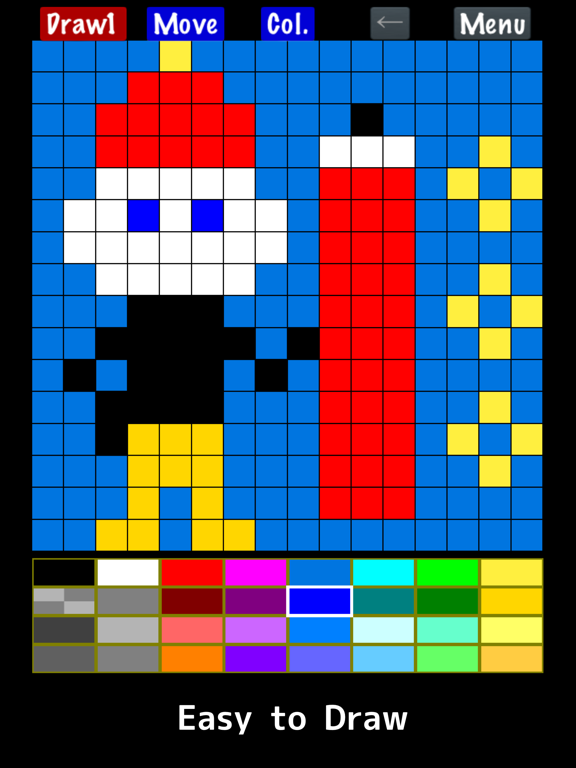
"Pixel Art Maker" is a drawing tool for pixel art like a retro game.
◇ Easy to use
You can start drawing pixel art immediately after launching the app.
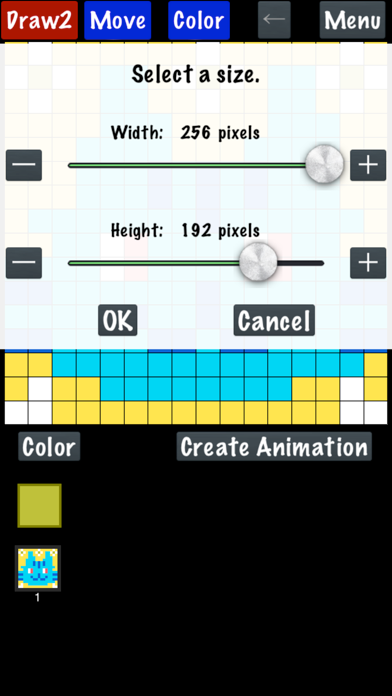
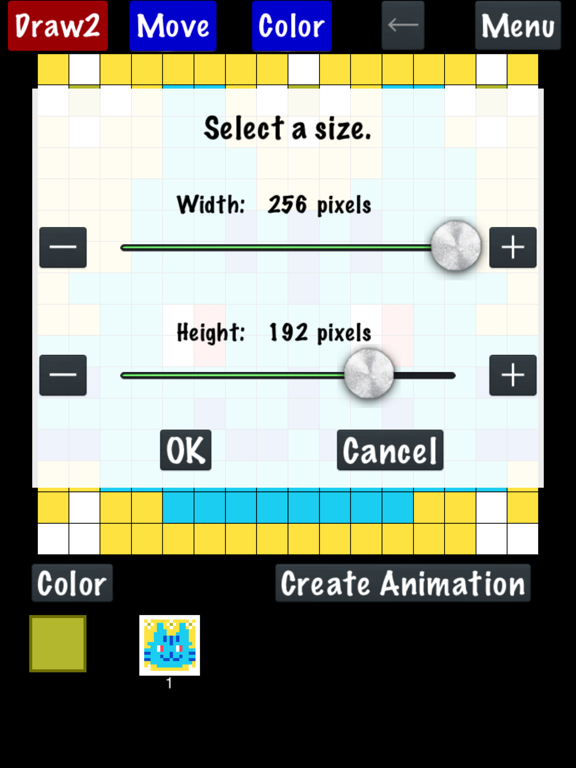
The canvas can also be resized while drawing.
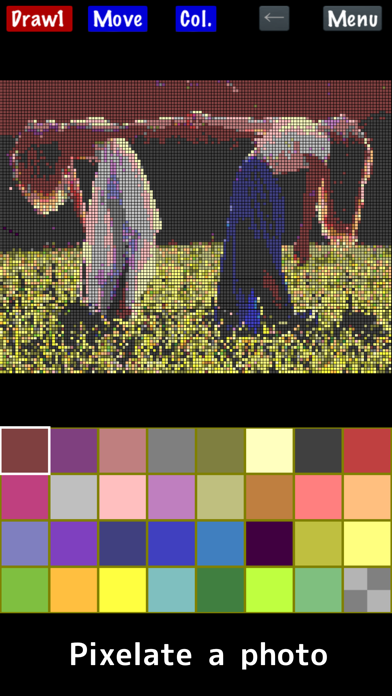
◇ Import a photo
Convert photos into pixel art.
◇ Create animated pixel art
Draw one pixel art image, duplicate it, and create animations.
Features:
- Draw pixel art on canvases from 1×1 up to 256×256 pixels.
- Change the color palette (up to 256 colors).
The basic palette includes 32 colors.
The free version supports up to 65 colors.
*One color is always reserved for transparency.
- Watch an ad to temporarily unlock:
• 256-color palette
• Canvas size up to 1024×1024
- Premium
Removes ads and permanently unlocks the full 256-color palette and canvas sizes up to 1024×1024.
- Zoom in and out with two-finger pinch.
- Save, load, and delete your drawings.
- Import photos and animated GIFs.
APNG animation is not supported; only the first frame is imported.
- Export with transparency.
- Scale your artwork on export from 1× to 64×, depending on canvas size, up to 4096×4096.
- Save to Photos.
- Share with other apps.
- Create and export animated GIFs.
*GIFs may not animate in Photos.
- Finger Mode
Draw directly with your finger.
- Cursor Mode
Move a cursor and place pixels with the "PIXEL" button.
(Menu → Settings → Change Drawing Mode)
* On Apple Silicon Macs (iPad version), animated image import may be limited, and photos may be imported at reduced resolution.