USB Transfer Files Over WiFi

USB Transfer Files Over WiFi Summary
USB Transfer Files Over WiFi is a with in-app purchases iOS app in Tools by Tam Nguyen. Released in Mar 2018 (8 years ago). It has 11 ratings with a 2.00★ (poor) average. Based on AppGoblin estimates, it reaches roughly 31 monthly active users and generates around $<10K monthly revenue (100% IAP / 0% ads). Store metadata: updated Mar 31, 2020.
Store info: Last updated on App Store on Mar 31, 2020 .
2★
Ratings: 11
Screenshots



App Description
+ 4 Transfer Methods
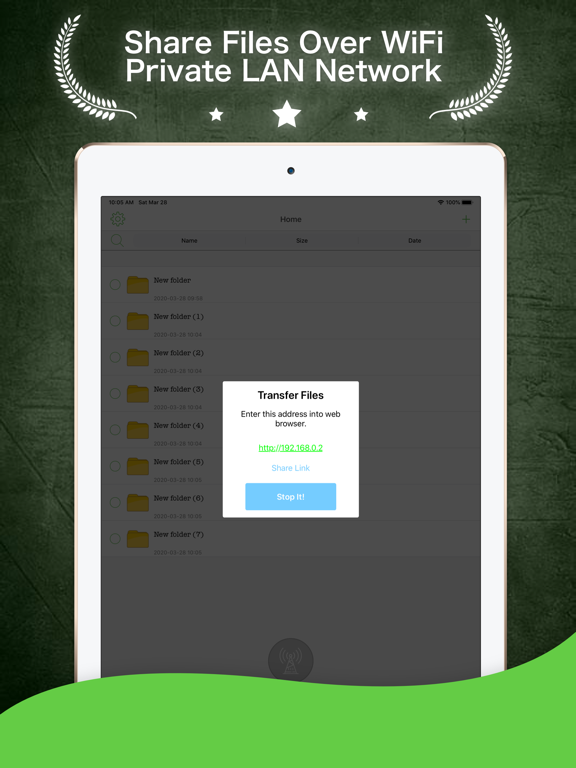
(1)- WiFi: No data line, no OS limit, and no need to install additional applications on your desktop PC. All you need is an ordinary web browser in order to connect via WiFi to your iPhone for file uploads or downloads. No more worries about frequent data cable use shortening your battery's natural lifespan. Batch uploads are also supported.
(2)- USB: No need for Internet connection. iPhone data line and iTunes are enough to transfer files.
(3)- Online virtual disk: You can exchange files with Dropbox, GoogleDocs, etc. by using a unified interface, and manipulating remote files as if they were local. Batch uploads and downloads are also supported.
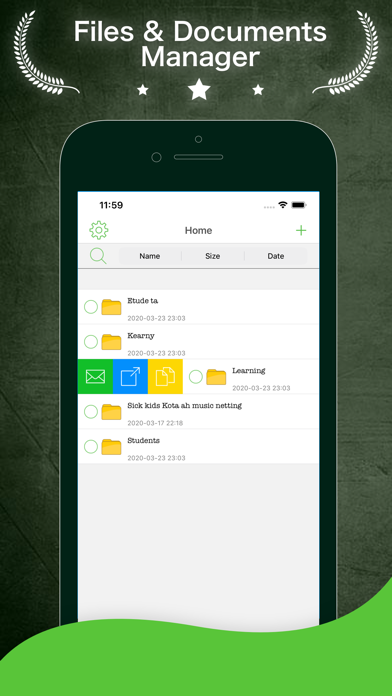
(4)- Email: Not only can you send your files as email attachments, but you can also open the email attachments you receive. What's more, zipped attachments can be unzipped. (Select an attachment, and then select the “Open As ...” menu)
+ File Protection
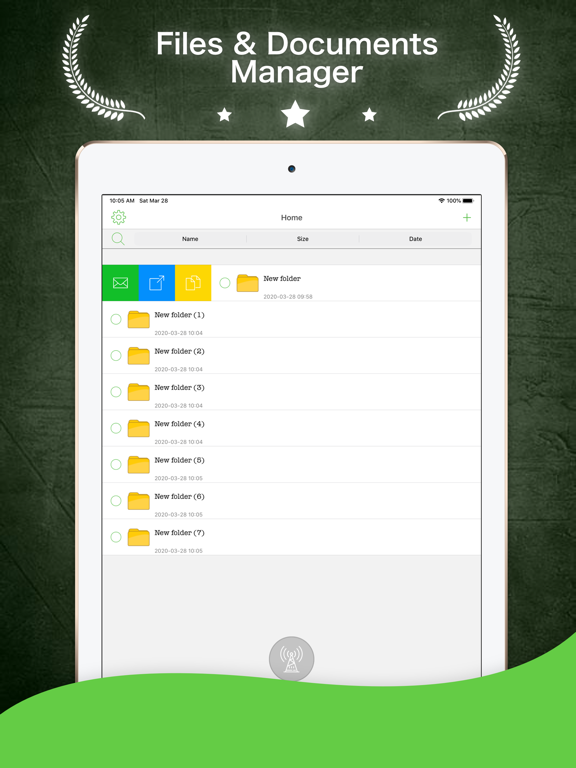
You can create multiple folders, and set passwords for them if necessary to store your private files.
(Warning: Password-protected folders transferred via USB can be accessed on a desktop PC without the password)
SUPPORTED PROTOCOLS
- FTP
- HTTP
- BOX
- DropBox
- Microsoft One Drive
- Google Drive