PDFOptim
PDFOptim Summary
PDFOptim is a with in-app purchases iOS app in Productivity by RootRise Technologies Pvt. Ltd.. Released in Aug 2014 (11 years ago). It has 371 ratings with a 4.73★ (excellent) average. Based on AppGoblin estimates, it reaches roughly 1.2K monthly active users and generates around $<10K monthly revenue (100% IAP / 0% ads). Store metadata: updated Jan 19, 2026.
Store info: Last updated on App Store on Jan 19, 2026 .
4.73★
Ratings: 371
Screenshots
App Description
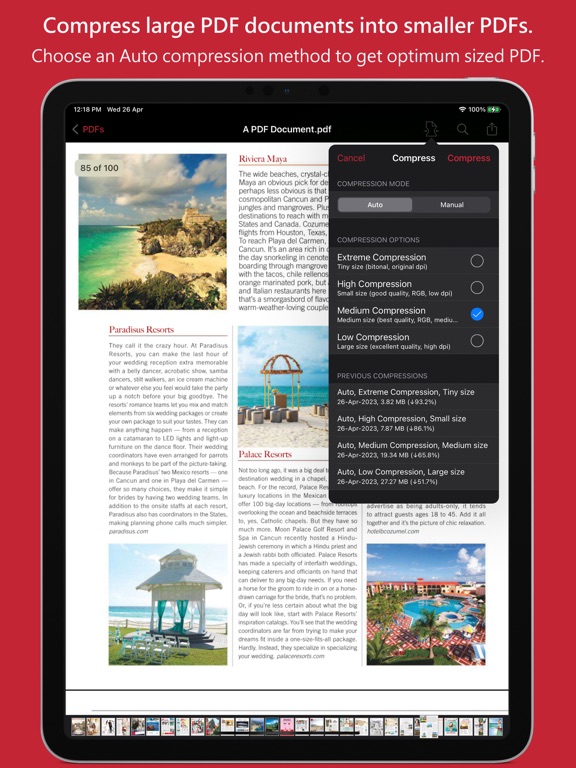
PDFOptim is a simple and intuitive way to compress, optimize and reduce PDF documents on iPhones and iPads. PDFOptim provides easy and effective ways to compress large image and graphics heavy PDF files. Inbuilt side-by-side preview to compare original and compressed PDF.
* * * PDFOptim for Mac is also available on the Mac App Store. * * *
Compressed PDF documents requires less disk space for storage and faster uploads and downloads saves transmission time and cost. PDFOptim rewrites the entire PDF documents using selected compression options as efficiently as possible without compromising the document's integrity.
If your PDF documents are in another app (For Example Mail, DropBox or SkyDrive etc.) that uses the Open In… button, tap the button to open the PDF document in PDFOptim. You can also transfer PDF documents from your desktop computer via iTunes into PDFOptim application on your iPhone or iPad.
KEY FEATURES:
AUTO COMPRESSION MODE
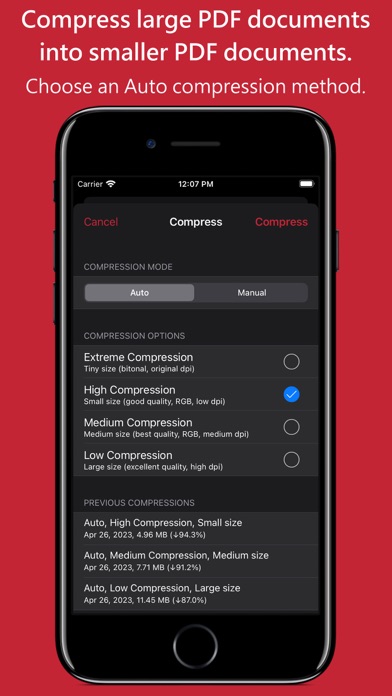
- PDFOptim analyze document’s contents and apply algorithm to generate a smallest possible PDF by maintaining the document’s visual quality. Choose one of the four predefined Auto compression methods and let the app do the hard work for you. No further user interaction required to provide technical compression options.
MANUAL COMPRESSION MODE
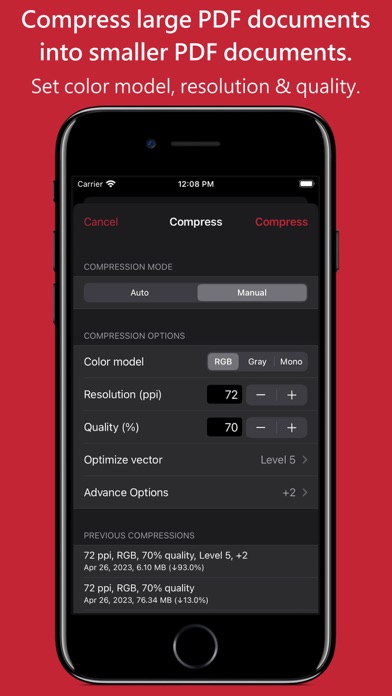
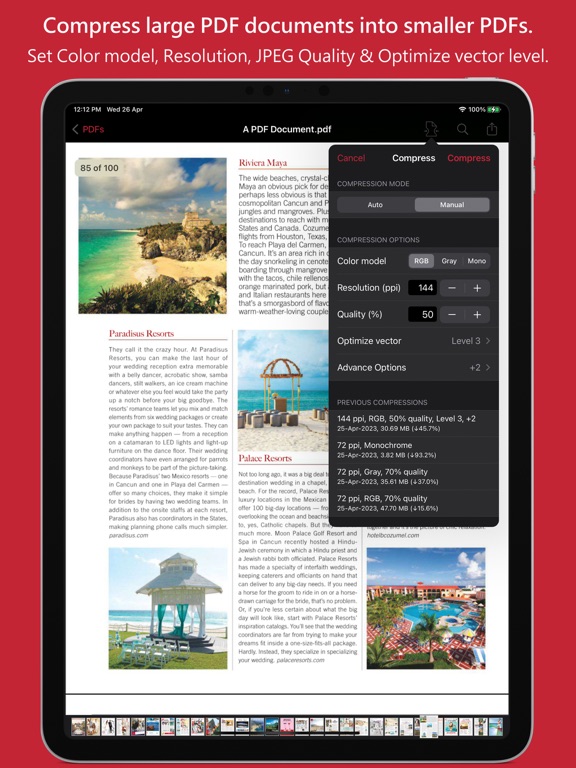
- Change compression options manually to generate optimum sized PDF of your need. You can choose compression options to set from Image Color Model, Image Resolution, JPEG Image Quality, Optimise vector graphics level and Advance option.
- Image color model to choose from RGB, Gray and Mono. Selecting Monochrome color model option converts raster PDF contents into black and white which helps reduces PDF file size to greater extent. It is very helpful when compressing scanned books mainly containing text.
- Image resolution ppi (pixels/inch) control to resize raster image contents. Downsampling at lower resolution decrease the file size dramatically.
- Quality control. Set quality from lossless to least for resampling all raster images into PDF. It allows you to control compressed PDF size and viewing quality.
-Advance options to remove PDF content properties like alternate images, page thumbnails, documents structure hierarchy and output intent.
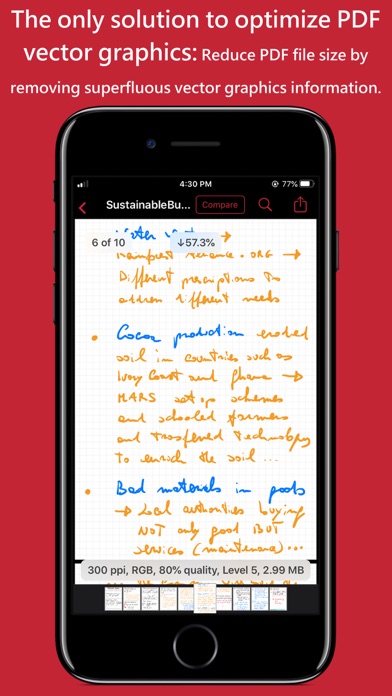
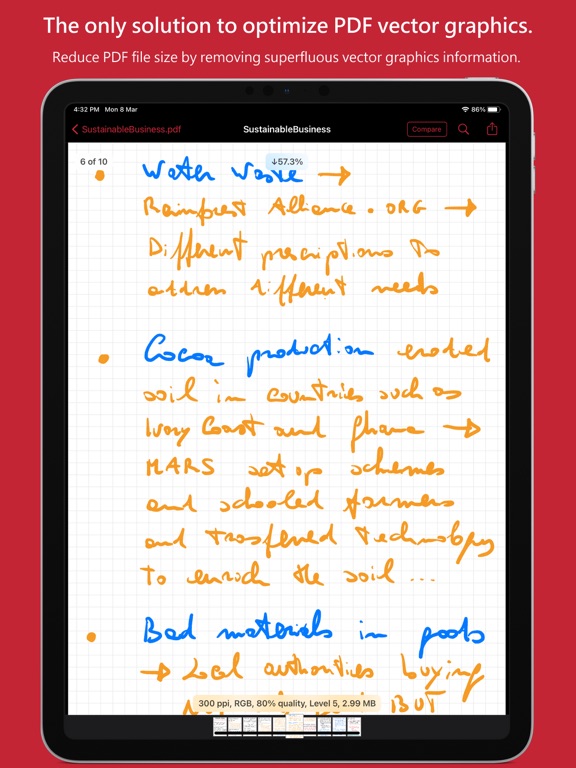
- Optimize vector graphics option removes superfluous information to reduce vector graphics heavy PDF. Increase in optimize