Exam Guide : GK Quiz

Exam Guide : GK Quiz Summary
Exam Guide : GK Quiz is a free iOS app in Education by Vimal Jain. Released in Nov 2014 (11 years ago). Store last updated Apr 22, 2015
Exam Guide : GK Quiz SDKs Summary
App not yet scanned for SDKs.
0★
Ratings:
Screenshots
App Description
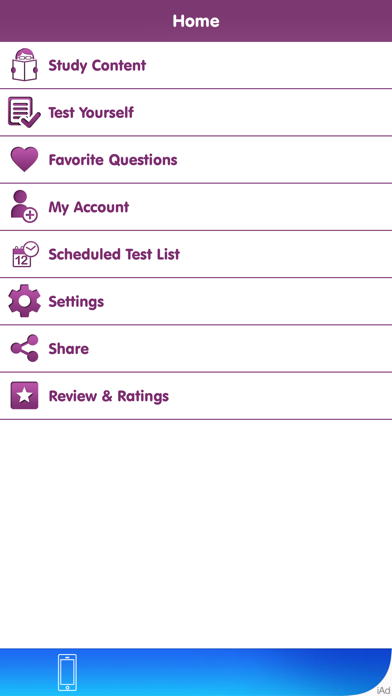
An application to test your knowledge about different subjects with following features:
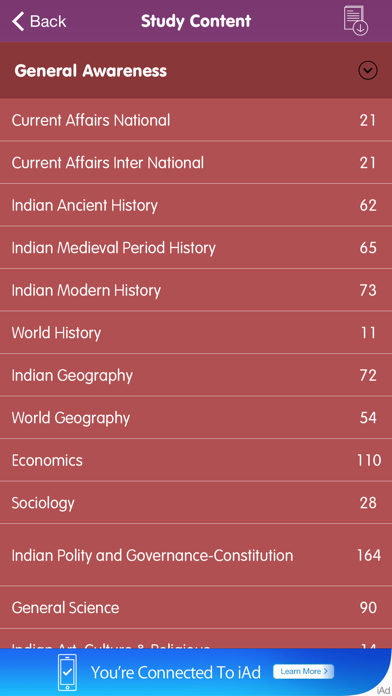
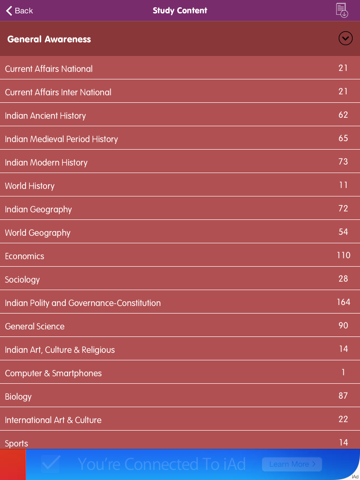
-> Category & Subcategory wise questions
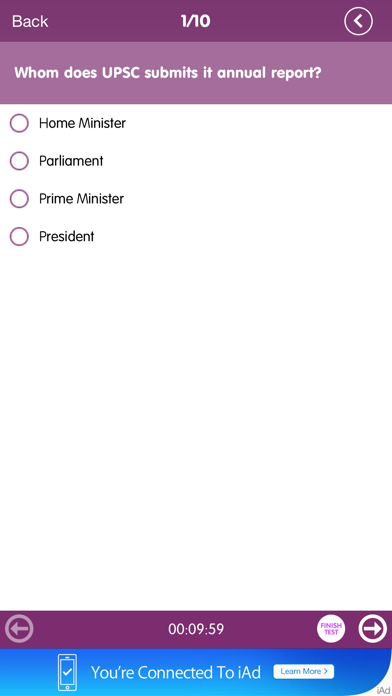
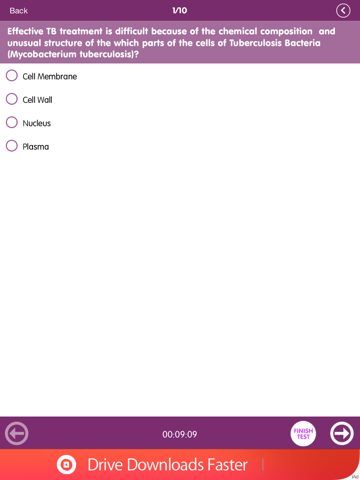
Show categories and subcategories. As per selection, display questions of that category. Questions can be viewed in test mode or reading mode. In test mode, user should select right answer and check for right or wrong. In reading mode, user will be shown right answer with the question. Questions can be marked as favorite.
-> Download Questions
On study content screen, download new questions from server.
-> Articles section wise
Good articles on a different topics will be available for reading. Articles will be managed section wise. It will be html content. Articles can be marked as favorite.
-> Mock Test
It will generate a test paper from the question bank as per settings and allow user to give test. After test completion, result will be generated and stored to statics of user.
-> Old Test Papers (Section: Exam Types)
Old question papers with answer key for view purpose and also for giving exam. Results will be stored in statics.
-> Test Configuration like Category/Sub Category, No of questions, Time
It will provide option to set number of questions, categories and subcategories and total test duration.
-> Questions display settings (Test Mode/Reading Mode/Revise Mode)
In simple question view area, user can view it in two modes.
1) Test Mode: In this mode, questions will be displayed and user need to choose the answer and then check if he is correct or not.
2) Reading Mode: Here question will be displayed with answer. So user can go through easily.
3) Revise Mode: In this mode, all questions will be shown in list with answers below. In this mode other options will not be shown.
-> Result (Show right and wrong answers, Analysis)
In the end of test, we show complete quiz analysis. Here we show, user selected answers with right answer. How much time user has taken and what %marks he scored.
-> Previous test statics
User has option to view his/her previous test results. It will show test date & time, time taken, number of total questions and right answered number. It will also show overall % of user tests. User can remove specific results.
-> Multiple user profile
Application will start as guest mode. So by default a guest user will be created. Application will allow to create other users also. So each user can maintain the