Simple Weather Widget

Simple Weather Widget Summary
Simple Weather Widget is a free, with in-app purchases iOS app in Weather by Back Bay Bytes LLC. Released in Oct 2014 (11 years ago). It has 57 ratings with a 3.18★ (mixed) average. Based on AppGoblin estimates, it reaches roughly 138 monthly active users and generates around $<10K monthly revenue (100% IAP / 0% ads). Store last updated Sep 18, 2017
Simple Weather Widget SDKs Summary
Simple Weather Widget was last scanned for SDKs on 2026-04-03. No known SDKs were detected. Check the raw list of SDK parts detected here and feel free to request unknown SDKs be added to AppGoblin.
3.18★
Ratings: 57
Screenshots


App Description
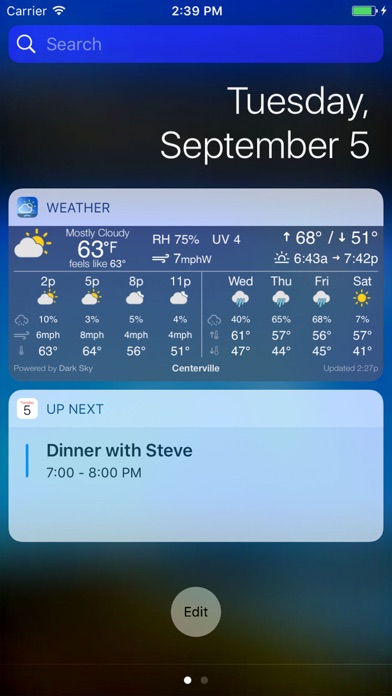
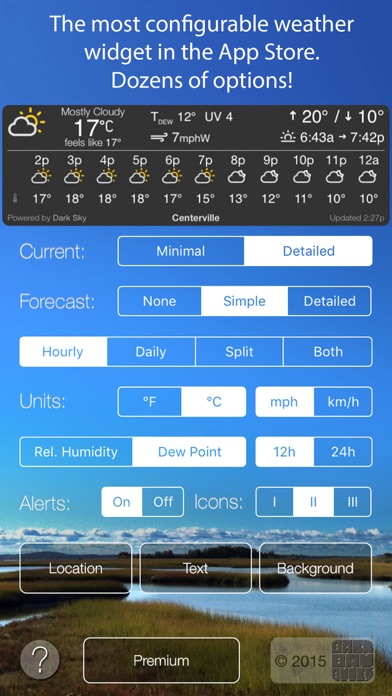
Simple Weather Widget is simply the best weather widget in the App Store. It provides a highly customizable, very compact, beautifully designed widget in the "Today" view on your iPhone, iPod Touch or iPad, which displays the current weather (and, optionally, a forecast) for your location. Finally a weather widget with NO WASTED SPACE on your Today screen!
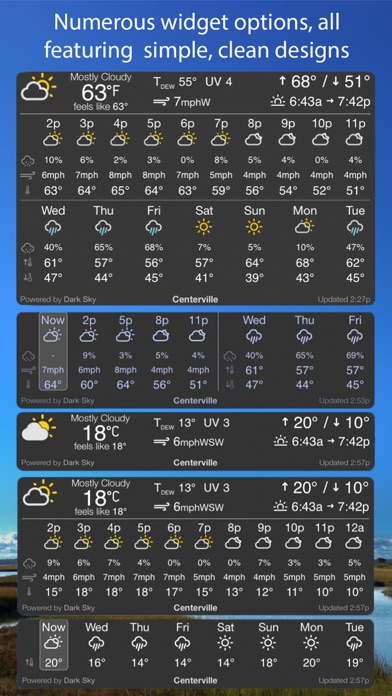
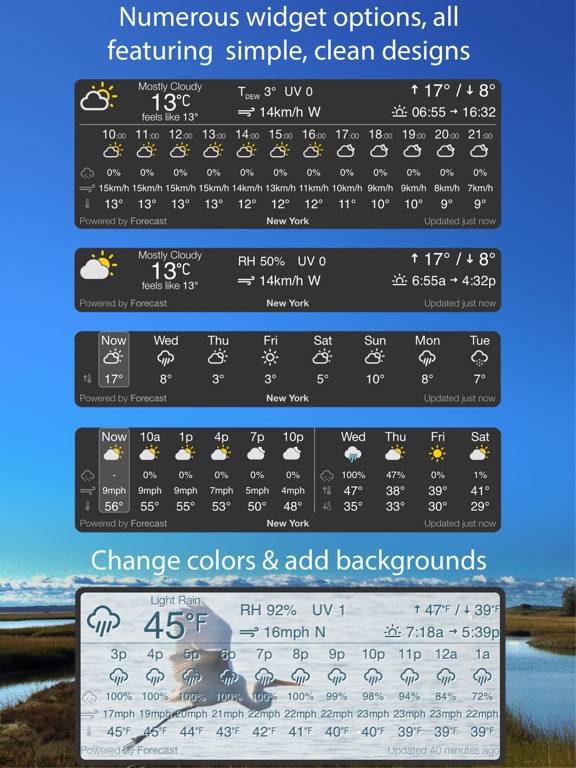
A simple, clean, compact design with lots of options so you see as much or as little information as you want. Available information:
Current Weather:
- Temperature
- Clouds/Precipitation
- Relative humidity or dew point
- Today's high/low temperatures
- Wind speed and direction
- Sunrise/sunset time
- Severe weather alerts (premium users only)
- "Feels like" temperature (premium users only)
- UV Index (premium users only)
Forecast:
- Temperature (hourly & daily high/low)
- Clouds/Precipitation
- Precipitation likelihood (hourly & daily) (premium users only)
- Wind speed (hourly) (premium users only)
As much or as little as you'd like of all that information, and it only takes up a tiny bit of your Today View screen space.
You can also change the colors, select from three icon styles, or add a background image.
The free version features high quality weather data for your area from OpenWeatherMap. With a "Premium" upgrade, the widget can access more detailed data ("feels like" temperature, UV index, forecasted precipitation likelihood etc.) powered by the Dark Sky weather data service (it's a paid service, which is why the Premium option costs a bit more). There's also an economical "Plus" option that simply removes the "free version" message and updates the forecast more frequently.
To add the widget to your Today view, once you've installed the app, just swipe down from the top of the screen, select the "Today" tab, and then find the "Edit" button at the bottom of the page. Under "Do Not Include", you'll find an item called "Weather" with the app's icon. Tap the little green (+) button next to it, and you're all set!