Fingerprint Login:PassKey Lock
Fingerprint Login:PassKey Lock Summary
Fingerprint Login:PassKey Lock is a with in-app purchases iOS app in Productivity by DoubleVision Labs. Released in Nov 2014 (11 years ago). It has 2.3K ratings with a 2.24★ (poor) average. Based on AppGoblin estimates, it reaches roughly 6.9K monthly active users and generates around $<10K monthly revenue (100% IAP / 0% ads). Store metadata: updated Oct 25, 2021, version 202109253.
Data tracking: SDKs and third-party integrations were last analyzed on Feb 2, 2026.
Store info: Last updated on App Store on Oct 25, 2021 (version 202109253).
SDKs, Trackers & Permissions
Fingerprint Login:PassKey Lock was last scanned for SDKs 2026-02-02. Below is the overview of third party companies detected in the app. The full list of raw SDKs, app permissions and unknown SDKs is available here.
 Facebook
 Apptimize
App Details
App Store
Ads & App-Ads.txt
AppGoblin SDK Scans
2.24★
Ratings: 2.3K
Screenshots

App Description
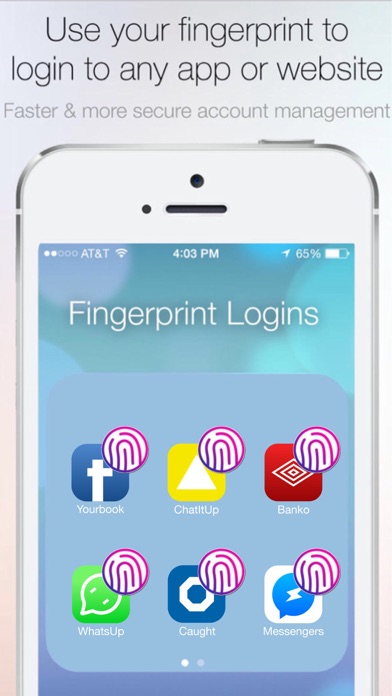
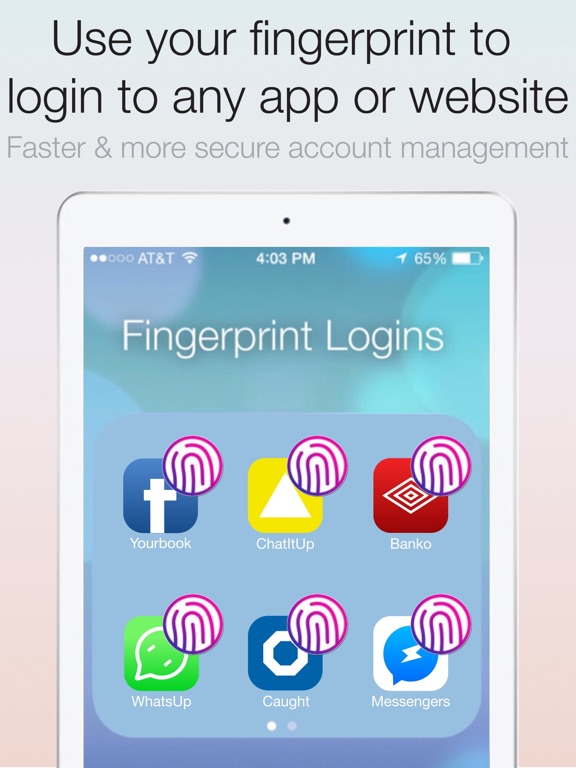
1 Fingerprint for every password, profile & login
######## FREE TODAY - GET IT NOW ########
Just add your passwords then let the advanced password manager autofill the login when you scan your fingerprint. You can even access logins stored in the Fingerprint Keyboard extension in other apps.
OPEN FINGERPRINT KEYBOARD & STOP TYPING
Forget long passwords - Login with your fingerprint
1 Fingerprint for every Login & Password
Powerful tool designed for iOS12+TouchID
ADD PASSWORDS
Save each username & password inside the app, then use the PassKey Private Browser or Fingerprint Keyboard to access your saved Logins.
USE LOGINS SAVED IN FINGERPRINT KEYBOARD
### Trusted by over 10 million people ###
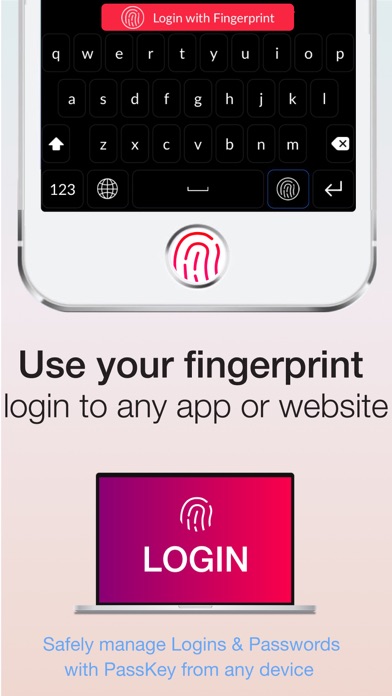
1) Add Fingerprint Keyboard (in iPhone's Settings):
Settings app>General>Keyboards>Add New>PassKey (Full Access: ON is required for Face/Touch ID)
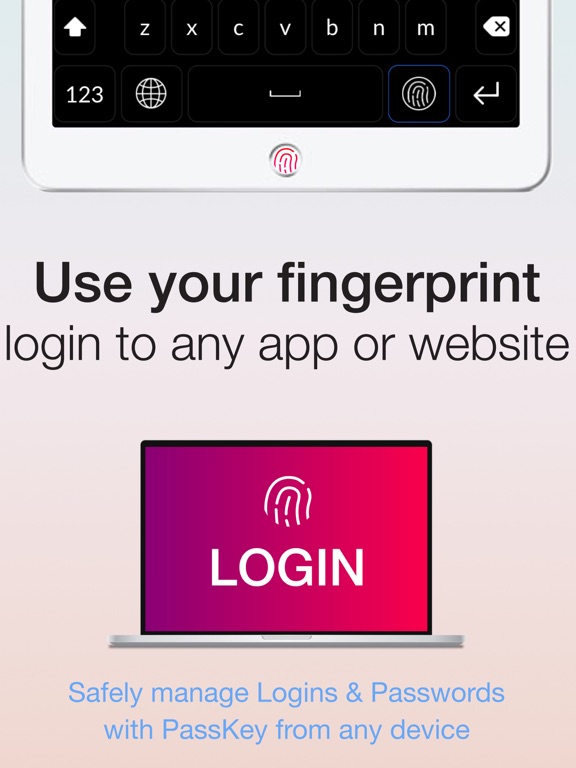
2) Open the Fingerprint Keyboard (start in Username/Email text field to switch keyboard)
3) Scan your fingerprint to access complex Logins & private data saved in the app - fingerprint is always required to access
PRO TIP: Start in the Username/Email text field to open the Fingerprint Keyboard (you can't switch keyboards from the Password text field)
PRIVATE DATA & PASSWORDS ARE ENCRYPTED FOR YOUR PROTECTION - "Full Access: ON" is required to enable TouchID or Face ID, but we NEVER view or access your private information & never share with 3rd parties. Over 10 million users trust PassKey with their login credentials & private data and we have taken many steps to ensure your privacy & protection - Thanks for using PassKey.
PRIVATE BROWSER WITH FINGERPRINT LOGINS
Browse the web anonymously or quickly scan your finger to access Logins that are saved in the app. Access stored Logins in other apps with the Fingerprint Keyboard extension.
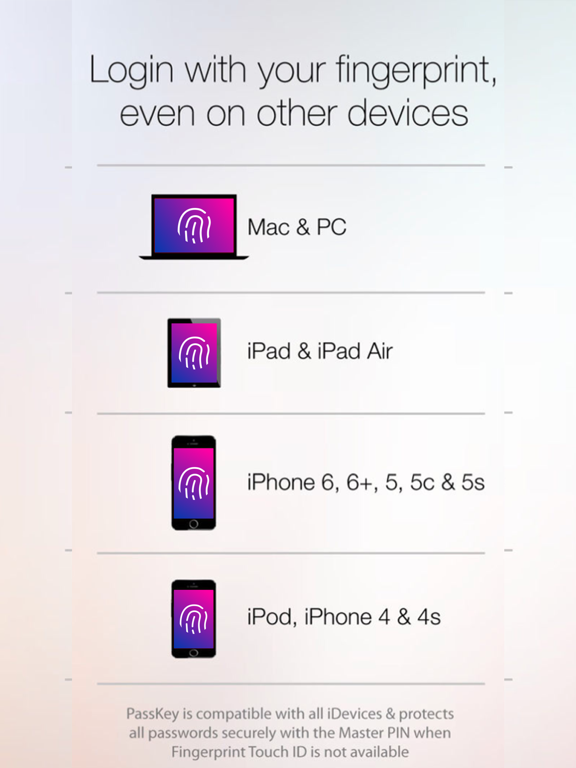
COMPATIBLE WITH ALL DEVICES
Login on other devices by using PassKey as a fingerprint scanner & advanced password safe -- Face or Touch ID requires iOS8.0 or later -- please update for the best experience, otherwise Master PIN is used when Face/Touch ID is unavailable.
PREMIUM ACCOUNTS
getdoublevision.com/privacy
getdoublevision.com/eula
Your privacy is our #1 priority. Users can upgrade at anytime to PassKey Premium to backup their passwords & private data to the secure encrypted PassKey servers from any device in the event that your device is lost or stolen. Yearly Subscriptions come with 30