Slow Motion Video & Speed Up

Slow Motion Video & Speed Up Summary
Slow Motion Video & Speed Up is a free, ad-supported, with in-app purchases iOS app in Photo And Video by out thinking limited. Released in Oct 2014 (11 years ago). It has 961 ratings with a 3.91★ (average) average. Based on AppGoblin estimates, it reaches roughly 478 monthly active users and generates around $<10K monthly revenue (37% IAP / 63% ads). Store last updated Jul 17, 2026
Slow Motion Video & Speed Up SDKs Summary
App not yet scanned for SDKs.
3.91★
Ratings: 961
Screenshots




App Description
ClipSpeed, increase or decrease video speed easily on your device. If you are looking for an app to make your video in slow motion or to make your video in fast motion, then download our ClipSpeed app to your iOS device. In this app you can also add background audio to your video clip. This app is exclusively designed to do only two task- to slow video and to fasten your video.
If you are researching for what is the best slow motion app? then why don’t to try this app once? with our clipspeed app you can easily adjust the speed of the video without bothering much settings.
Key Features of ClipSpeed app :
1. ClipSpeed app is exclusively designed to make slow motion video or fast motion video easily
2. Simple user interface
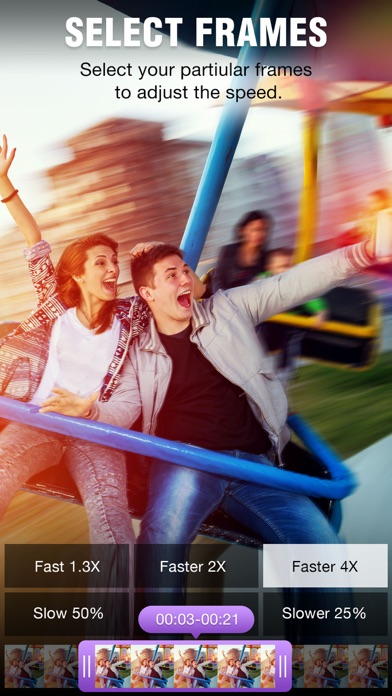
3. You can select the particular region of video clip to increase or decrease video speed
4. Add music to your video
4. Save to camera roll, upload to instagram, mail, upload to youtube, upload to viddy option are provided in the app itself.
Steps to Slow down video or speed up video with ClipSpeed App:
1. Select the video clip that you want to increase or decrease video speed.
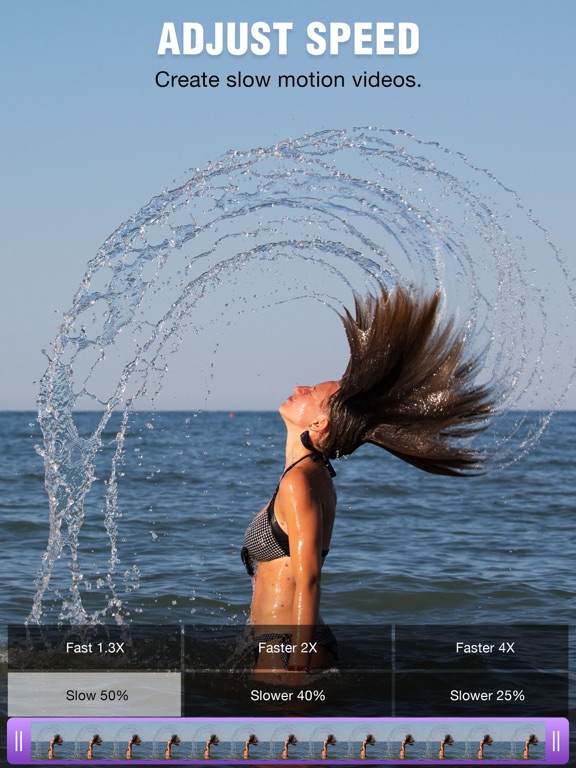
2. In the next screen you will be in “Adjust Speed” screen. Here you can increase or decrease the speed of the video. By default our clip speed app will select complete video, but you can choose only particular portion of that video by using selecting scroll bar at the bottom of Adjust speed window. Once you select the particular video position that you want to increase or decrease the video speed, next you decide whether you need to make slow motion video or fast motion video of the selected video clip.
If you wish to make Fast Motion video, then drag the Video Speed controlling slider towards right side, if you wish to slow down the video then drag the video speed controller slider towards left side. Once you done that just click on the Right mark icon on the top right corner to generate new video clip. Once you done generating video you can save that generated video clip to your Camera roll, upload to instagram, you can mail that clip, upload to youtube or share it on viddy with our built-in social sharing option.
3. If you wish to add music to your video then click on Music icon on Adjust speed screen and choose the audio file that you need to add to your video
If you are searching for slow motion video app or fast motion video app then d