Sensor Play - Data Recorder

Sensor Play - Data Recorder Summary
Sensor Play - Data Recorder is a mobile iOS app in Tools by Philip Broder. Released in Oct 2014 (11 years ago). It has 157 ratings with a 4.64★ (excellent) average. Based on AppGoblin estimates, it reaches roughly 483 monthly active users . Store last updated Jul 27, 2023
Sensor Play - Data Recorder SDKs Summary
App not yet scanned for SDKs.
4.64★
Ratings: 157
Screenshots
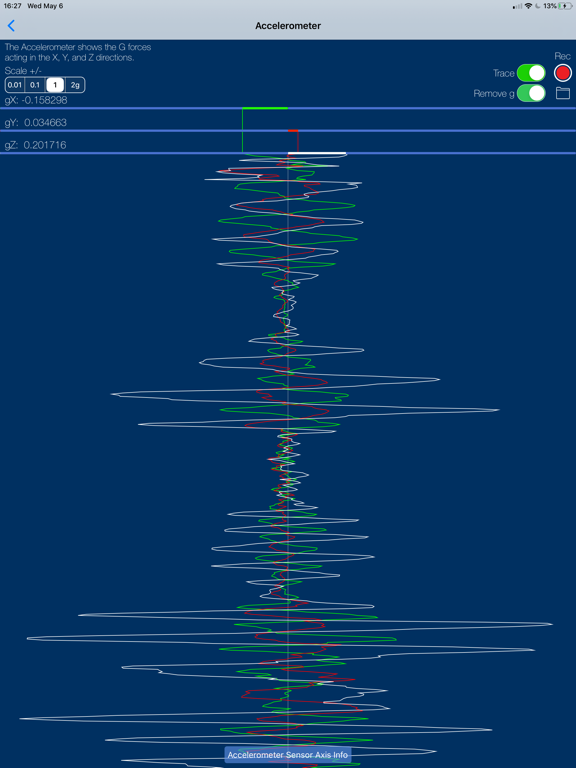
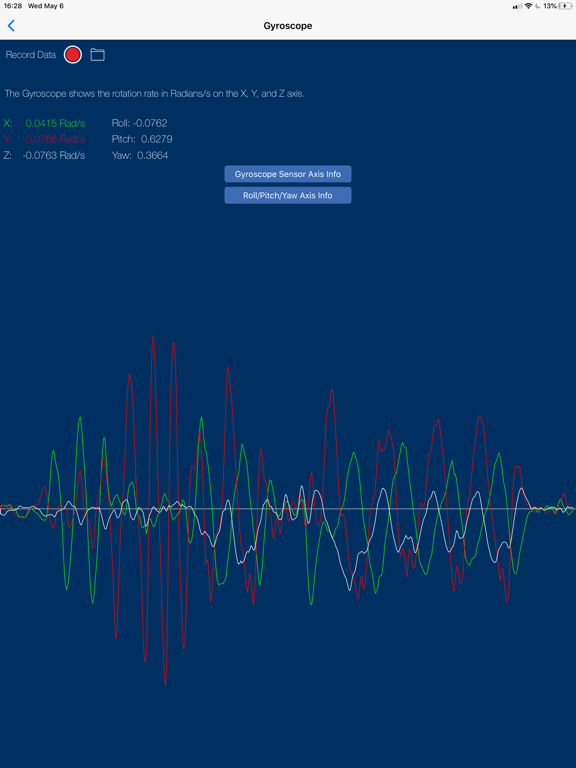
App Description
Sensor Play - the iPhone Sensor Playground, and the best app for serious scientific research and data recording.
Used by engineers, scientists, teachers, and enthusiasts all around the world.
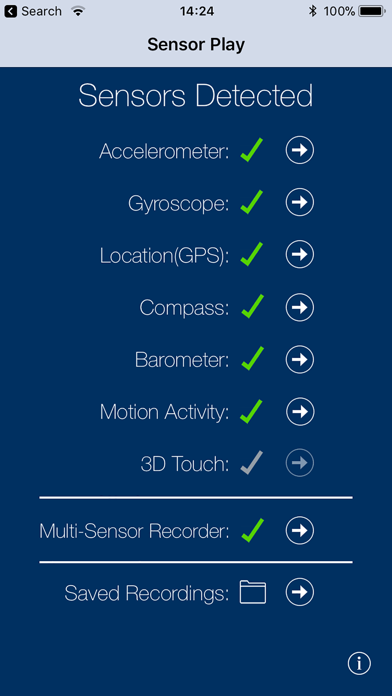
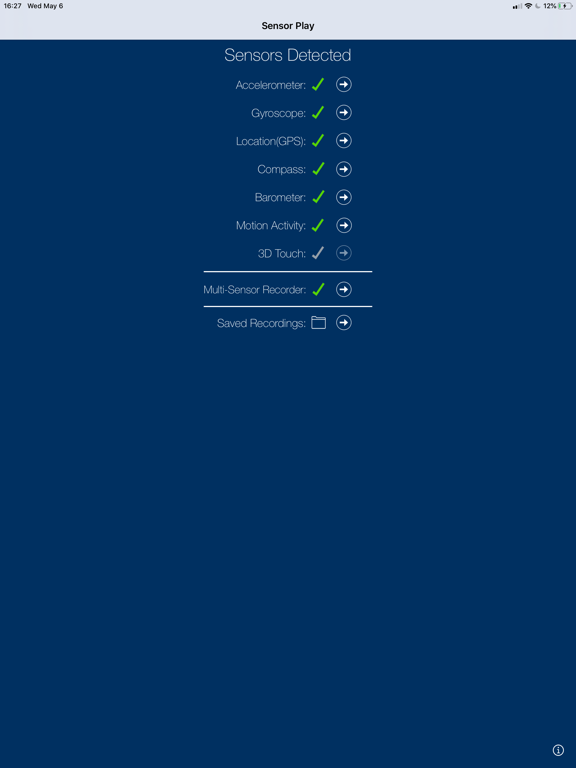
The sensors built into all iPhones are amazing examples of the power in your pocket. To have a GPS receiver, an accelerometer, a gyroscope, even a Barometer with you at all times is a marvel of miniature engineering. It's simply fun to see the output from all these sensors, play with each interactively, or just view the raw data.
Record Accelerometer, Gyroscope, GPS, Barometer, Magnetometer sensor data and share by email for further analysis, or review using the in app viewer.
However Sensor Play is not just a toy.
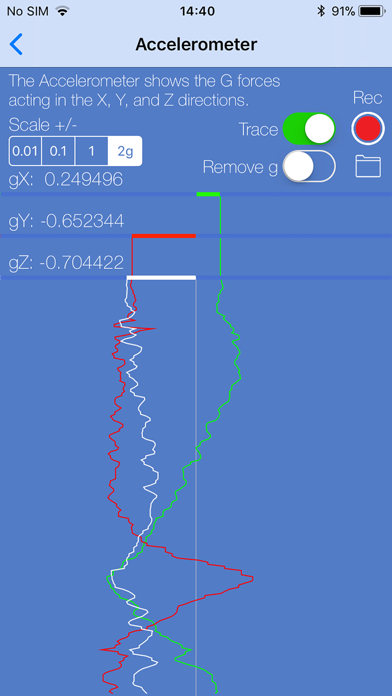
Beyond the obvious fun of watching the accelerometer and gyroscope graphs bounce around you can now record multi-sensor data all at the same time, even in the background, for a full external analysis of your, or your iPhone's, motion through time and space however you so desire.
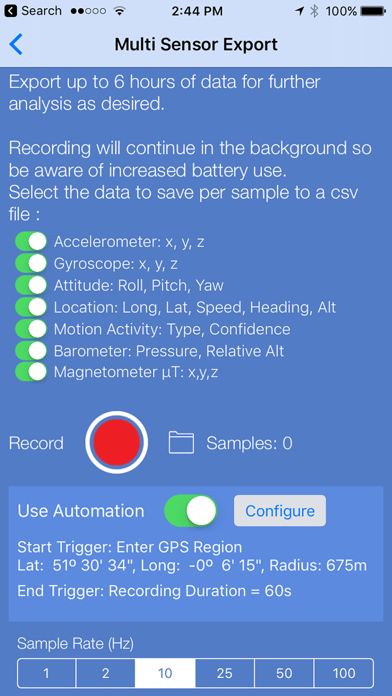
And now with Automation you can trigger your recordings to start either after a simple delay, when you enter or leave a preset GPS Region, or when the iPhone is nudged above a selected gForce.
Then end your recordings either after a set duration, or when you enter or leave a preset GPS Region.
Automation makes getting the data you want so much easier, and eliminates lots of unnecessary recorded data. Set up the triggers as required, close the phone and go.
Set and Forget! Later when you open SensorPlay the data you were after will have been automatically recorded and saved for you.
The following data is recorded to a csv file for sharing through the standard iPhone share sheet.
Timestamp
Accelerometer: X, Y, Z
Gyroscope: X, Y, Z
Attitude: Roll, Pitch, Yaw
Location: Longitude, Latitude, Speed, TrueHeading, Altitude
Motion Activity: Type & Confidence
Barometer: Pressure, Relative Altitude
Magnetometer: µT X, Y, Z, calibrated x,y,z, rotation matrix, and quaternion
Visual graphs of sensor recordings in one place, as long as they're not too large anyway.
Background mode is supported for all recordings, accelerometer, gyro, and multi-sensor export, lock your screen and keep recording all sensor data for up to six hours.
A serious engineering, scientific, and educational analysis tool.
Sharing of all recordings is now through the built in share options which includes, Ai