Ultrapop: Pop art photo editor

Ultrapop: Pop art photo editor Summary
Ultrapop: Pop art photo editor is a free, with in-app purchases iOS app in Photo And Video by Platform. Released in Nov 2014 (11 years ago). Store last updated May 22, 2018
Ultrapop: Pop art photo editor SDKs Summary
App not yet scanned for SDKs.
0★
Ratings:
Screenshots
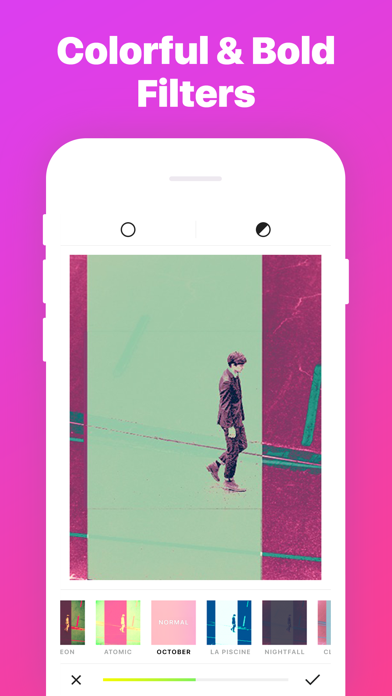
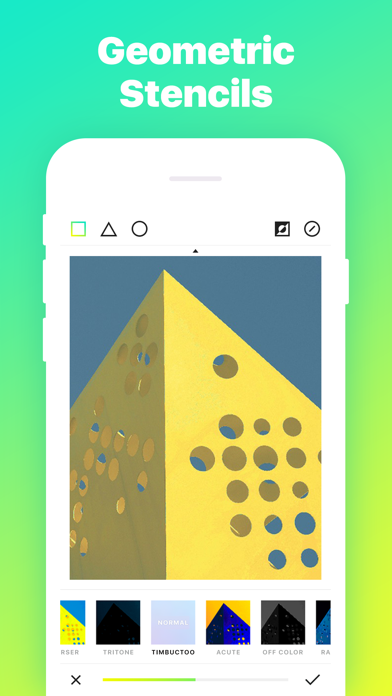
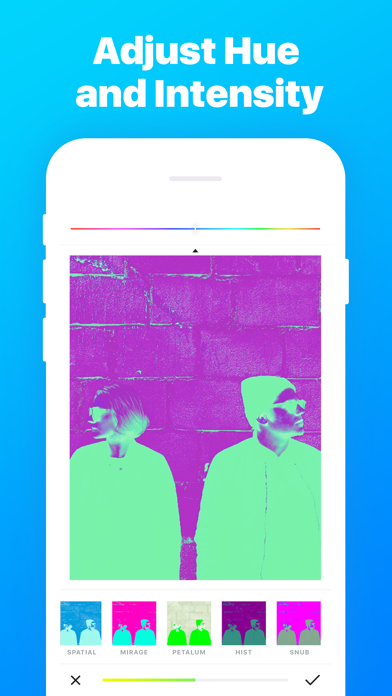
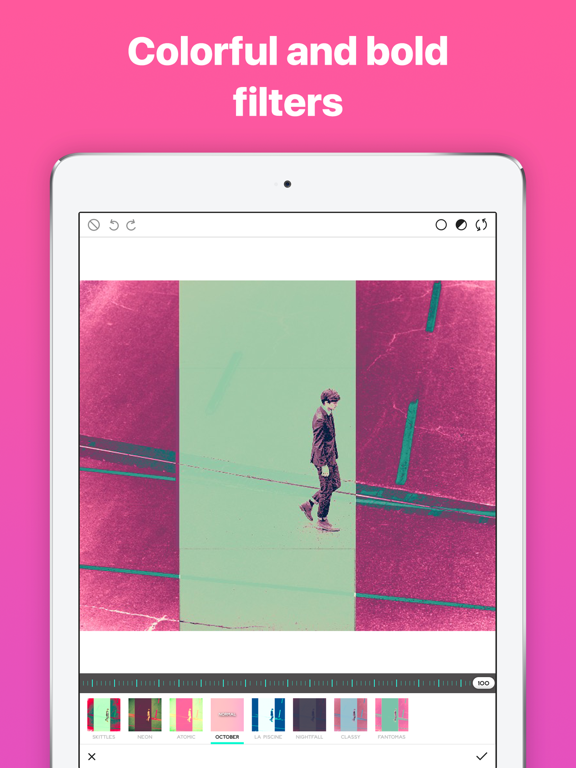
App Description
Reinvent your photo editing routine with stunning color filters and recompose your pics with geometric shapes!
Download Ultrapop if you:
*use photography to express your own unique vision of the world
*feel inspired by the 80s, vaporwave aesthetics and pop art
*like your selfies and portraits to cause buzz among your followers
*enjoy everything to do with graphic design
About the new packs:
Find the most saturated and acid filters in Irrational, Surreal and Synthetic packs, enjoy striking color swirls with Psychic, impress your Instagram followers with effects from Energetic pack, explore the nature-inspired filters of Celestial collection, and discover subtle yet still a tad psychedelic effects in Organic. The best filters that have been around since Ultrapop first version are stored under Classique pack.
How it works:
*retrieve a picture from the gallery or take one within the app (use a built-in timer and front camera for self-shots);
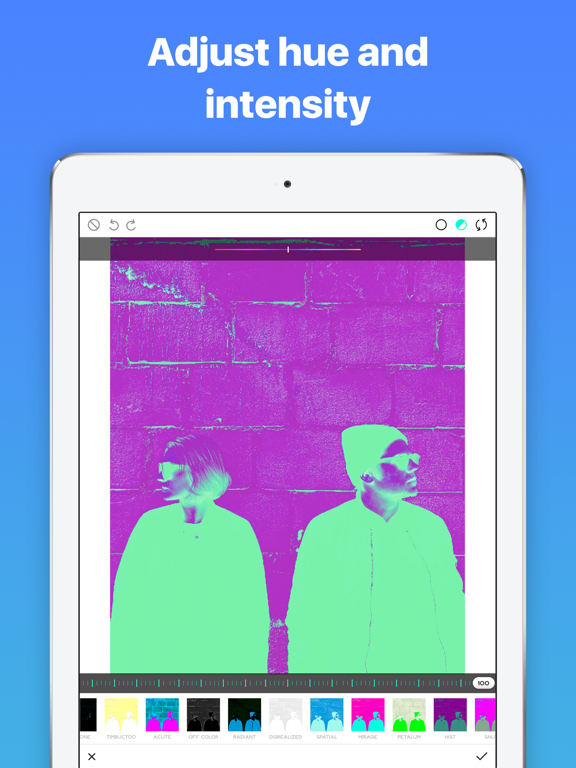
*choose the filter that brings out that best in your photo
*tune the opacity level
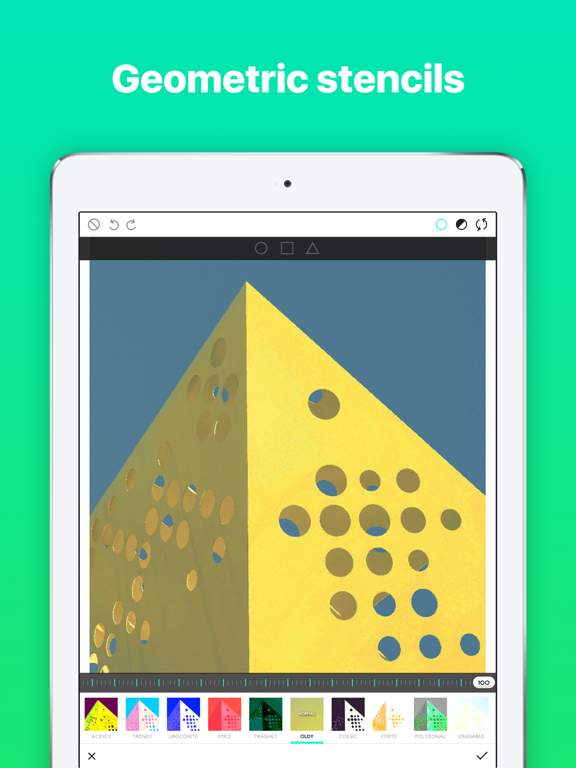
*select a geometric stencil to apply the filter to an outlined area
*tap the tick sign to save changes
*go on adding effects (filters can be layered in any combination and amount)
*tap the tick sign to save the final result to Moments
*share your image with the world and with us by tagging it #ultrapopapp. We repost the most outstanding pictures!
Follow @ultrapopapp on Instagram and see Ultrapop filters in action! To report bugs, request features and suggest ideas use More > Chat with us