SlideShow Maker Photo to Video

SlideShow Maker Photo to Video Summary
SlideShow Maker Photo to Video is a free, with in-app purchases iOS app in Photo And Video by Mosaic S.r.l.. Released in Feb 2015 (11 years ago). It has 179K ratings with a 4.21★ (good) average. Based on AppGoblin estimates, it reaches roughly 88K monthly active users and generates around $<10K monthly revenue (100% IAP / 0% ads). Store last updated Jun 24, 2026
Recent activity: 154 new ratings this week View trends →
SDK intelligence: AppGoblin detected 4 development tools(e.g. Google),and 1 analytics: product integrated into SlideShow Maker Photo to Video. View full SDK list →
SlideShow Maker Photo to Video SDKs Summary
SlideShow Maker Photo to Video was last scanned for SDKs on 2026-08-08. Below is the overview of third-party companies detected in the app. The full list of SDKs, permissions and unknowns is available here.
 Google
 Airbnb Engineering
 nanopb
 Alamofire
 Firebase
4.21★
Ratings: 179K
Screenshots

App Description
Create slideshows with SlideShow Movie Maker using your photos & videos from your camera roll and add on top of that your own music!
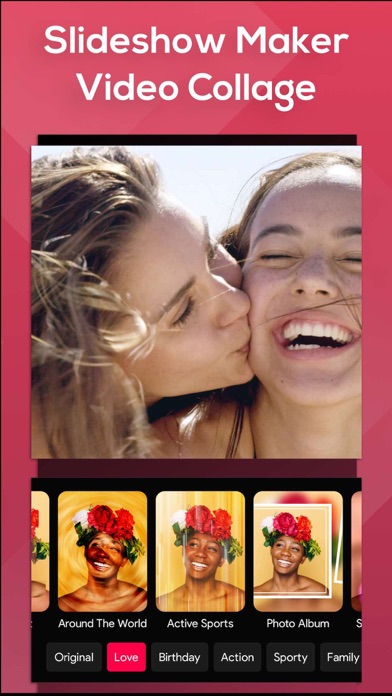
Make your own slideshow in just a few taps choosing from a great mood collection - from adventure to vintage, birthday or family, find your own style!
Add photo, video, and music to your movie creation and share it with friends and family.
Creating a slideshow with SlideShow Movie Maker is quick:
1) Pick your photos and videos
2) Select moods, filters, and transitions
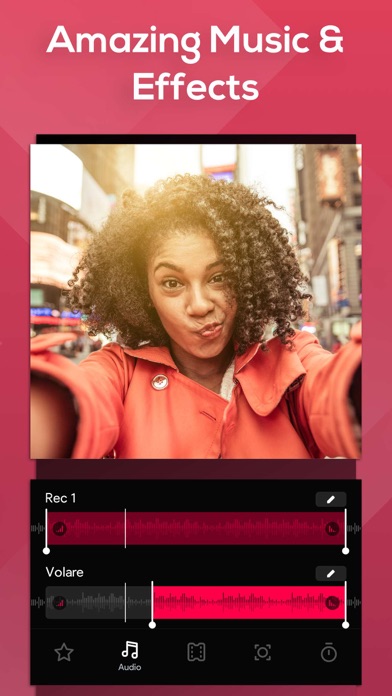
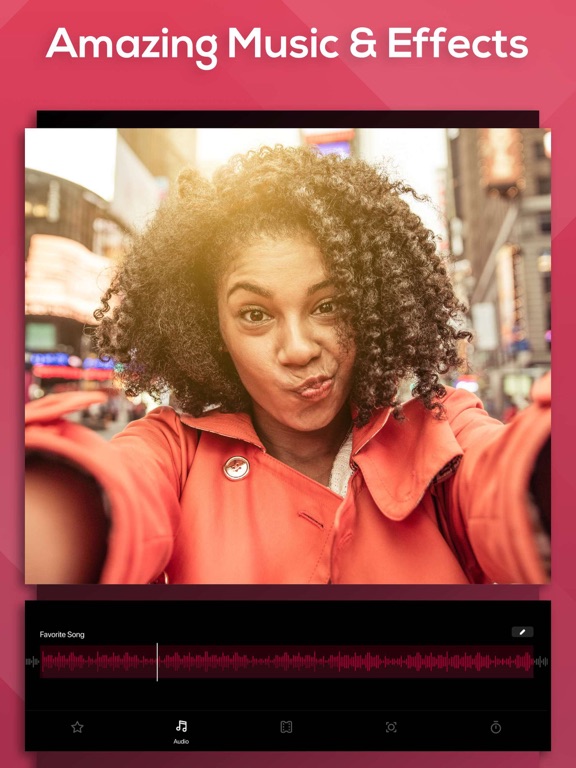
3) Choose your favorite music from our gallery or your own songs and recordings
4) Select the slideshow's length, ratio, and trim videos
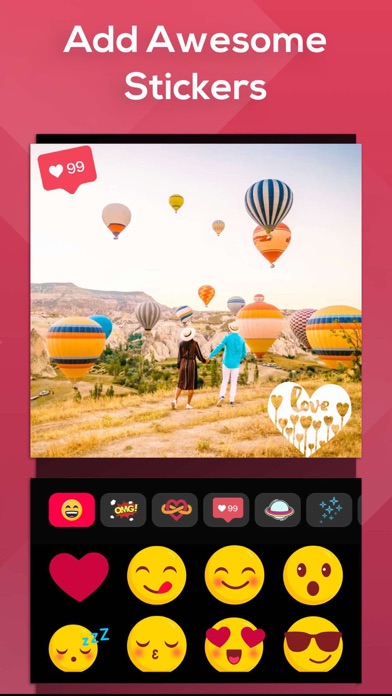
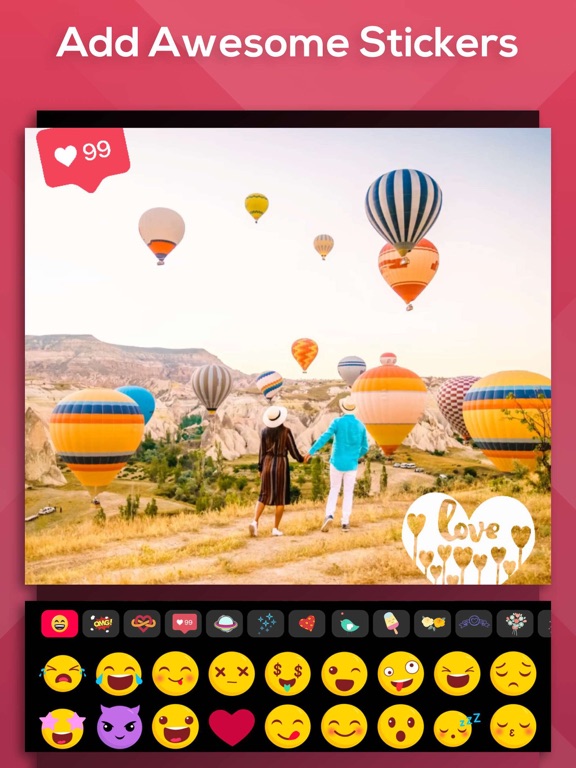
5) Finalize your slideshow with text & stickers
6) Save it to your camera roll and share it on Facebook, Instagram or Youtube
SUBSCRIPTION INFO:
Subscribe to take advantage of the features described above.
•Subscription length: Weekly
•Your payment will be charged to your iTunes Account as soon as you confirm your purchase.
•You can manage your subscriptions and turn off auto-renewal from your Account Settings after the purchase.
•Your subscription will renew automatically, unless you turn off auto-renew at least 24 hours before the end of the current period.
•The cost of renewal will be charged to your account in the 24 hours prior to the end of the current period.
•When canceling a subscription, your subscription will stay active until the end of the period. Auto-renewal will be disabled, but the current subscription will not be refunded.
•Any unused portion of a free trial period, if offered, will be forfeited when purchasing a subscription.
Terms of service: https://support.bendingspoons.com/tos?app=552341639
Privacy policy: https://bendingspoons.com/privacy.html?app=924826256
Have a feature request you would like to see in a future version of the app? Do not hesitate to contact us at slideshow@bendingspoons.com
Disclaimer: You will be required to sign up for an auto-renewable In-App Purchase before you are able to access the app.
Have fun!