WriteOn

WriteOn Summary
WriteOn is a mobile iOS app in Productivity by Pink Zombie Studios Inc.. Released in Oct 2014 (11 years ago). It has 3.00 ratings with a 3.33★ (mixed) average. Based on AppGoblin estimates, it reaches roughly 9.00 monthly active users . Store metadata: updated Mar 25, 2025.
Store info: Last updated on App Store on Mar 25, 2025 .
3.33★
Ratings: 3.00
Screenshots
App Description
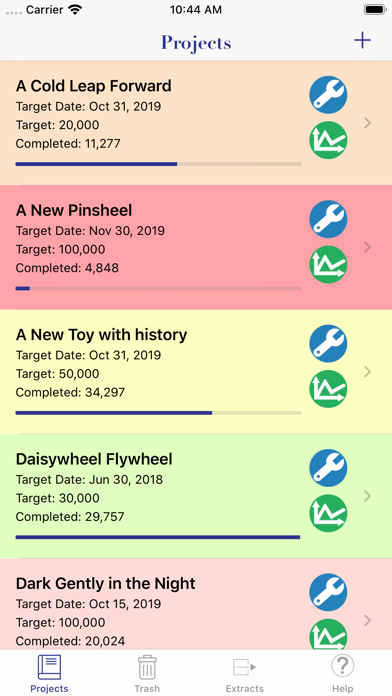
WriteOn lets writers use their iPhone or iPad to write their novel, short story, or other writing project and track their progress at the same time. Notebook computer too heavy to lug around? Want to write a scene or chapter while you're out and about sans computer? Have unexpected down time while waiting on someone else? Going to a write-in after work or school and don't have the room to lug your notebook computer? Writing on the go has never been easier!
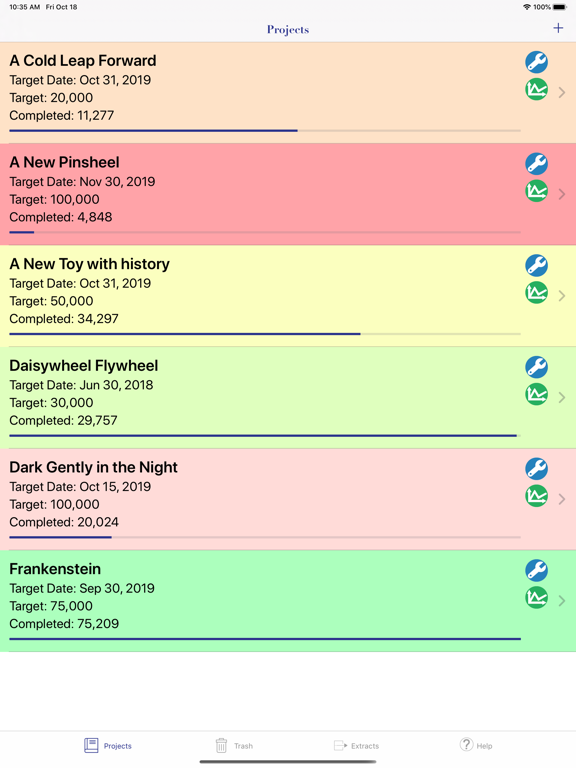
Whether you're writing flash fiction or a novel, on your own or as part of a challenge like NaNoWriMo or the 3-Day Novel Contest, WriteOn can handle your writing needs. Have multiple writing projects going on at the same time? No problem! Have multiple writing projects each with many chapters? Still no problem!
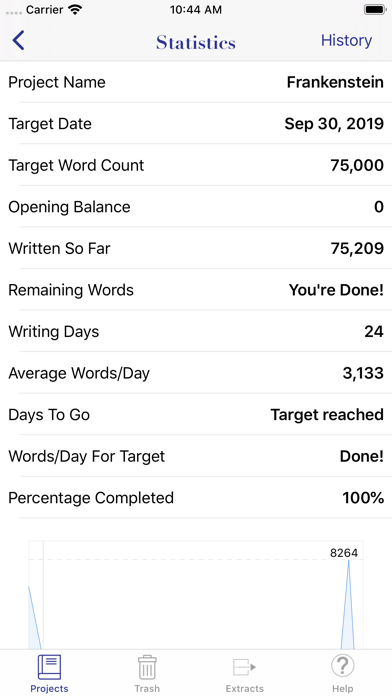
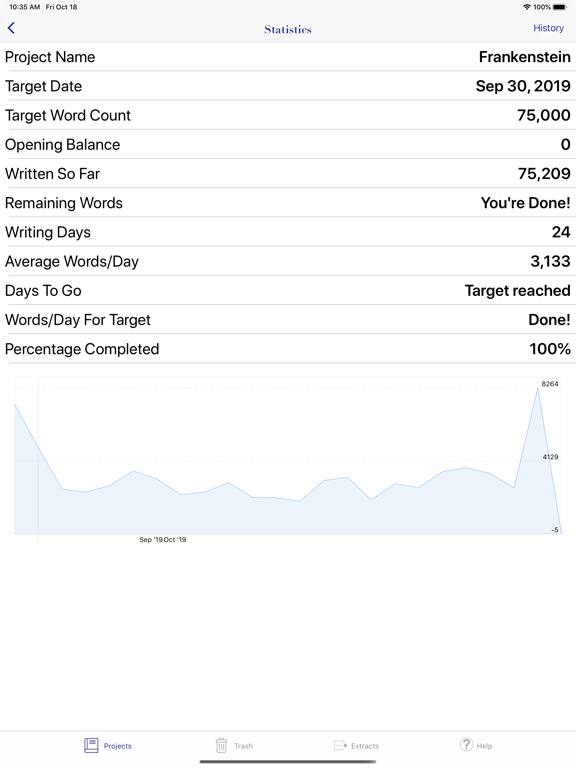
But that's not all! WriteOn lets you track your writing progress on each project. Name your project, set a target date and a target word count and the app will calculate how many days you have left until your target date and how many words you need to write each day to meet your goal. The statistics screen tells you at a glance how much you've written, how many days you've written, how many words you wrote each day on average, and the percentage complete for your project.
WriteOn also lets you see all the word count for each individual chapter for your project on the Chapters screen. See at a glance which chapter may need beefing up, or which chapter can use a bit of trimming :)
Want to send a copy of your project to your friend or loved one? Go right ahead and send it via email! Tweet about your daily writing progress. Or post on Facebook with your daily word count. Keep your various social streams informed. Rub your progress in their faces even!
Now, you can also try out the free version of WriteOn, WriteOn Lite, and then transfer your work from WriteOn Lite to the Pro version with a single tap. It's just easy to try out WriteOn to see if it is for you and to continue working with the additional functionality provided by the paid version of WriteOn.
WriteOn also has an option which allows you to switch between customizable day and night modes. You can set the text colour and the background colour you want for each mode and switch to the appropriate one - for instance, when you're working at night while a loved one sleeps next to you.
Additionally, WriteOn Pro allows you to backup all your