Tips and Tricks for New iPhone 6

Tips and Tricks for New iPhone 6 Summary
Tips and Tricks for New iPhone 6 is a with in-app purchases iOS app in Books And Reference by Anna Lozovskaya. Released in Dec 2014 (11 years ago). It has 15 ratings with a 4.67★ (excellent) average. Based on AppGoblin estimates, it reaches roughly 30 monthly active users and generates around $<10K monthly revenue (100% IAP / 0% ads). Store metadata: updated Dec 2, 2014.
Store info: Last updated on App Store on Dec 2, 2014 .
4.67★
Ratings: 15
Screenshots

App Description
Master your new iPhone 6 and learn everything you wanted to know about iOS8! Step-by-step you will learn how to work with this awesome gadget from Apple - from basic settings to best apps for your needs. Our lessons are easy-to-follow, not very long, universal, and cover not only iPhone 6 features, but general ones as well.
Be prepared - we are going to learn a lot of things!
How to set Password on iPhone
How to set Auto-Lock on iPhone
How to Activate Airplane Mode on iPhone
How to protect your iPhone from theft
How to Change Default Ringtone on iPhone
How to Change Volume on iPhone
How to set iPhone to Vibrate Only
How to Enable LED Flash when iPhone is Ringing
How to Block a Contact on iPhone (Calls and SMS)
Interactive notifications on iPhone
How to setup Autosuggest on iPhone
The usage of Siri and Spotlight recipes on iPhone
How to Scroll on iPad
How to Lock Screen Rotation on iPhone
How to set Alarm on iPhone
How to Make Voice Notes on iPhone
How to Use Notification Center
How to Open and Use Control Center
How to Use iPhone as Flashlight
How to Use Location-based Reminders on iPhone
What some Bluetooth Icons Mean
How to Activate and Use Siri on iPhone
How to Connect to Wi-Fi on iPhone
How to Sync Gmail Contacts with iPhone
How to Sync Facebook Contacts with iPhone
How to Sync Outlook Contacts to iPhone
How to Delete Duplicate Contacts on iPhone
How to Edit Contacts on iPhone
How to Send an SMS to a Group from iPhone
How to Make Conference Call on iPhone
How to Reject Calls on iPhone
How to Add Apps to Your iPhone
How to Arrange Icons on iPhone
How to Delete Apps on iPhone
How to use Health app on iPhone
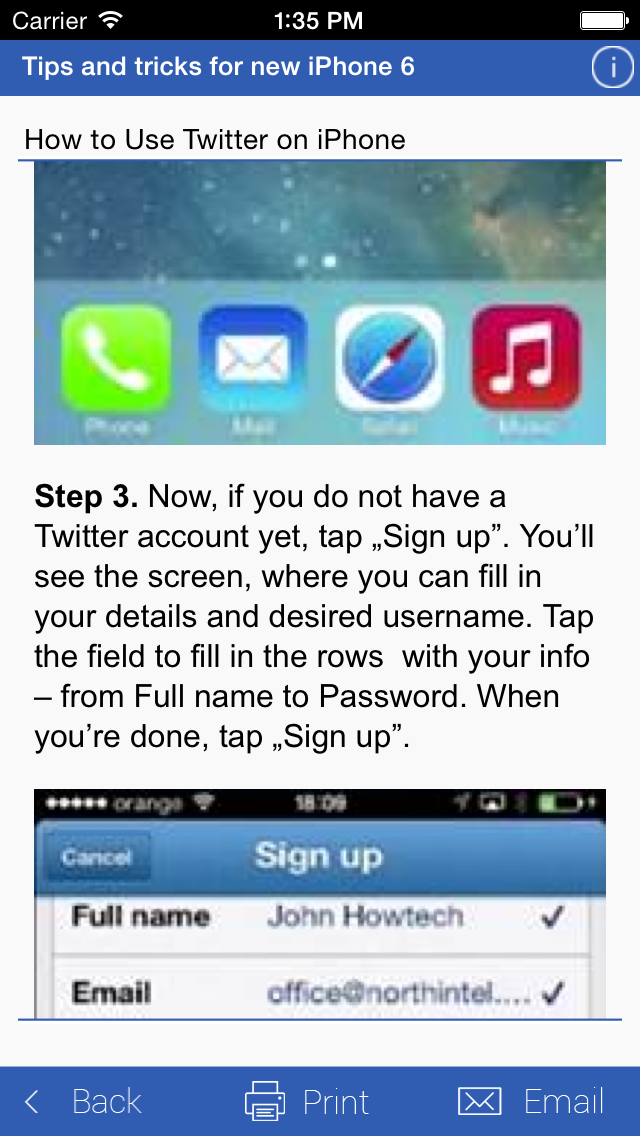
How to Use Twitter on iPhone
How to Use Skype on iPhone
How to Use Video Chat (Facetime) on iPhone
How to Use Google Maps Offline on iPhone or iPad
How to setup location-based Lock Screen and quick access to apps on your iPhone
How to set up Multiple Email Accounts on iPhone
How to set Default Email on iPhone
How to set up IMAP for iPhone
How to Send Email from iPhone
How to set up and Configure Hotmail on iPhone
How to Attach Files to Email on iPhone
How to Email Multiple Photos on iPhone or iPad
How to get notifications for important emails on iPhone
How to Switch to Front Facing Camera on iPhone
How to set timer in camera of iPhone
How to use focus control in a camera of iPhone
How to Post Photos to Instagram on iPhone or iPad
How to Edit Photos on