Skeleton 3D Anatomy

Skeleton 3D Anatomy Summary
Skeleton 3D Anatomy is a free, ad-supported, with in-app purchases iOS app in Medical by Catfish Animation Studio. Released in Dec 2014 (11 years ago). It has 782 ratings with a 4.19★ (good) average. Based on AppGoblin estimates, it reaches roughly 3.6K monthly active users and generates around $<10K monthly revenue (52% IAP / 48% ads). Store last updated May 7, 2026
Recent activity: 9.00 new ratings this week View trends →
SDK intelligence: AppGoblin detected 1 development tools(e.g. Unity) integrated into Skeleton 3D Anatomy. View full SDK list →
Skeleton 3D Anatomy SDKs Summary
Skeleton 3D Anatomy was last scanned for SDKs on 2026-07-15. Below is the overview of third-party companies detected in the app. The full list of SDKs, permissions and unknowns is available here.
AppGoblin saw Skeleton 3D Anatomy uses 1 Development Tools
 Unity
Unity4.19★
Ratings: 782
Screenshots
App Description
Explore Human Anatomy Like Never Before with Skeleton 3D Anatomy!
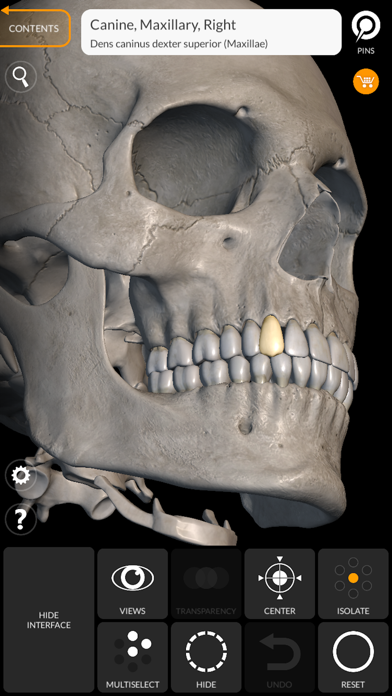
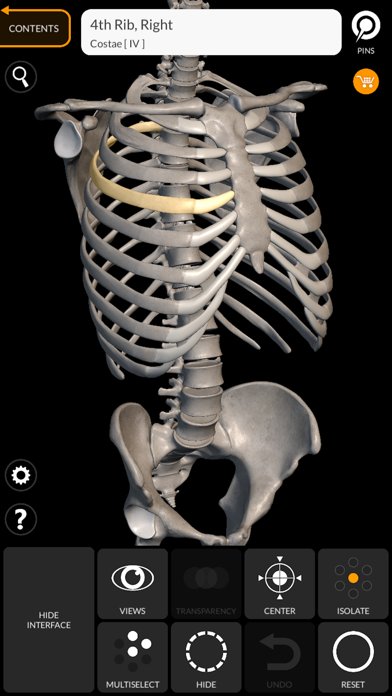
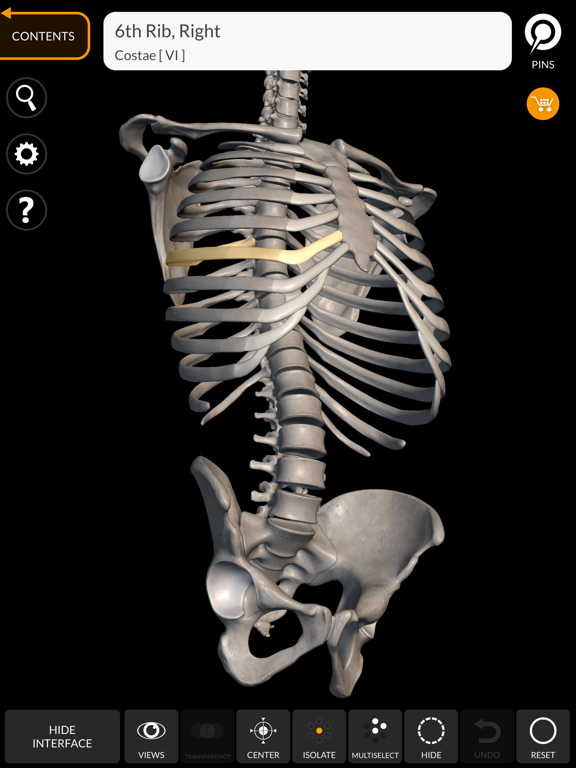
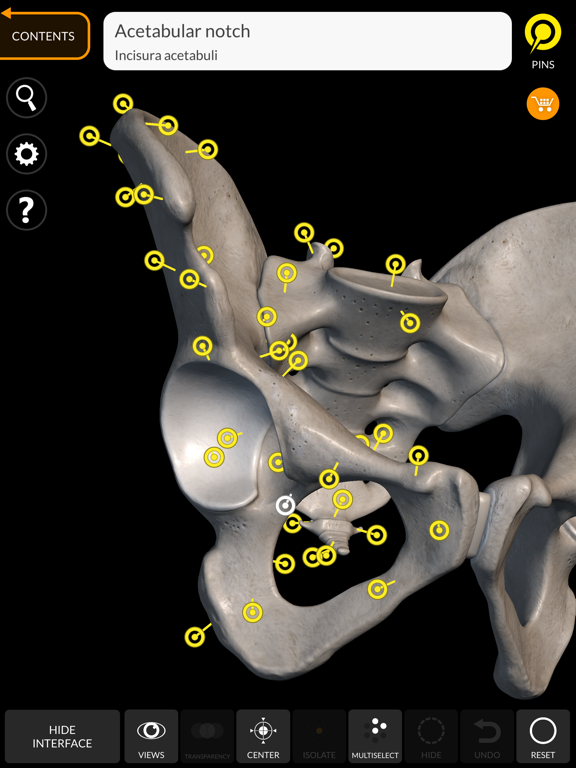
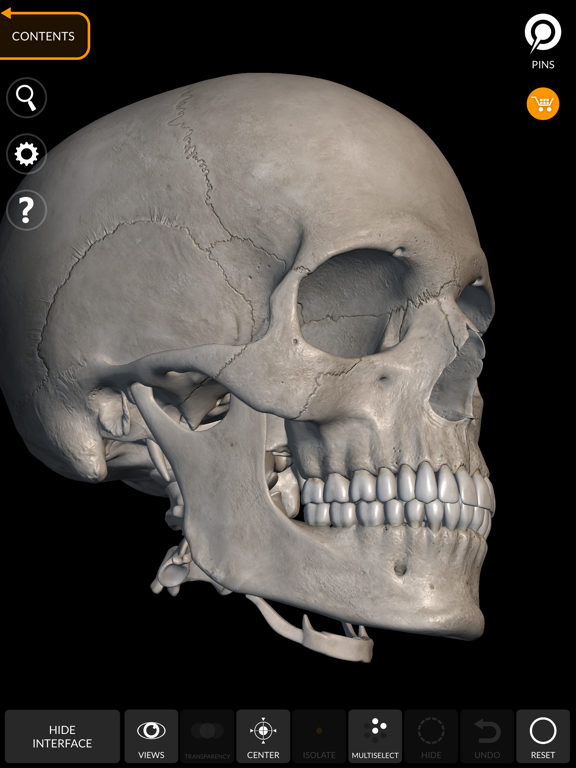
Skeleton 3D Anatomy is the ultimate educational tool for medical students, healthcare professionals, and anatomy enthusiasts. Featuring highly detailed 3D models of the entire human skeletal system with high-resolution textures up to 4K, this app transforms the way you study and understand bone structure. Perfect for exam preparation, classroom reference, or professional development.
Key features:
- High-Detail 3D Models: Every bone reconstructed with anatomical accuracy and 4K textures for crystal-clear visualization
- Interactive Exploration: Rotate 360°, zoom, and navigate with intelligent camera controls that automatically adjust the center of rotation
- Regional Organization: Bones grouped by anatomical regions for systematic study and clear understanding of skeletal structure
- Hide/Show Individual Bones: Isolate specific bones to focus your study and understand their position in the skeleton
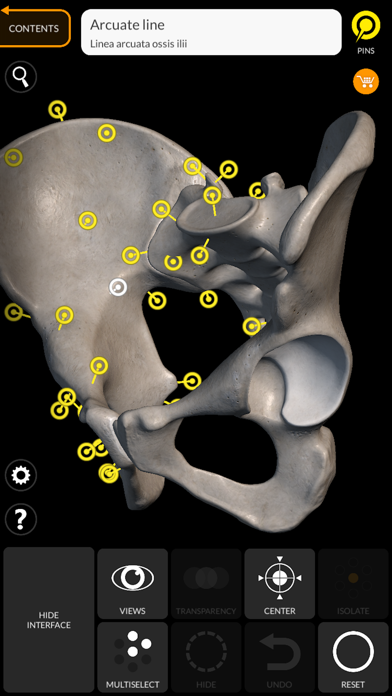
- Interactive Labels: Tap anatomical pins to view precise terminology for every bone detail
- Multi-Language Support: Available in 12 languages including Latin, English, French, German, Italian, Portuguese, Russian, Spanish, Chinese, Japanese, Korean, and Turkish
- Dual Language Display: Show anatomical terms in two languages simultaneously for enhanced learning
How It Works:
1. Select the skeletal region you want to study (skull, spine, ribs, limbs, etc.)
2. Rotate and zoom the 3D model to examine bones from any angle
3. Tap on any bone to see its anatomical name and details
4. Hide or show specific bones to understand their relationships
5. Use the search function to quickly find specific structures
6. Switch languages as needed to study anatomical terminology
Subscribe to access to premium app features; subscription details are the following:
- Length: weekly, yearly.
- Your payment will be charged to your iTunes Account as soon as you confirm your purchase.
- You can manage your subscriptions and turn off auto-renewal from your Account Settings after the purchase.
- Your subscription will renew automatically, unless you turn off auto-renew at least 24 hours before the end of the current period.
- The cost of renewal will be charged to your account in the 24 hours prior to the end of the current period.
- When canceling a subscription, your subscription will stay active until the end of t