Denon 500 Series Remote

Denon 500 Series Remote Summary
Denon 500 Series Remote is a free iOS app in Music And Audio by D&M Holdings. Released in May 2015 (11 years ago). It has 183 ratings with a 2.46★ (poor) average. Based on AppGoblin estimates, it reaches roughly 538 monthly active users . Store last updated Aug 16, 2022
Denon 500 Series Remote SDKs Summary
App not yet scanned for SDKs.
2.46★
Ratings: 183
Screenshots


App Description
Say hello to the Denon 500 Series Remote! This new App will give you an unprecedented level of command and control over your Denon 500 Series Bluetooth AV Receivers.
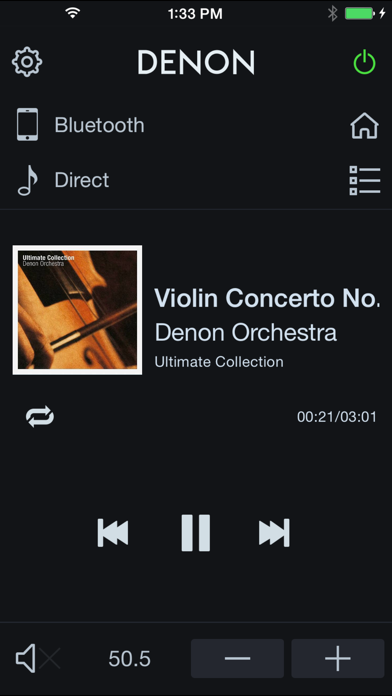
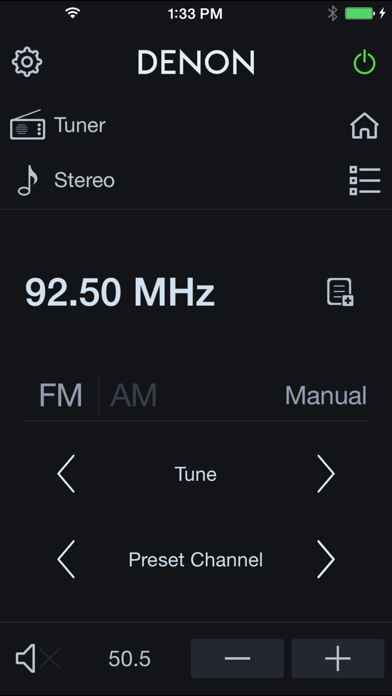
Control the basic functions of your Denon with power, volume, input, sound mode selection, Tuner and Playback of music in your mobile device or USB memory.
With the Denon 500 Series Remote, your iOS device just became an integral part of your home entertainment experience.
'Main Feature:
•Power On/Off, Volume Up/Down, Mute On/Off,
•Input Selection, Sound Mode Selection
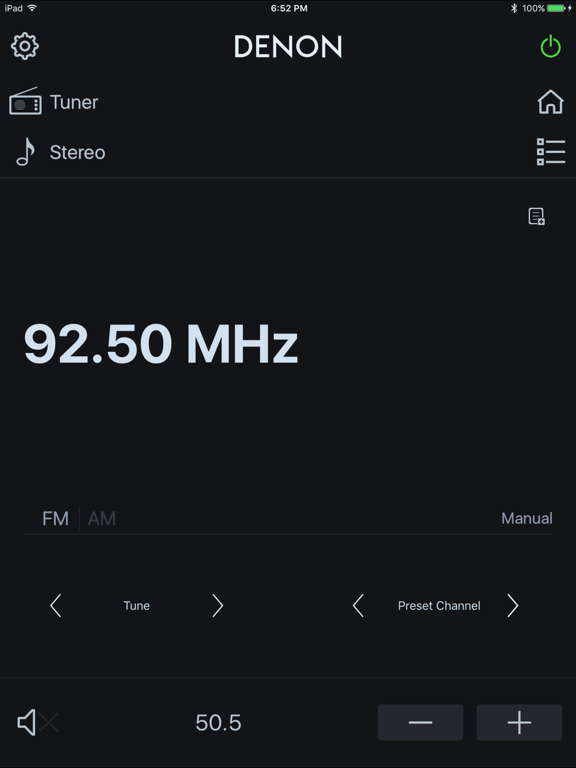
•Tuner control (Band Selection, Tune Up/Down, Preset Up/Down, Preset Call/Memory)
•Quick Select Call or Memory(Long Press)
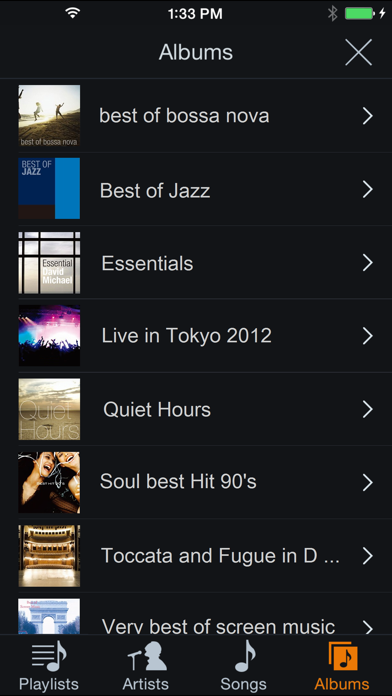
•Music Player for Internal Music files of your mobile device
•Browse and Playback Control for the USB memory which is connected to AVR
•Web Manual Link
•Multi-Language Support (English, French, German, Spanish, Italian, Dutch, Swedish, Polish, Russian, Japanese and Simplified Chinese. The OS language setting is automatically detected; when not available, English is selected.)
Compatible models: (Product availability varies depending on regions.)
Bluetooth AV Receiver: AVR-S510BT, AVR-S530BT, AVR-S540BT, AVR-S570BT
* Not compatible with Denon models other than those listed above.
Note:
Before you use this app, please connect your iOS device through the device’s Settings > Bluetooth menu with your AVR.