WiFi Finder + Map

WiFi Finder + Map Summary
WiFi Finder + Map is a free, with in-app purchases iOS app in Travel And Local by Ookla. Released in Mar 2015 (11 years ago). It has 6.4K ratings with a 4.50★ (excellent) average. Based on AppGoblin estimates, it reaches roughly 10K monthly active users and generates around $<10K monthly revenue (100% IAP / 0% ads). Store last updated Jul 17, 2019
SDK intelligence: AppGoblin detected 2 development tools(e.g. Alamofire),and 1 business tools integrated into WiFi Finder + Map. View full SDK list →
WiFi Finder + Map SDKs Summary
WiFi Finder + Map was last scanned for SDKs on 2026-05-20. Below is the overview of third-party companies detected in the app. The full list of SDKs, permissions and unknowns is available here.
 MapBox
 Alamofire
 Reachability
4.5★
Ratings: 6.4K
Screenshots
App Description
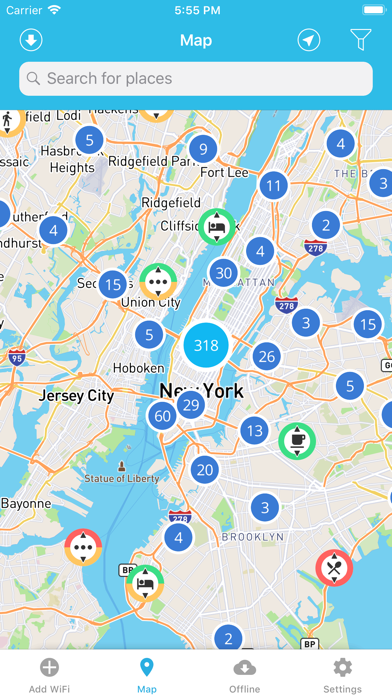
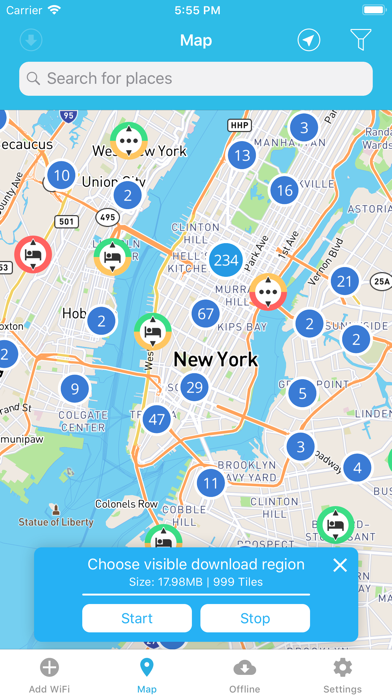
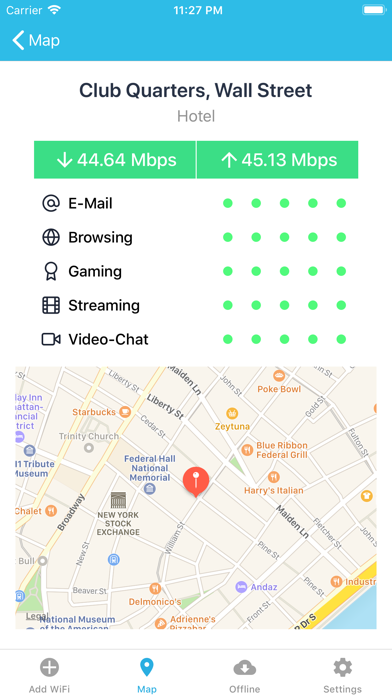
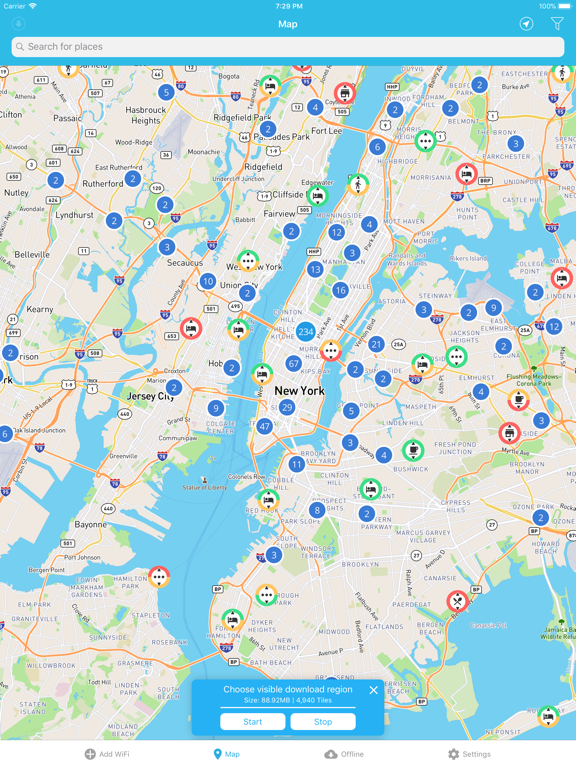
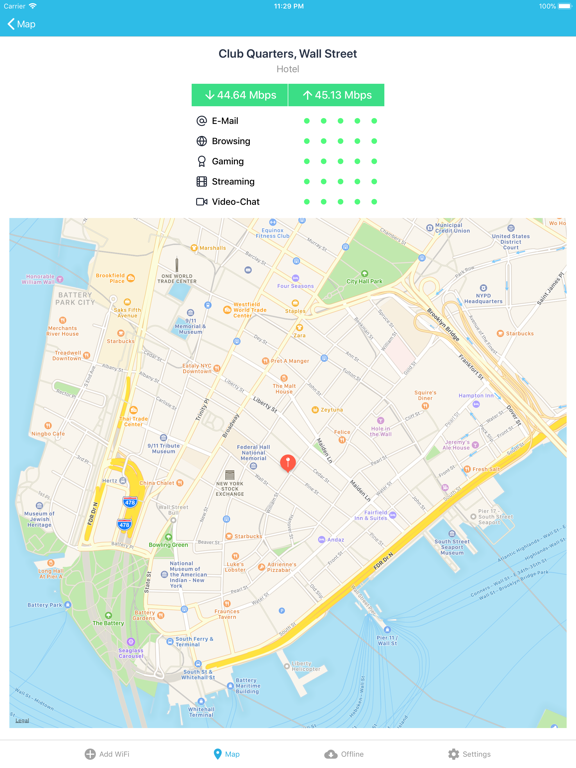
Find Fast WiFi wherever you go with the SpeedSpot WiFi Finder with Offline Maps. The Offline functionality makes it possible to download places that you are traveling to, so you can find Fast WiFi anywhere. The WiFi Finder is getting its data directly from SpeedSpots crowdsourced database of hundreds of thousands of WiFi Hotspots around the world. It is the only database that shows you WiFi rated by Hotspot Speed.
Main Features:
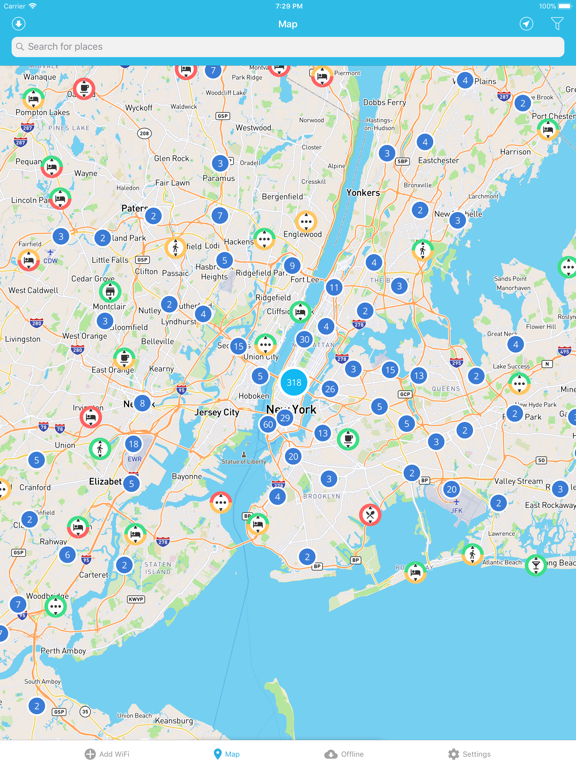
- Look for WiFi Hotspots in you vicinity
- Find Fast WiFi anywhere in the World
- Download Maps for Offline use while traveling (No internet connection needed)
- Filter by venue type: Hotel, Cafe, Restaurant, Bar, Store, etc.
- Works online as well as offline
Offline Maps is available for 3 months for $4.49 or $7.99/year. You can subscribe and pay through your iTunes account. Your subscription will automatically renew unless cancelled at least 24 hours before the end of the current period. Auto-renew may be turned off by going to your Account Settings after purchase.
The subscription automatically renews if it is not cancelled within 24 hours before the end of the current subscription period. Your account will be charged for the next subscription period up to 24 hours prior to the current subscription expiring. It is not possible to cancel an existing in-app subscription. You can disable the automatic renewal function at any time by adjusting your account settings.
WiFi Finder Privacy Policy: https://www.speedcheck.org/privacy/
WiFi Finder General Terms & Conditions: https://www.speedcheck.org/terms/