DBPOWER FC

DBPOWER FC Summary
DBPOWER FC is a mobile iOS app in Tools by Kevin Siml. Released in Dec 2014 (11 years ago). It has 25 ratings with a 1.36★ (poor) average. Based on AppGoblin estimates, it reaches roughly 39 monthly active users . Store last updated Jun 29, 2017
DBPOWER FC SDKs Summary
App not yet scanned for SDKs.
1.36★
Ratings: 25
Screenshots


App Description
With DBPOWER FC you can control your DBPOWER ip camera or make settings on iPhone, iPad or iPod Touch. Take access to your cameras over your home network or over the internet. So you can easily check up your cameras or use them as baby monitors.
Features (please note: not all functions are supported for each camera)
• Real-time video stream
• iPad & iPhone version
• Access over local network (LAN, WLAN) or over internet / DDNS (mobile data 3G, 4G)
• http or secure https connection to your camera (if supported by your camera)
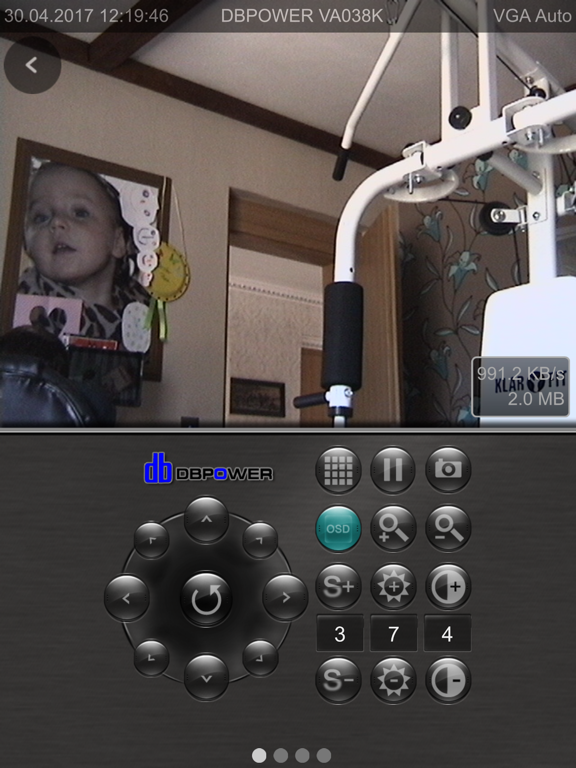
• Control your cameras over 8 axes
• Preset camera positions, load and save up to 16 presets
• Setting the speed for manual or automatic control (Pan-Tilt Speed)
• Auto patrol settings (horizontal, vertical, horizontal + vertical), setup the interval and rounds of each interval
• manual patrol
• Pause, pausing the current video image
• setup motion detection (internal, external): automatic email delivery, email management, setting the internal motion sensitivity, optical and acoustic alarm, activate FTP upload with setting the upload interval
• option for automatic driving to a preset on alarm (only for standard MJPEG IP cameras)
• option for automatic saving of images on alarm (only for standard MJPEG IP cameras)
• Schedule can be set (for standard MJPEG IP cameras)
• optical zoom (only for compatible cameras), digital zoom (pinch to zoom) also for cameras without a optical zoom function
• turn the iPhone for fullscreen mode, with fully control ability
• OSD menu turn on or off
• save photos of the current video
• send snapshots to iphone camera roll or via email
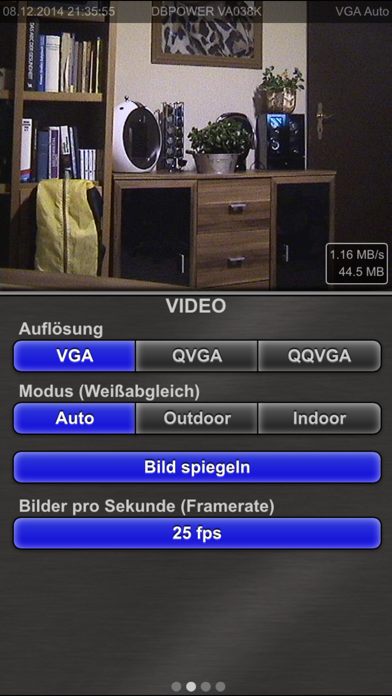
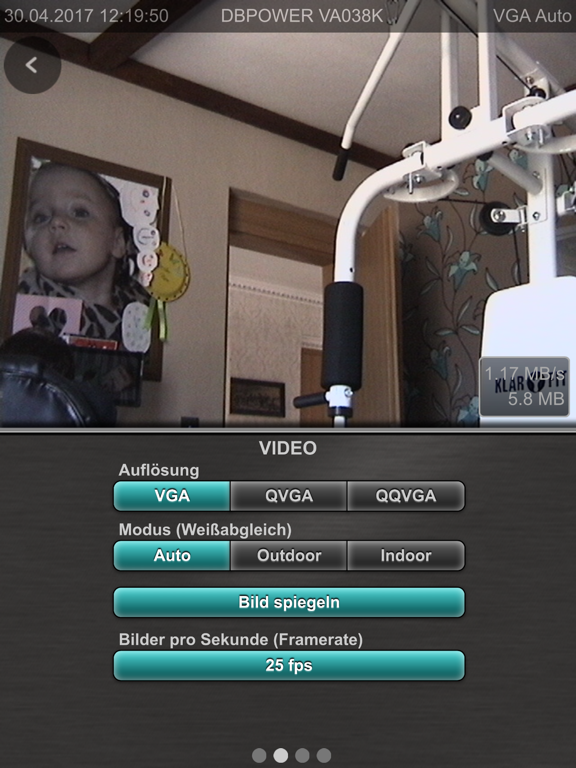
• setup resolution, frames per second (fps), brightness and contrast
• mirror videoimage horizontally or vertically, for cameras hang headover
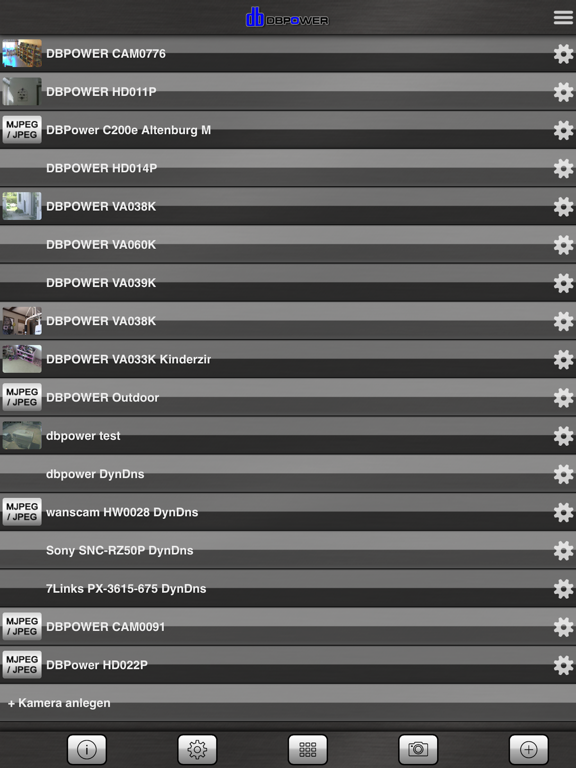
• MultiView, watch 4 or 8 cameras simultaneously (4 = landscape, 8 = portrait), by scrolling you can see up to 96 cameras, tab on the camera to switch to control mode
• sort the camera list and multiview
• enable / disable cameras in multiview
• alarm on motion detection in MultiView
• switch on and off the network activity lamp or IR L E D (if supported)
• access logs
• Import/Export, backup over iTunes File Sharing
• PIN code (password)
• data usage for each camera, traffic overall and last session, display data rate per second
• multilanguage,