Video Zoom! - Apply Zoom, Crop

Video Zoom! - Apply Zoom, Crop Summary
Video Zoom! - Apply Zoom, Crop is a mobile iOS app in Photo And Video by Lucky Clan. Released in Dec 2014 (11 years ago). It has 443 ratings with a 4.66★ (excellent) average. Based on AppGoblin estimates, it reaches roughly 235 monthly active users . Store metadata: updated Apr 22, 2020.
Store info: Last updated on App Store on Apr 22, 2020 .
4.66★
Ratings: 443
Screenshots

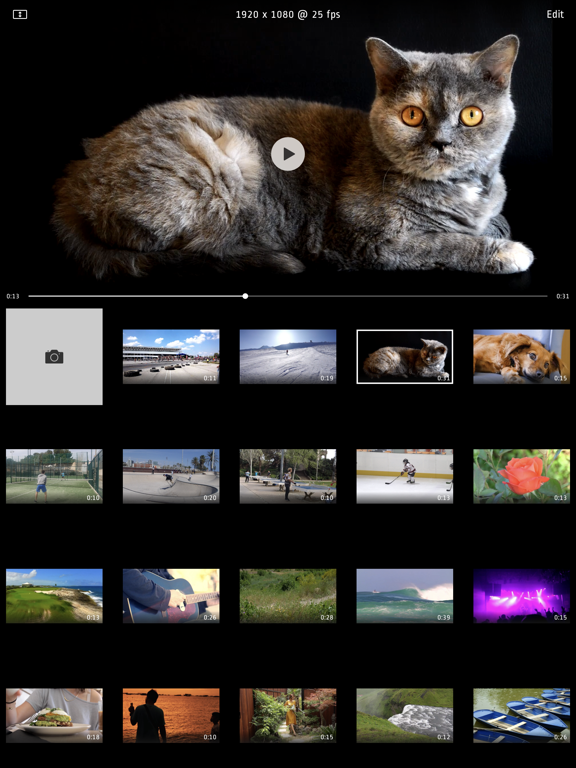
App Description
Do your videos look boring? Did you forget to use zoom during recording? Want to cut some parts? Use this app to add Zoom effects to existing videos, change aspect ratio, cut unwanted parts, or just crop a video. Use it as a normal app or Video Extension.
How to use it:
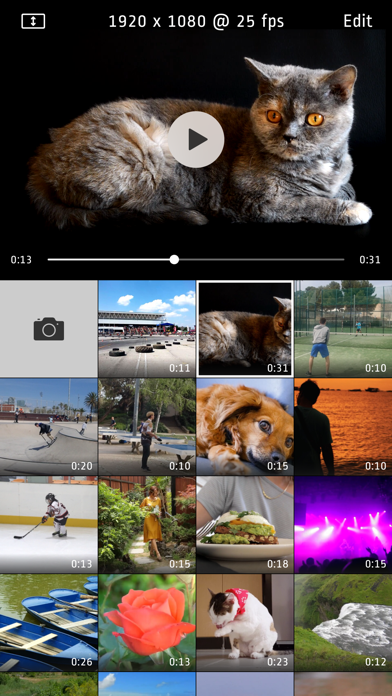
1. Tap video thumbnail to preview video
2. Tap Edit to open editor
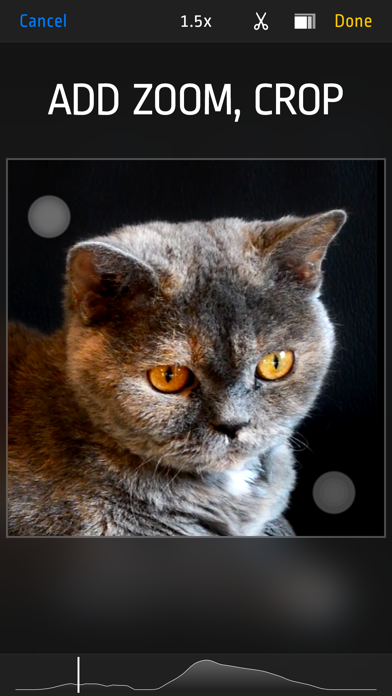
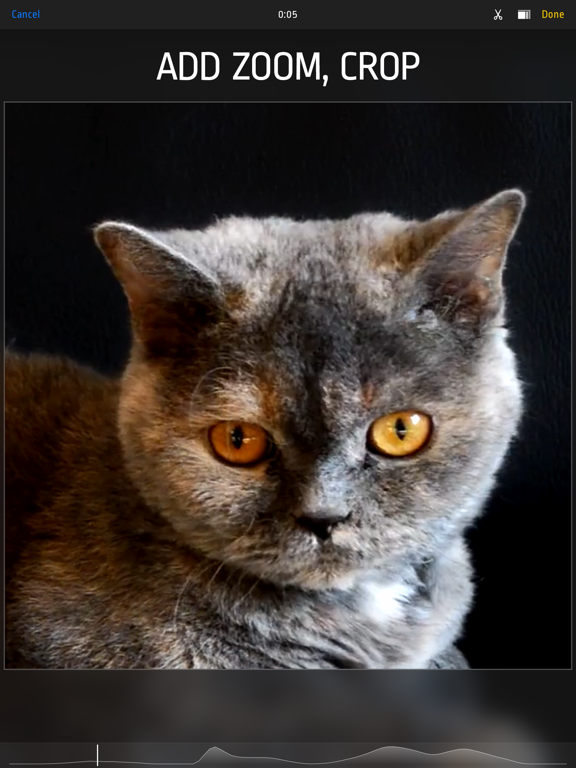
3. Use pinch/drag gestures to add zoom effect. You can do it when video is playing or paused.
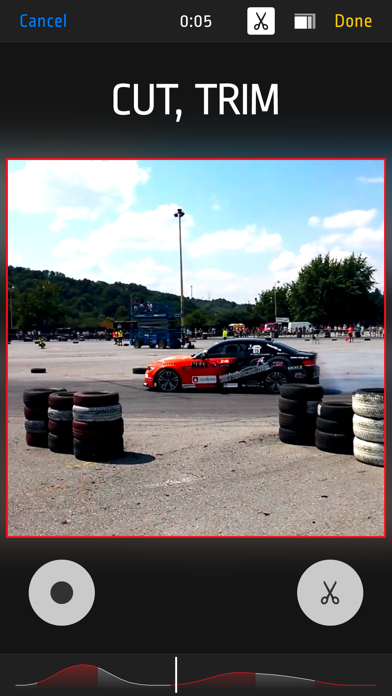
4. Tap ‘Scissors’ icon to show Cut and Uncut buttons. Hold ‘Cut’ pressed to cut unwanted scenes.
5. Tap ‘Rectangle’s icon to change aspect ratio
6. Finally tap "Done" and select "Overwrite Original” or "Save As New Video“ to start rendering. Even if you choose "Overwrite" you can revert to original anytime.
Features:
- Zoom/Pan/Crop existing videos
- cut as many unwanted parts as you need
- turn device to landscape orientation to open full screen preview in gallery view
- revert to original or delete videos by long pressing thumbnail in gallery
- select output quality lower or equal to original (4k/1080p/720p)
- iOS Photo Library support (no internal library)
- recording from Front or Back camera
- save zoomed video as a New Clip or Overwrite
- Photo Extension support allowing you to quickly launch Video Zoom app from system Photos
- interface optimized for all iPhones and iPads