AirSketch Pro

AirSketch Pro Summary
AirSketch Pro is a mobile iOS app in Business by Qrayon, LLC. Released in Feb 2015 (11 years ago). It has 267 ratings with a 4.74★ (excellent) average. Based on AppGoblin estimates, it reaches roughly 1.3K monthly active users . Store last updated Oct 10, 2026
Recent activity: 1.00 new ratings this week View trends →
AirSketch Pro SDKs Summary
App not yet scanned for SDKs.
4.74★
Ratings: 267
Screenshots
App Description
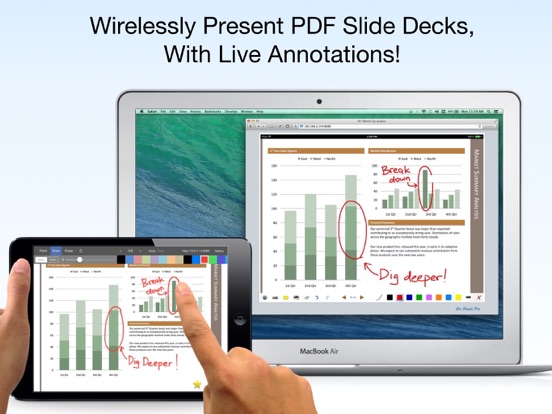
Turn your iPad into a wireless whiteboard! Annotate PDF slides and images live in 3 easy steps:
STEP 1: Launch AirSketch Pro.
STEP 2: Enter the indicated URL in the web browser.
STEP 3: Everything you present and write is projected to the browser, in real-time.
LIVE ANNOTATIONS
Project PDF documents (such as exported PowerPoint or Keynote decks) and photos to a computer on the same local network, then annotate them in real time, all from your iPad.
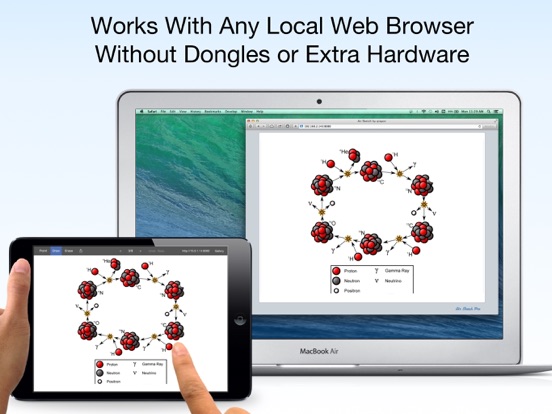
NO SUBSCRIPTIONS, PLUG-INS, OR DONGLES NEEDED
Just fire up AirSketch Pro on the iPad and open the specified URL from any HTML-5 compatible browser on the local network. Your images and drawings show up natively in the browser. There's no additional client software to install, or services to subscribe to.
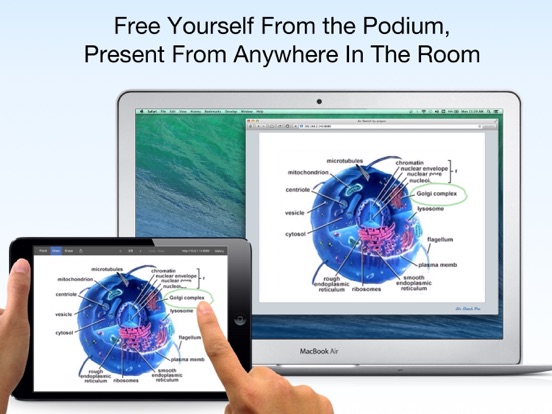
FREE YOURSELF FROM THE PODIUM
Connect your laptop to a projector to present and draw from your iPad as you walk around the room. Pass your iPad around to allow others to contribute.
Incorporate the iPad into your desktop-based workflow: Record videos of your live AirSketch drawings, or share them live with remote colleagues via any online meeting or desktop sharing software running on the computer (such as iChat or WebEx).
AirSketch is great for presentations in the boardroom, classroom, or on the go.
FEATURES:
+ Fast and fluid sketching on the iPad using your finger or 3rd party stylus.
+ Real-time sketching to your browser: Strokes show up as you draw, network speeds permitting.
+ Open PDF documents from Mail or other Apps in AirSketch to wirelessly annotate and project them (note: The iOS "open in..." menu is scrollable). Email the full annotated versions afterwards.
+ Set the background image from any picture in your photo library.
+ Virtual pointer, pen, and hilighter in multiple colors.
+ A fully customizable color palette (tap on the selected color to edit it).
+ Fluidly zoom and pan using 2 fingers to edit your sketches in minute detail. Projection tracks zoom on iPad.
+ Instantly save and restore snapshots of your sketches using the camera tool.
+ Email your sketches and annotated slides as PDF or images.
+ Multi-level undo and redo.
EXTRA PRO FEATURES
The original AirSketch is being used in thousands of classrooms and businesses around the world, and our customers love it. Many have described it as a real game-changer for how they interact with their audiences. After almost 5 years in t