Mobile VR Station®

Mobile VR Station® Summary
Mobile VR Station® is a with in-app purchases iOS app in Entertainment by Michael Fuller. Released in Mar 2015 (11 years ago). It has 618 ratings with a 4.18★ (good) average. Based on AppGoblin estimates, it reaches roughly 1.4K monthly active users and generates around $<10K monthly revenue (100% IAP / 0% ads). Store metadata: updated Sep 2, 2024.
Store info: Last updated on App Store on Sep 2, 2024 .
4.18★
Ratings: 618
Screenshots

App Description
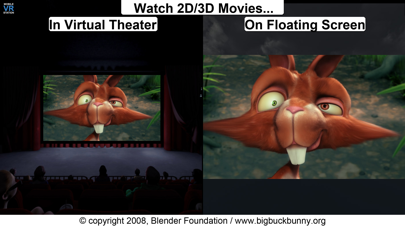
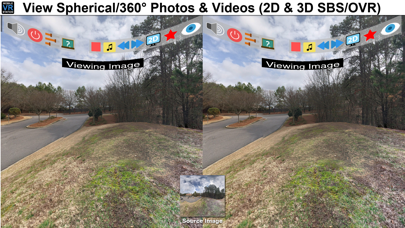
Mobile VR Station is a media player designed for Virtual Reality with head tracking. With this app you can view your Photos, Panoramas, Videos & Files projected onto a virtual screen floating in space. Our app supports displaying standard 2D and 3D Side By Side/Over Under content. The app can't display DRM protected content, such as content bought from iTunes.
"The most feature-packed VR media player available, with editable profiles that let you adjust the viewing experience across multiple devices and VR adapters. Excellent all around!"
-Quote from Manuel M, Beta Tester
If you need help we provide links inside the app to view our Facebook, Twitter and YouTube channel.
Usages:
- Works with every headset, very flexible configuration
- Watch movies in a virtual theater
- Watch 3D 180 Degree content.
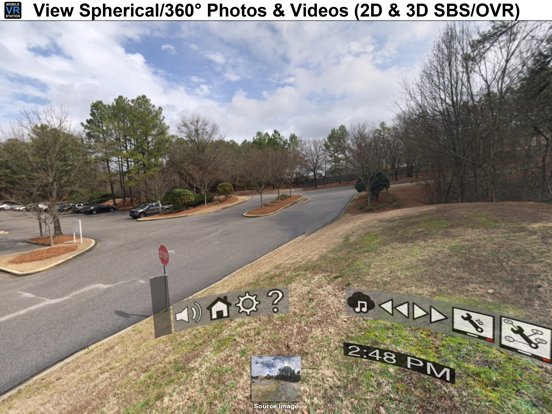
- Explore 360/Spherical movies (Great for demos).
- Experience 3D content (Left/Right, Right/Left and Top/Bottom).
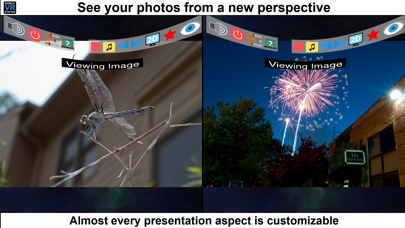
- See your device's photos & videos in a new way.
- View panoramas with some depth.
- Access external video content with UPNP.
- Watch HTML5 Video from Mobile Safari with Micro VR Station extension.
Details:
- Native App, written in Obj-C with SceneKit
- Watch App for Remote control capabalities
- This app is currently only available in English
- Free version limits video playback to the "first" five minutes.
- Supported formats: MOV, MP4 & M4V.
- Supported HMDs: None (Mono), None (SBS), Cardboard, Altergaze, Firefly, Custom, ....
- Cardboard QR scanner available for quick setup
- Supported Devices: Any device running iOS 8.1 can install the app, but iPhone 5S/iPad Mini (Retina) and above provide a great experience.
- Projections: Dome, Full Dome, Curved (Large curve), Plane (Flat), Cylinder & Spherical
- Skyboxes: 47 built in options.
- Profiles: Each user/headset can have their own specific configuration.
- Audio: Language switching available.
- Subtitles: The app can load UTF-8 formatted *.srt files, after a movie has been started
- Files: Each file has its own preview icon and meta data. You can either generate a icon or upload your own. Please see the FAQ on how to make your own icons.
- Bluetooth Remote: If your headset has Play/Pause & Next/Previous buttons, you can use them to control video playback.
- UPNP: Basic support for viewing & downloading video & image content. Music can play if you mess with a few settings.
- Other File Fo