Tayasui Memopad - Notes & Draw

Tayasui Memopad - Notes & Draw Summary
Tayasui Memopad - Notes & Draw is a ad-supported, with in-app purchases iOS app in Productivity by SKETCHES SRL. Released in May 2015 (10 years ago). It has 1.5K ratings with a 4.39★ (good) average. Based on AppGoblin estimates, it reaches roughly 4.4K monthly active users and generates around $<10K monthly revenue (26% IAP / 74% ads). Store metadata: updated May 14, 2025.
Recent activity: 2.00 new ratings this week View trends →
Store info: Last updated on App Store on May 14, 2025 .
4.39★
Ratings: 1.5K
Screenshots




App Description
A truly intuitive experience.
Discover the joy of creativity with Memopad, an easy to use drawing app with a great set of beautiful tools and features.
Amazing for kids.
Its ease of use also encourages creativity, making it an excellent tool for kids to effortlessly express their ideas through drawing. Dive into a world of creative possibilities, anytime, anywhere!
Perfect for notes.
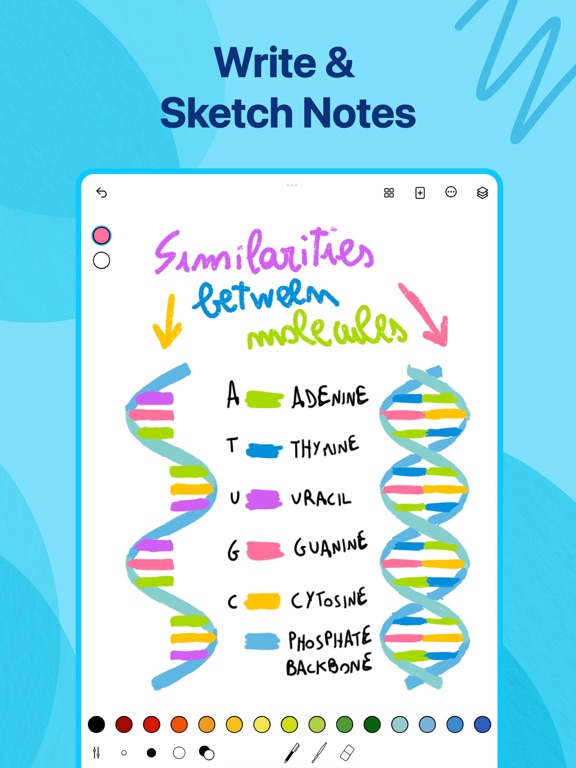
Memopad is ideal for note-taking : quick, efficient, and intuitive it captures your thoughts and sketches effortlessly on the go.
Amazing for kids.
Its ease of use also encourages creativity, making it an excellent tool for kids to effortlessly express their ideas through drawing.Dive into a world of creative possibilities, anytime, anywhere!
Features :
• Highly realistic tools
• Pressure support for Apple Pencil
• Layers
• Vibrant color set
• Edit Size and opacity
• iCloud Sync
• Minimalist and gorgeous interface
• Powerful imports and exports
• Read and write PSD files
• Area and fill tools
• Watercolor
• Text
• Cutter
• Ruler
Subscribe to access to premium app features; subscription details are the following:
- Length: monthly, yearly
- Your payment will be charged to your iTunes Account as soon as you confirm your purchase
- You can manage your subscriptions and turn off auto-renewal from your Account Settings after the purchase
- Your subscription will renew automatically, unless you turn off auto-renew at least 24 hours before the end of the current period
- The cost of renewal will be charged to your account in the 24 hours prior to the end of the current period
- When canceling a subscription, your subscription will stay active until the end of the period. Auto-renewal will be disabled, but the current subscription will not be refunded
- Any unused portion of a free trial period, if offered, will be forfeited when purchasing a subscription
Terms of Use: https://www.apple.com/legal/internet-services/itunes/dev/stdeula/