Kiosk Pro Enterprise

Kiosk Pro Enterprise Summary
Kiosk Pro Enterprise is a mobile iOS app in Business by Kiosk Group, Inc.. Released in Mar 2015 (11 years ago). It has 5.00 ratings with a 2.80★ (poor) average. Based on AppGoblin estimates, it reaches roughly 13 monthly active users . Store metadata: updated Aug 5, 2025.
Store info: Last updated on App Store on Aug 5, 2025 .
2.8★
Ratings: 5.00
Screenshots


App Description
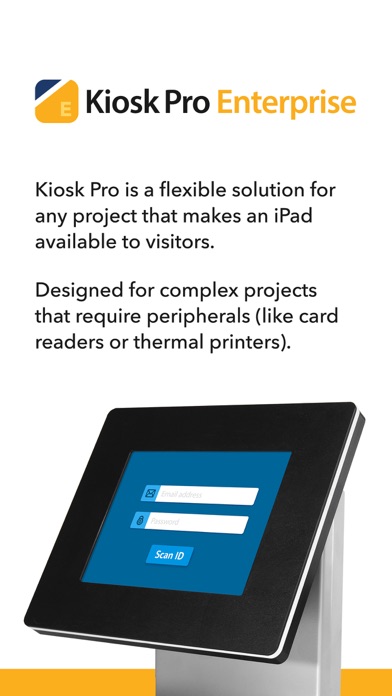
Kiosk Pro is a flexible solution for any project that makes an iPad available to visitors.
As a specialized web browser, Kiosk Pro can display web pages, documents or audio & video files. Show content that’s hosted online or stored locally on the device.
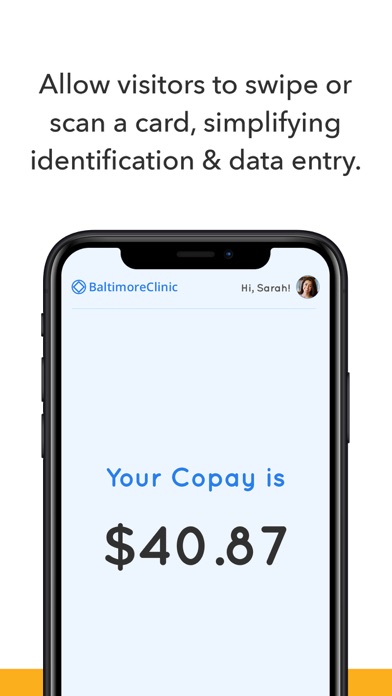
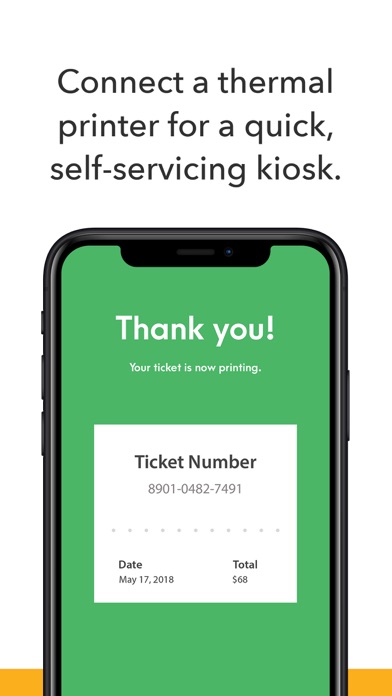
Kiosk Pro Enterprise builds on the functionality included in our Plus version, adding our JavaScript API to access common kiosk peripherals like thermal printers and magnetic stripe card readers, to scan QR and barcodes using the iPad’s cameras, and to send full-screen content to an external display.
ATTRACT VISITORS
• Define a homepage as the starting place for the presentation.
• Set an idle timer so that when a visitor walks away, the next person will have a fresh experience, starting right at the beginning.
• Increase visitor turnover at your kiosk by setting a browsing time limit.
• Clear the cache and/or cookies to secure personal information.
• Display a screensaver loop using local images and/or videos.
LIMIT NAVIGATION
• Specify what’s off limits on the web by creating lists of allowed & restricted domains.
• Block access to other apps, including the native email or phone, that could otherwise be opened through links.
• Disable touch interaction when used for digital signage.
• Autofill username & password for specific URLs.
CONTROL THE DISPLAY
• Hide status, address, and/or navigation bars to make your content look like a native app.
• Allow windows to open in multiple tabs.
• Customize the navigation with your own bookmarked links and custom interface.
• Works in any language - add your own translated text for on-screen alerts and navigation.
• Lock your content to a specific orientation.
WORKS OFFLINE
• Store content locally for offline viewing.
• Shift between online and offline content automatically if your device drops its Internet connection.
REMOTE MANAGEMENT
• Update your app settings or content files by uploading them onto your own servers or by syncing with your Dropbox account.
• Set up email alerts for power loss, remote updates, or motion detection.
• Have your kiosks check in with regular heartbeats and monitor all your kiosks from a single location through our cloud-based Remote Management Server.
MANAGE AVAILABILITY & POWER USE
• Create a schedule to control when the kiosk is available for use.
• Control the screen brightness f