Scrivener

Scrivener Summary
Scrivener is a mobile iOS app in Productivity by Literature & Latte. Released in Jul 2016 (9 years ago). It has 5.1K ratings with a 4.16★ (good) average. Based on AppGoblin estimates, it reaches roughly 14.4K monthly active users . Store last updated Sep 29, 2023
Recent activity: 5.00 new ratings this week View trends →
Scrivener SDKs Summary
App not yet scanned for SDKs.
4.16★
Ratings: 5.1K
Screenshots
App Description
“The biggest software advance for writers since the word processor.” —Michael Marshall Smith, bestselling author
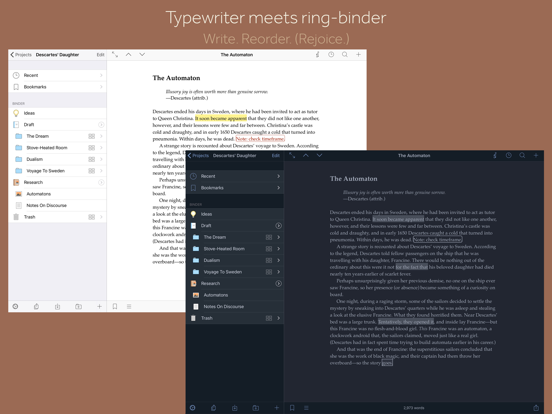
Typewriter. Ring-binder. Scrapbook. Scrivener combines all the writing tools you need to craft your first draft, from nascent notion to final full stop.
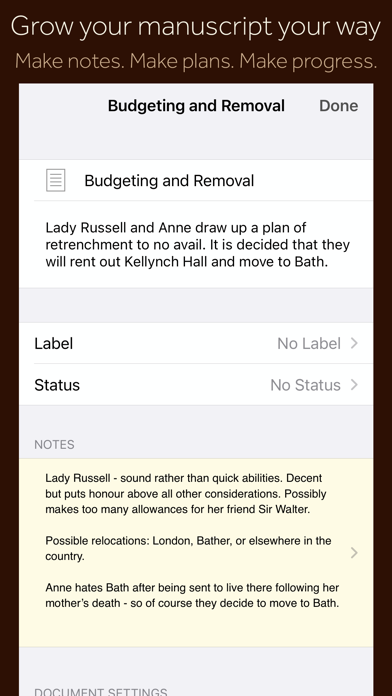
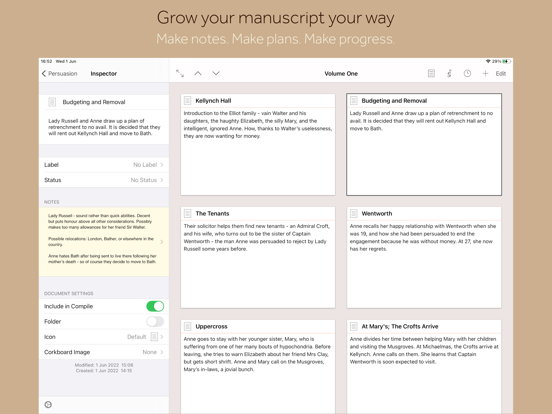
Tailor-made for creating long manuscripts, Scrivener banishes page fright by allowing you to compose your text in any order, in sections as large or small as you like. Got a great idea but don’t know where it fits? Write when inspiration strikes and find its place later. Grow your manuscript organically, idea by idea.
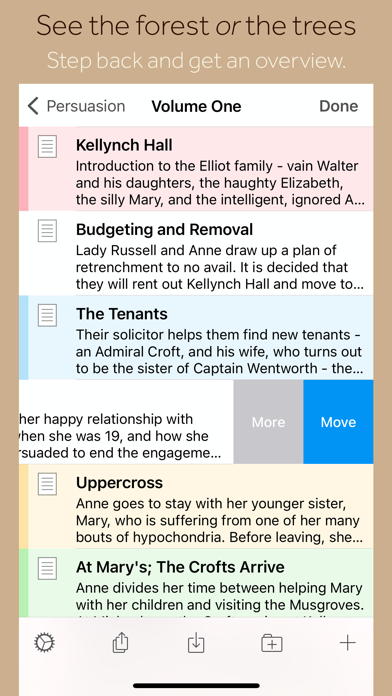
Whether you plan or plunge, Scrivener works your way: meticulously outline every last detail first, or hammer out a complete draft and restructure later. Or do a bit of both. All text sections in Scrivener are fully integrated with its outlining tools, so working with an overview of your manuscript is only ever a tap away, and turning Chapter Four into Chapter One is as simple as drag and drop.
Need to refer to research? In Scrivener, your background material is always at hand. Write a description based on a photograph. Reference a video or PDF. Check for consistency with an earlier chapter. On the iPad, open two documents side-by-side; on the iPhone, flip between research and writing with just two taps.
Once you’re ready to share your work with the world, simply compile everything into a single document for printing, or export to popular formats such as Word, PDF, Final Draft or plain text. You can even share using different formatting, so that you can write in your favorite font and still keep your editor happy.
FEATURES
Get Started
• Interactive tutorial project
• Keep each manuscript and supporting materials in a self-contained project
• Import Word, RTF, Final Draft and plain text files
• Easily split imported text into separate sections
Get Writing
• Write your manuscript in sections of any size
• View all sections as a single text using the “Draft Navigator” (iPad only)
• Quickly navigate sections using the “binder” sidebar
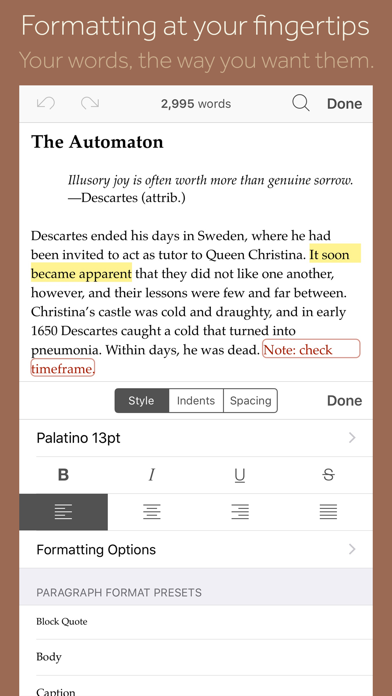
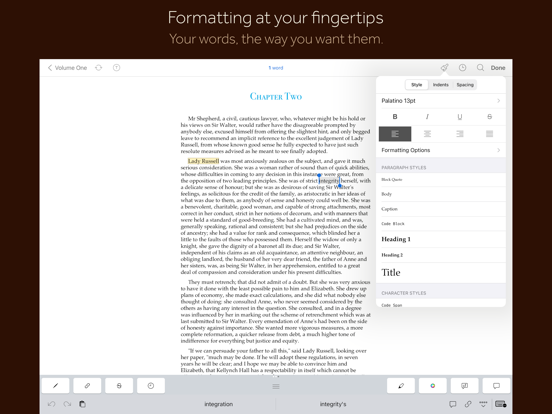
• Format with fonts and presets
• Comments, footnotes, links and highlights
• Simple bullets and lists
• Insert images
• Pinch-zoom to resize text
• Full-screen mode (iPad only)
• Typewriter scrolling mode keeps typed text center-screen (iPad only)
• Write a screenplay using scriptwriting mode
• Liv