Microsoft Lens: PDF Scanner

Microsoft Lens: PDF Scanner Summary
Microsoft Lens: PDF Scanner is a mobile iOS app in Productivity by Microsoft Corporation. Released in Apr 2015 (11 years ago). Store metadata: updated Jan 9, 2026, version 2.106.26010423.
Data tracking: SDKs and third-party integrations were last analyzed on Feb 21, 2026.
Store info: Last updated on App Store on Jan 9, 2026 (version 2.106.26010423).
SDKs, Trackers & Permissions
Microsoft Lens: PDF Scanner was last scanned for SDKs 2026-02-21. Below is the overview of third party companies detected in the app. The full list of raw SDKs, app permissions and unknown SDKs is available here.
AppGoblin saw Microsoft Lens: PDF Scanner uses 1 Development Tools
 Microsoft
App Details
App Store
Ads & App-Ads.txt
AppGoblin SDK Scans
0★
Ratings:
Screenshots


App Description
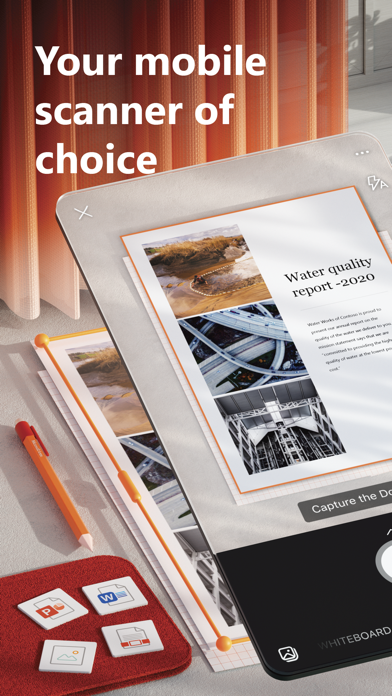
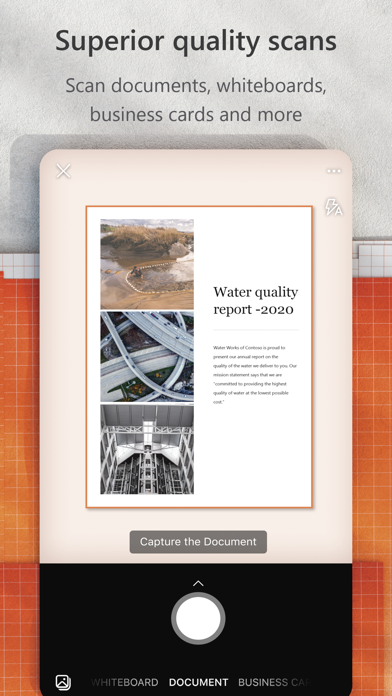
Microsoft Lens (formerly Office Lens) trims, enhances, and makes pictures of whiteboards and documents readable.
You can use Microsoft Lens to convert images to PDF, Word, PowerPoint, and Excel files, digitize printed or handwritten text, and save to OneNote, OneDrive, or your local device. You can even import images that are already on your device using Gallery.
PRODUCTIVITY AT WORK
• Scan and upload all your notes, receipts, and documents
• Capture whiteboard at end of the meeting to keep those action items on track
• Scan printed text or handwritten meeting notes to edit and share later
• Keep your business networking contacts handy by scanning business cards and saving them to your contact list
• Choose to save as PDF, Image, Word or PowerPoint formats into OneNote, OneDrive, or local device as location
PRODUCTIVITY AT SCHOOL
• Scan classroom handouts and annotate them in Word and OneNote
• Scan handwritten notes to digitize and edit later (works with English only)
• Take a picture of the whiteboard or blackboard to reference later, even if you're offline
• Keep class notes and your own research organized with the seamless integration with OneNote
Join the beta program at this link to get an early preview of the next version of Microsoft Lens and help make it better by providing us feedback: https://testflight.apple.com/join/aRahHf00